AI onboarding in Elasticsearch projects
A skill is available to help AI agents with this topic.
This skill guides users through search concepts and helps create a working search use case.
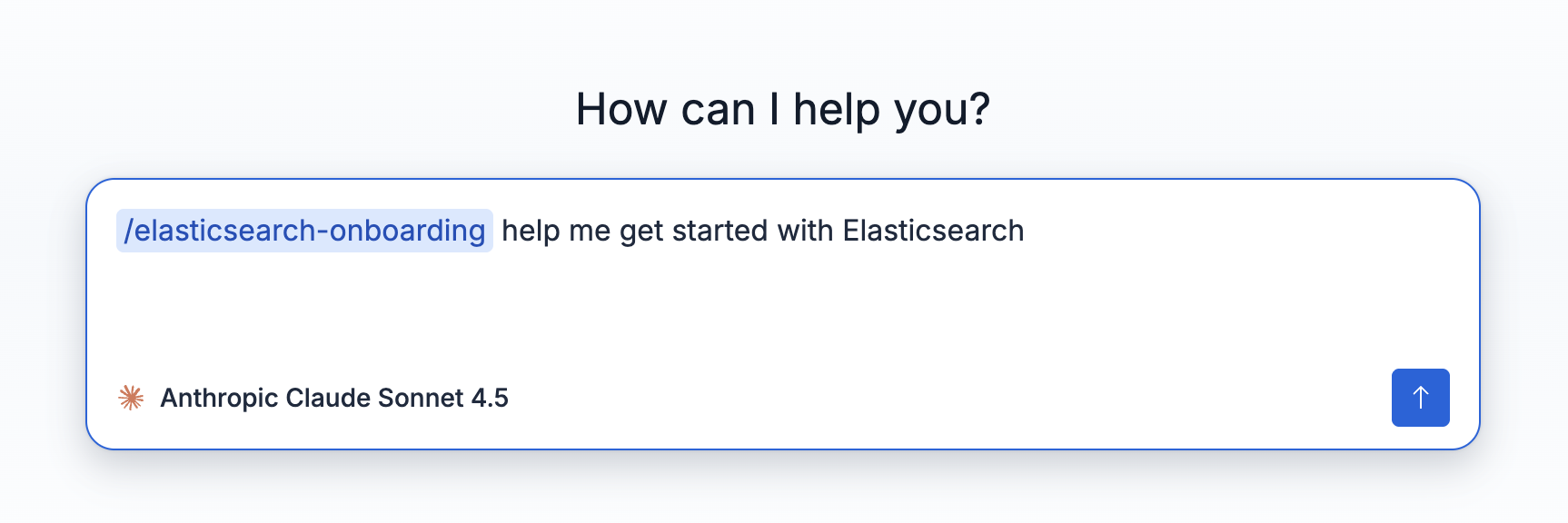
AI onboarding is a skill you can invoke in your IDE, CLI, or directly within your Elastic deployment using Elastic Agent Builder. This skill enables an AI agent to guide you from an initial idea for your use case to a working search experience, using natural language.
The agent asks what you’re building, understands your data, recommends the right approach, and generates a working implementation. This helps you get started immediately without reading documentation or creating templates. Along the way, it explains key Elasticsearch concepts such as indices, mappings, and queries, so you learn while building.
AI onboarding helps you:
- Get to value faster: go from idea to a working search experience in minutes, not days
- Build the right solution: receive recommendations tailored to your use case and data
- Learn by doing: understand Elasticsearch concepts as part of the workflow
- Avoid common pitfalls: the assistant explains decisions and validates key steps
AI onboarding uses a guided, conversational flow that adapts to your use case. It starts by understanding your intent, then analyzes your data and requirements. Based on this, it recommends an appropriate search approach and guides you through implementation, including mappings, indexing, and queries.
When you start a new Elasticsearch project, the Getting started page opens. To access it later, use the Getting started menu.
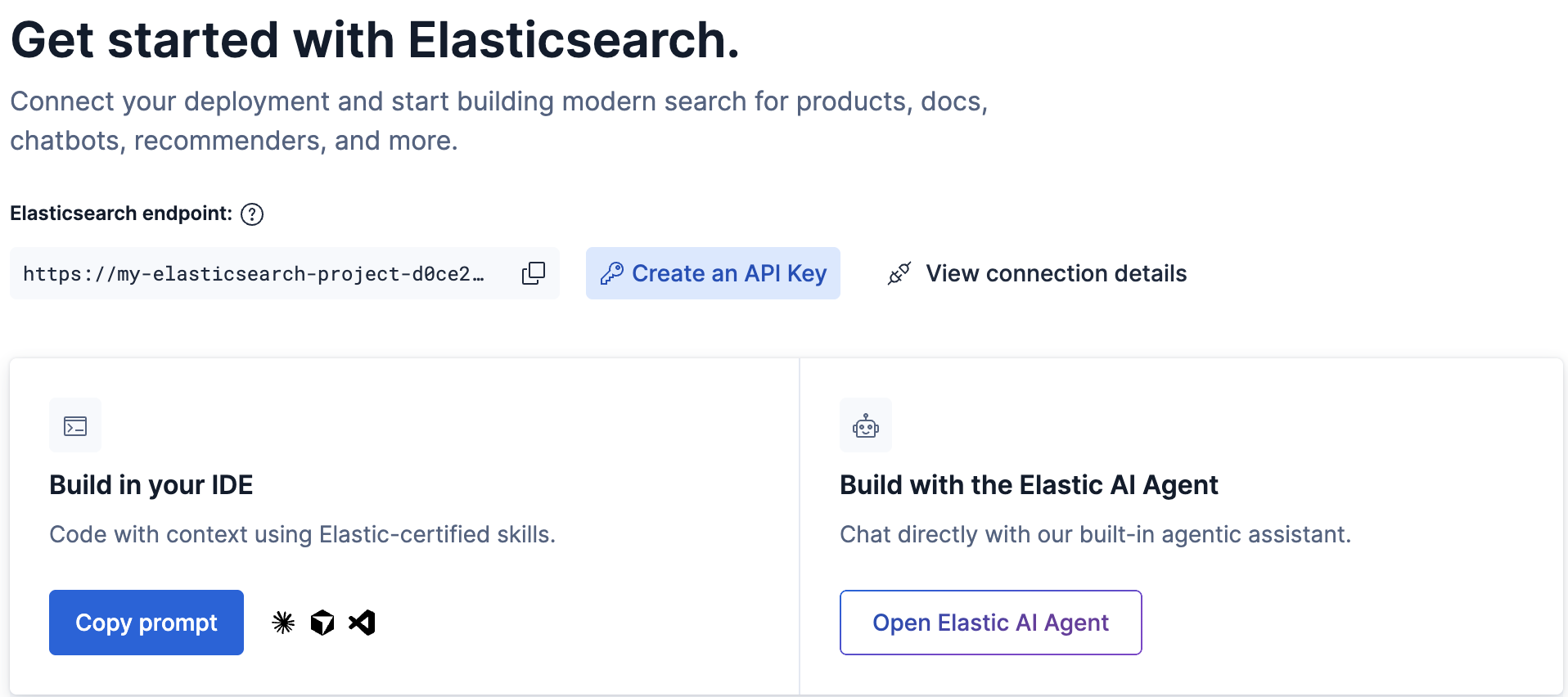
You can choose between two onboarding paths:
Install Elastic onboarding skills in your preferred coding assistant (for example, Cursor or Claude Code):
- Click Copy prompt.
- Copy the generated prompt.
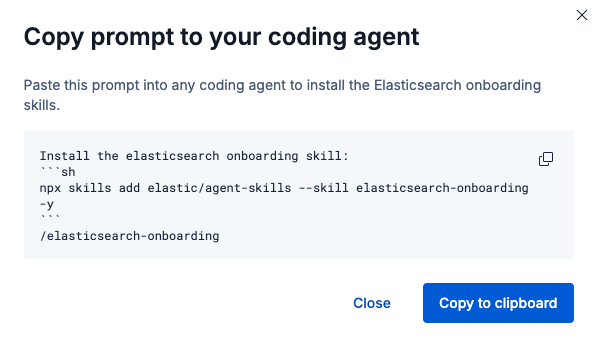
- Paste the prompt into your coding agent to install the onboarding skills.
Once installed, your coding agent can guide you through the onboarding flow.
You can start onboarding directly in Elastic using the Agent Builder chat. From the Elasticsearch getting started page in the UI:
- Click Open Elastic AI Agent.
- A chat interface opens.
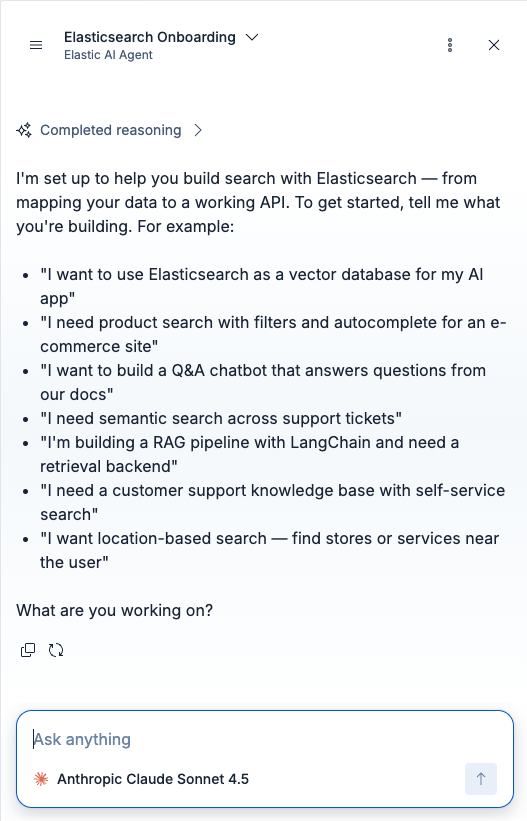
- Describe what you want to build.
The agent asks about your use case and data, recommends an appropriate search approach, guides you through mappings and setup, and generates a working implementation.
You can also invoke the onboarding skill directly: