Wiz
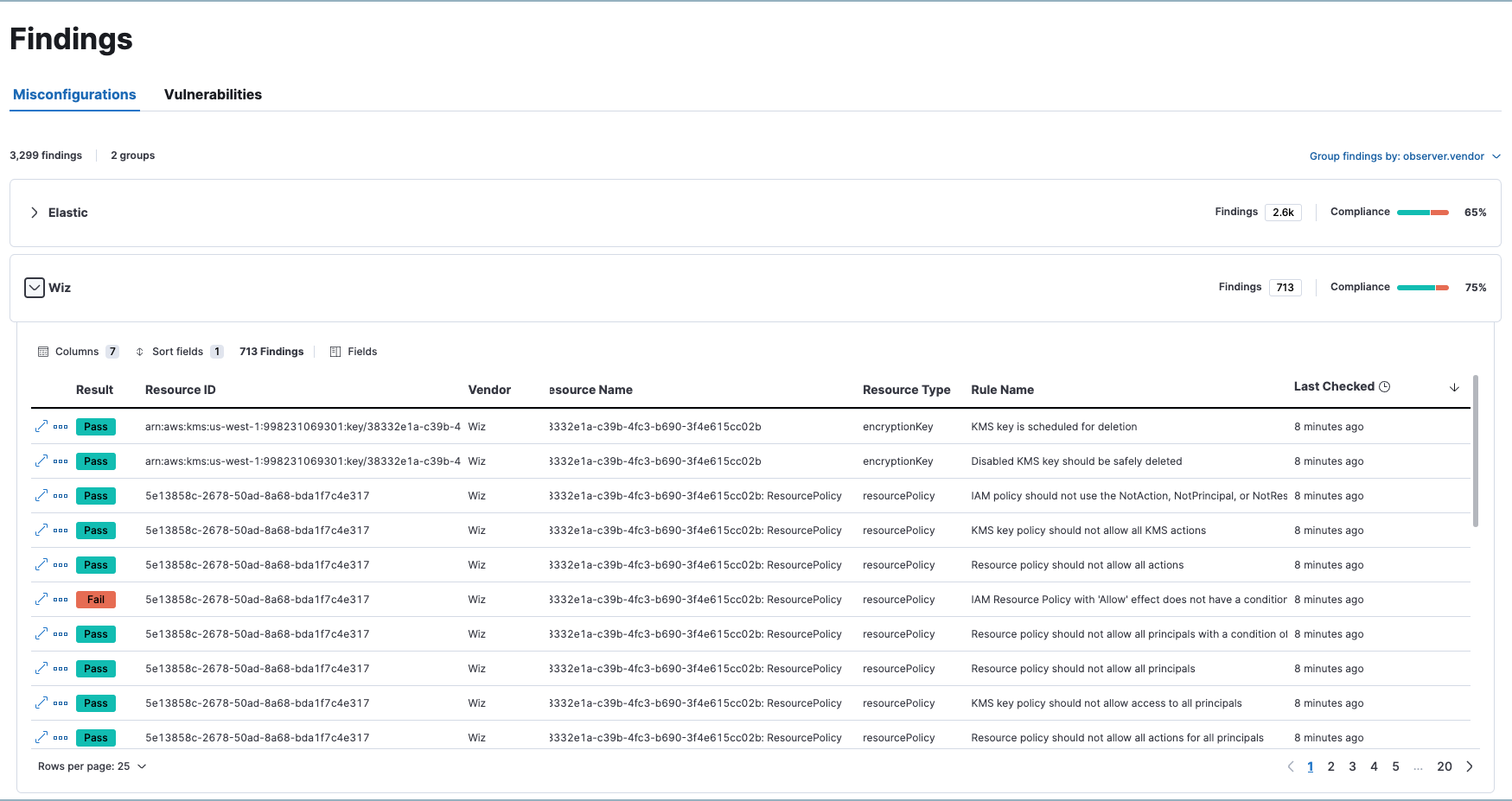
This page explains how to make data from the Wiz integration appear in the following places within Elastic Security:
- Findings page: Data appears on the Vulnerabilities tab and the Misconfigurations tab.
- Alert and Entity details flyouts: Data appears in the Insights section of the Alert and Entity details flyouts.
In order for Wiz data to appear in these workflows:
- Follow the steps to set up the Wiz integration.
- Make sure the integration version is at least 2.0.1.
- Ensure you have
readprivileges for the following indices:security_solution-*.misconfiguration_latest,security_solution-*.vulnerability_latest. - While configuring the Wiz integration, turn on Cloud Configuration Finding logs and Vulnerability logs. We recommend you also set the Initial Interval values for both settings to
2160h(equivalent to 90 days) to ingest existing logs.


Your Wiz data should now appear throughout Elastic Security.