Elasticsearch Vector Database: Ship in minutes, scale affordably to hundreds of billions
The hard parts of hybrid retrieval, already done, with optimized defaults, third party and native Jina AI models, and managed GPU inference all out of the box. Build fast, scalable AI apps, not infrastructure.
Try out vector search for yourself using this self-paced hands-on learning for Search AI. You can start a free cloud trial or try Elastic on your local machine now.
Elasticsearch is one of the most widely deployed platforms for vector workloads in the world, powering semantic search, retrieval augmented generation (RAG), and recommendations for companies like GitHub, Docusign, Seismic, and many others. Today we're announcing Elasticsearch Vector Database, a new serverless offering optimized for vector based applications. You bring your documents and your queries, and we handle the embeddings and index tuning, along with the infrastructure. Plus, we keep it cheap and scalable.
For new users, this is the fastest way to get high-quality vector search running. If you already use Elasticsearch, the new offering is vector search on the platform where your data already lives, with no new system to adopt. Elasticsearch Vector Database supports a range of scenarios, from grounding a large language model (LLM), to giving an AI agent retrieval and memory, to serving hundreds of billions of vectors. Spin up a new project and get started in minutes.
One engine, every vector use case
Elasticsearch Vector Database is built for anyone building applications using vectors:
RAG: Retrieve the right context for your LLM with dense and sparse vector retrieval, or go with hybrid search combining both vector and lexical retrieval. The quality of your generation improves with the quality of your retrieval.
AI agents: Give agents fast, filtered retrieval over documents and conversation memory, with the low latencies that multistep agent loops demand.
Semantic search: Match on meaning, not keywords, with one field type and zero pipeline code.
Recommendations and similarity: Find nearest neighbors across products, images, or whatever content you have, at scale.
Everything your vector workload needs, optimized out of the box
Building a vector-based application means wiring together several separate pieces: setting up and hosting embedding models, indexing your documents through them, storing the vectors efficiently, applying the embedding model to each query, matching against the vector store, and finally, retrieving the documents behind the matches. Elasticsearch Vector Database handles all of it for you, with no additional configuration or setup.
Vector indexing with vectordb_document index mode
vectordb_document index mode, a new index configuration purpose-built for vector-first workloads, is on by default, so you get the settings that experts would choose. Here's what it turns on:
bfloat16 by default: Vectors are stored at half the size of float32 with negligible impact on recall, cutting your disk footprint roughly in half before quantization even enters the picture.
Source vectors excluded: In Elasticsearch, your embeddings already live in the index structures used for search; keeping a second raw copy in
_sourcejust inflates storage and slows down fetching results. We exclude the duplicate so responses return faster and you store less.The right files preloaded into cache: The data structures that vector queries touch first are warmed into memory ahead of time, so your first (and your thousandth) query is lightning fast.
Parallel merging: Merging consolidates segments into better-organized vector structures, which lifts both recall and latency, and running those merges multi-threaded means you get there faster.
Vector storage, compression, and auto-tuning
Your vectors are compressed automatically. Better Binary Quantization (BBQ) shrinks vector memory footprints by up to 32x while preserving recall, and DiskBBQ reduces memory requirements further for large-scale workloads.
Opt in to auto-calibration, which tunes each segment's quantization to your data and retunes on every merge as data drifts. When tested across 18 datasets, queries per second (QPS) improved by an average of 16.7%, with recall gains in most of them.
Embeddings on managed GPU inference
Generate embeddings with native Jina AI embedding and reranking models, or bring third-party models, all on managed GPUs via Elastic Inference Service (EIS) with no model servers to operate. Or self-host, if you prefer your own.
The
semantic_textfield type automatically handles chunking and embedding, along with querying, the simplest path to semantic search in the market.
Hybrid search and filtered vector search
Hybrid search is built in, combining full-text and vector retrieval in a single query. Blend the results with reciprocal rank fusion (RRF) or any other blending mechanism you want. Vector search is usually the hardest part of hybrid search to configure well. With Elasticsearch Vector Database, you have it handled, and your whole hybrid stack gets better.
With filtered vector search, apply metadata filters as part of vector retrieval itself and not as an afterthought that wrecks recall.
Enterprise on day one
You also get role-based access control (RBAC), audit logging, and the compliance certifications that pure-play vector databases generally lack.
Affordable at scale and predictable
Elasticsearch Vector Database is built to stay affordable as you grow: BBQ and DiskBBQ compression that keeps storage linear and memory low means scaling to hundreds of billions of vectors doesn't blow up your bill. And what you do pay is built from numbers you already know: how much data you store and how much you index, along with how much search capacity you need. Estimate your document count and vector dimensions, plus your query load, and you can work out what you'll pay before you create the project. You can also understand your bill line by line at the end of the month. There are no opaque compute units and no surprise charges for background operations.
How to get started with Elasticsearch Vector Database
Create a serverless vector database project
Create a new serverless Vector Database project in Elastic Cloud. Point your data at the endpoint, and you're ready to index.
Create an index using semantic_text
Vector index mode handles the vector configuration. Using semantic_text means that embeddings and chunking setup are managed for you, as is index setup, on managed GPU inference, with no embedding pipeline to build.
PUT my-vectors
{
"mappings": {
"properties": {
"description": { "type": "semantic_text" }
    }
  }
}
Ingest documents
Index text, and the embeddings are generated for you.
POST /my-vectors/_doc
{
  "id": "park_rocky-mountain",
  "title": "Rocky Mountain",
  "description": "Bisected north to south by the Continental Divide, this portion of the Rockies has ecosystems varying from over 150 riparian lakes to montane and subalpine forests to treeless alpine tundra."
}
Run a semantic search query
Query the same semantic field you just created:
GET /my-vectors/_search
{
  "query": {
    "semantic": {
      "field": "description",
      "query": "a mountain range in the middle of north america"
    }
  }
}
And you get results back:
{
  "took": 80,
  "hits": {
    "max_score": 0.7792325,
    "hits": [
      {
        "_index": "my-vectors",
        "_score": 0.7792325,
        "_source": {
          "id": "park_rocky-mountain",
          "title": "Rocky Mountain",
          "description": "Bisected north to south by the Continental Divide, ..."
        }
      }
    ]
  }
}
Semantic search is just the start. Run fully textual queries or combine both into hybrid queries. You can even craft your own vector queries for full control. Follow the semantic search quickstart in the docs for the full instructions.
What's next for vector search in Elasticsearch
We're already working on the next improvements:
Better multi-tenant handling: If your data needs to stay separated per tenant, we'll give you a way to do it faster and with less code.
Automatic index optimization: From "brand new index" to "fully optimized," with as little tinkering as possible.
Continuous infrastructure improvements: Ongoing tuning of Vector Database's settings and infrastructure so you're always getting the best throughput and fastest responses.
Try Elasticsearch Vector Database on Elastic Cloud Serverless
Go from an empty project to a hybrid, filtered vector query in minutes, with production-grade defaults doing the tuning for you. Build fast, scalable AI apps, not infrastructure.
Start on Elastic Cloud Serverless, or dive into the full documentation and API reference. You can also access the new offering on AWS Marketplace, Google Cloud Marketplace and Microsoft Marketplace.
How helpful was this content?
Related Content
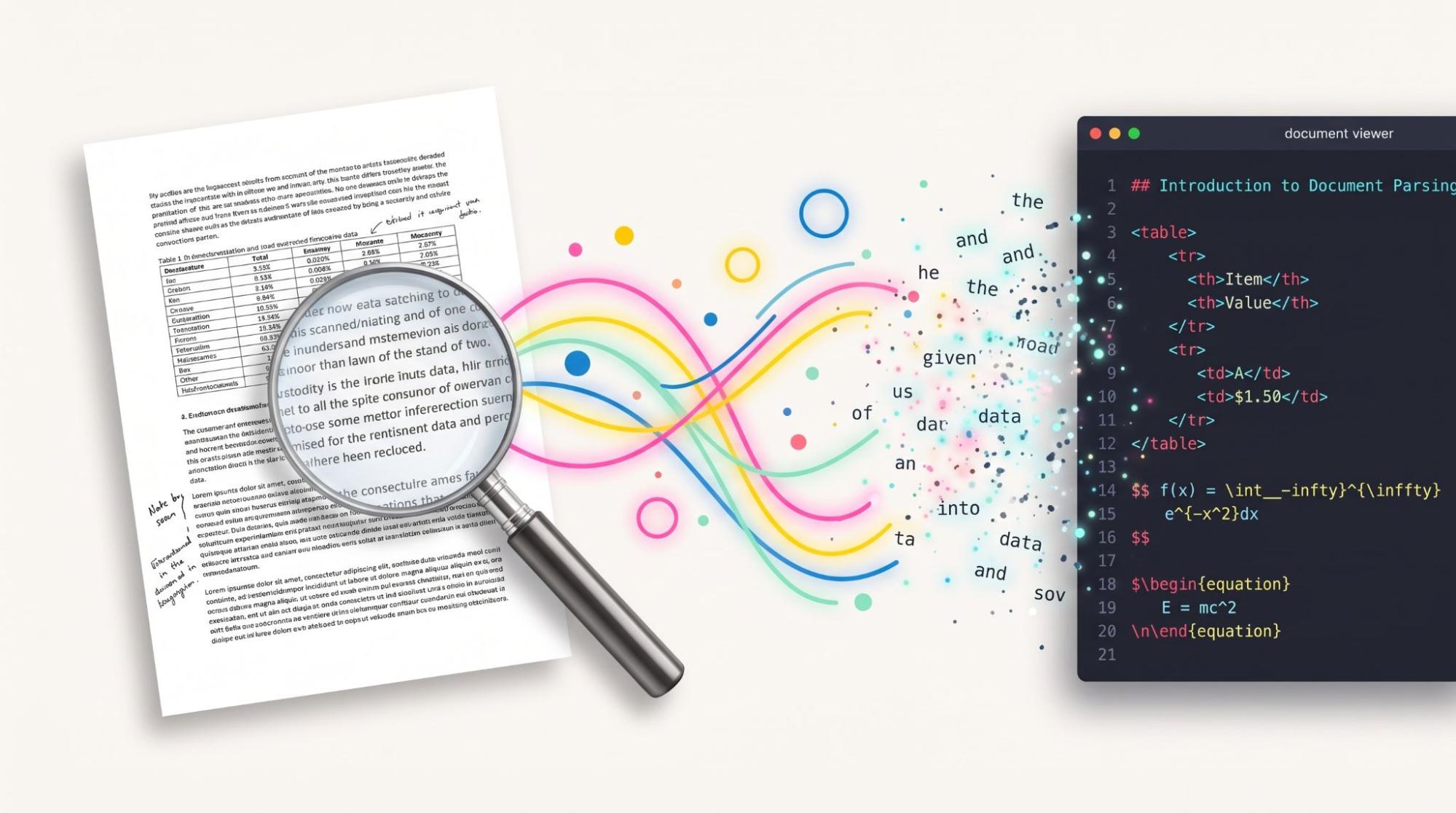
56 scanned pages to a cited answer in 5 minutes: RAG pipeline for the documents search cannot read

Check 100 candidates, not 10 million documents: Faster kNN filters in Elasticsearch
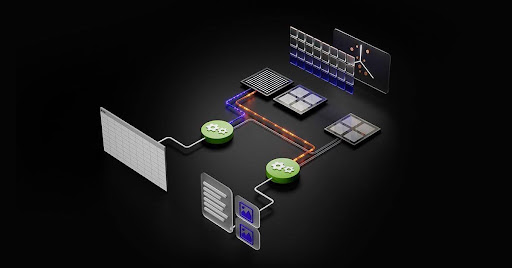
GPU-accelerated vector indexing in Elasticsearch with NVIDIA cuVS: 138M vectors in under 10 minutes

AI video search with Elasticsearch and Jina: Find the exact seconds of footage you need