Blogs
Developer insights and practical how-to articles from our experts to inspire and empower your search experience.
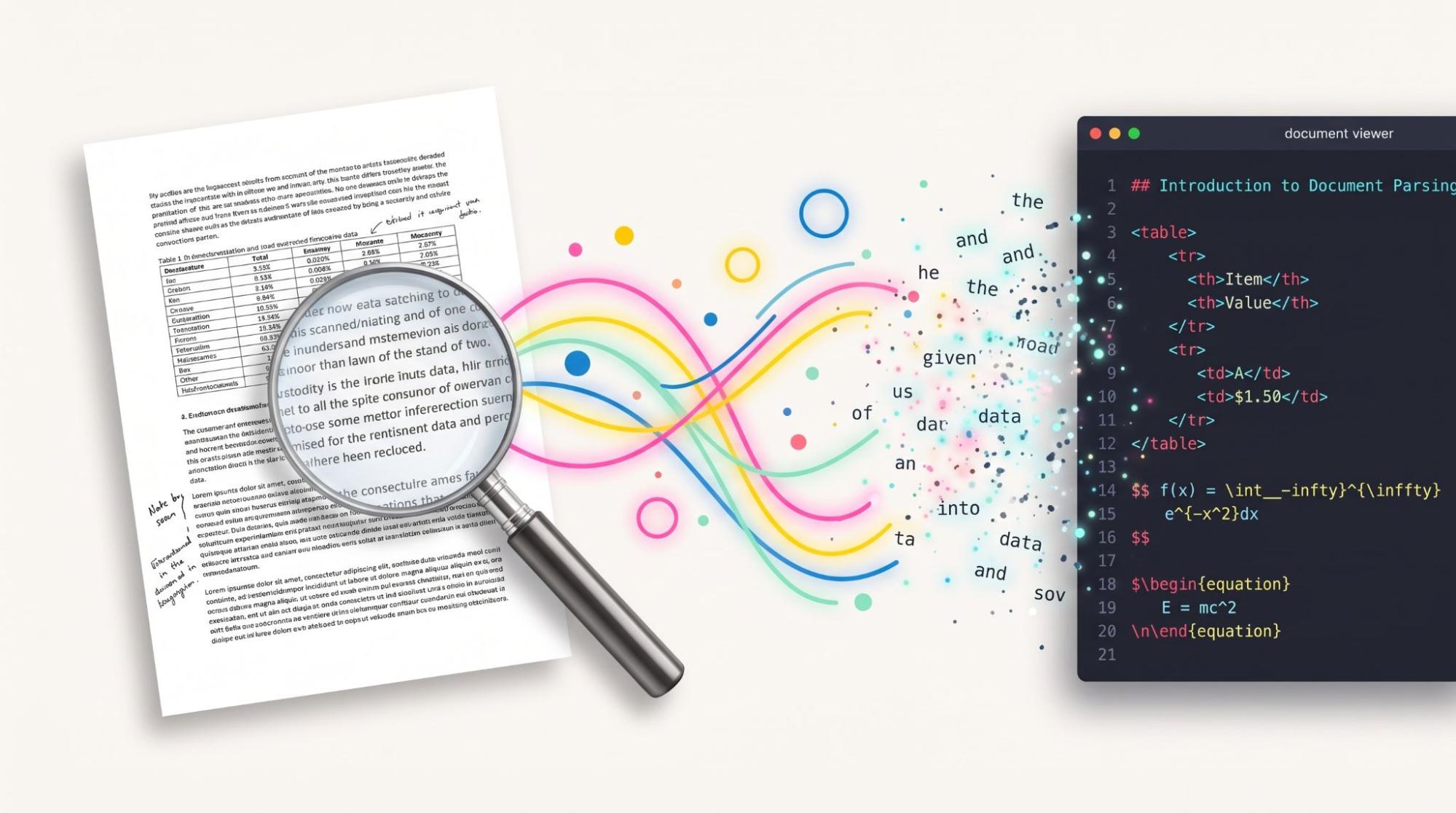
56 scanned pages to a cited answer in 5 minutes: RAG pipeline for the documents search cannot read
Ask a scanned, table-heavy PDF a question in plain language and get an answer stamped with the page it came from, because jina-ocr-v1 turns every page into structured Markdown that Elasticsearch embeds at ingest.

Bringing Elastic into Claude: The ‘why,’ the ‘how,’ and the ‘gotchas’
Point your Claude plugin at main and every merge ships as a release, and that’s the least surprising thing that happened between submitting and going live.

Your AI chat is not a screenshot: Live shared conversations in Elastic Agent Builder
Whoever picks up the problem next reads the whole thread and carries on with the same agent, with no access to anything beyond that one conversation.

How we’re building a context engine to cut agent token use by 71%
With a context engine, the same agent and model answered in 64 seconds using 9 tool calls. The baseline took 213 seconds, 33 calls, and missed a key relationship entirely.

The fastest work is the work you never do: 100x faster sorted queries in Elasticsearch
How Elasticsearch 9.6 lets ES|QL push its current TopN threshold into Lucene, and how that 100x shows up on some sorted queries and barely registers on others.

Check 100 candidates, not 10 million documents: Faster kNN filters in Elasticsearch
Elasticsearch now decides for each query whether to run a kNN filter before or after the vector search. On a 10M-vector corpus post-filtering was faster in 104 of 120 benchmark pairs while still returning k results.

Signed, sealed, delivered: ECK certificate management with Vault and cert-manager
Replace ECK's self-signed certificates with your enterprise PKI without renewing a certificate by hand, as Vault signs with a CA key sealed outside Kubernetes and cert-manager delivers fresh certificates to every Elasticsearch pod.

Using Jev as a search reranker: benchmarks and how to implement
We had Jev score Elasticsearch hybrid search results and let a short Python policy do the reranking, taking nDCG@10 from 0.9351 to 0.9565 on 250 Amazon Shopping Queries, and the code is all here.

How Elasticsearch Serverless hollow shards cut indexing-node shutdowns by 30%
Idle indexing shards in Elasticsearch Serverless now drop their Lucene writers and segment readers from memory until the next write, freeing indexing-tier heap at the cost of a median 218ms wait on that first write.
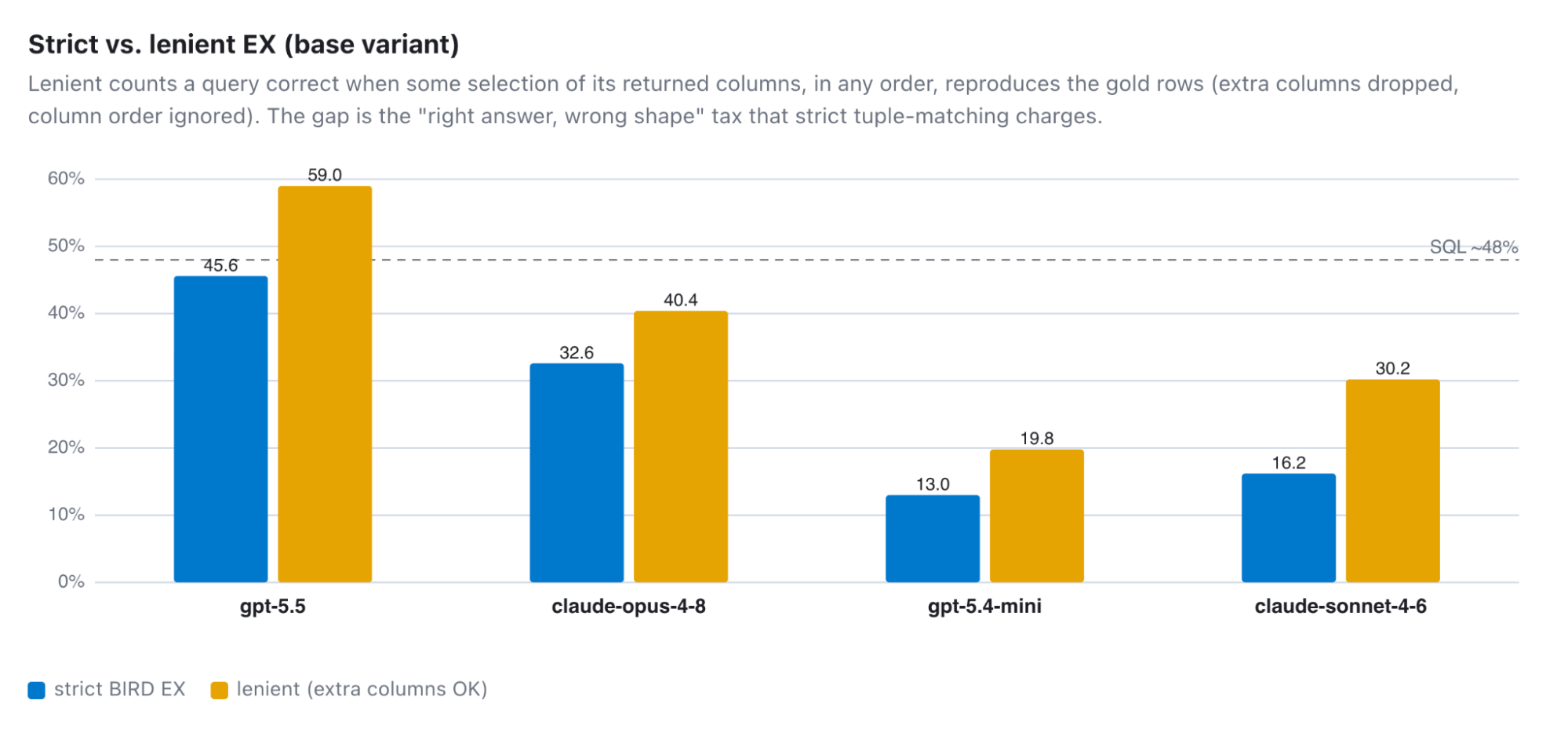
The best LLM writes correct Elasticsearch ES|QL 59% of the time. Here's what breaks the other 41%.
We scored 6,000 ES|QL queries from four models against BIRD's answer key. Most misses come from mismatched join keys, SQL syntax the parser rejects, counting after a one-to-many join, or a value the model guessed.
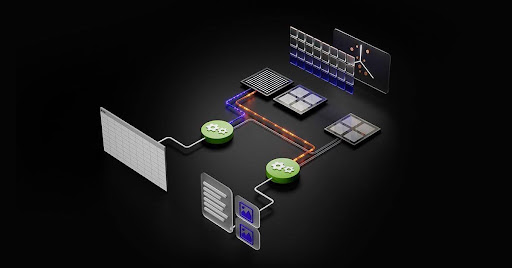
GPU-accelerated vector indexing in Elasticsearch with NVIDIA cuVS: 138M vectors in under 10 minutes
Moving index builds to the GPU leaves the CPU free for queries, which is how vector indexing throughput went up 7x and p90 search latency fell 6x while indexing ran, with no change to recall.

Ask Elastic Agent Builder why it's slow: Natural-language trace analysis
Four agent performance questions your Agent Builder traces can answer, covering token spend by model, tool error rates, slow conversation turns, and recent prompts. The ES|QL for each is here, including the type cast SUM() needs.