One ES|QL query instead of two: WHERE IN subquery replaces the copy-paste loop in Elasticsearch
ES|QL's WHERE clause can filter by another Elasticsearch subquery's results instead of a static ID list you copied by hand, with nested subqueries, NOT IN and compound conditions built in.
Get hands-on with Elasticsearch: Dive into our sample notebooks in the Elasticsearch Labs repo, start a free cloud trial, or try Elastic on your local machine now.
The Elasticsearch Query Language (ES|QL) WHERE clause can now filter by the results of another query. If you've been running one query to find suspicious users or failing services, copying the IDs, then pasting them into a second query, you can stop. One ES|QL statement does the whole job: the subquery builds the filter list from live data, and it stays current every time you run it. The feature ships as a technical preview in Elasticsearch 9.5 and supports nesting, NOT IN and compound AND/OR conditions.
The WHERE IN subquery may change or be removed in a future release. Elastic will work to fix any issues, but technical preview features aren’t subject to the support Service Level Agreement (SLA) of official general availability (GA) features.Static ID lists vs. dynamic filtering with ES|QL's WHERE clause
Static ID list filtering | Dynamic filtering with WHERE IN subquery |
Run query A to find the IDs you care about | Outer query asks the main question |
Copy the values by hand | Subquery builds the filter list from live data |
Paste them into a static |
|
Run query B with the hardcoded list | Results stay current with the data |
Repeat the whole process when the data changes | No copied list to maintain |
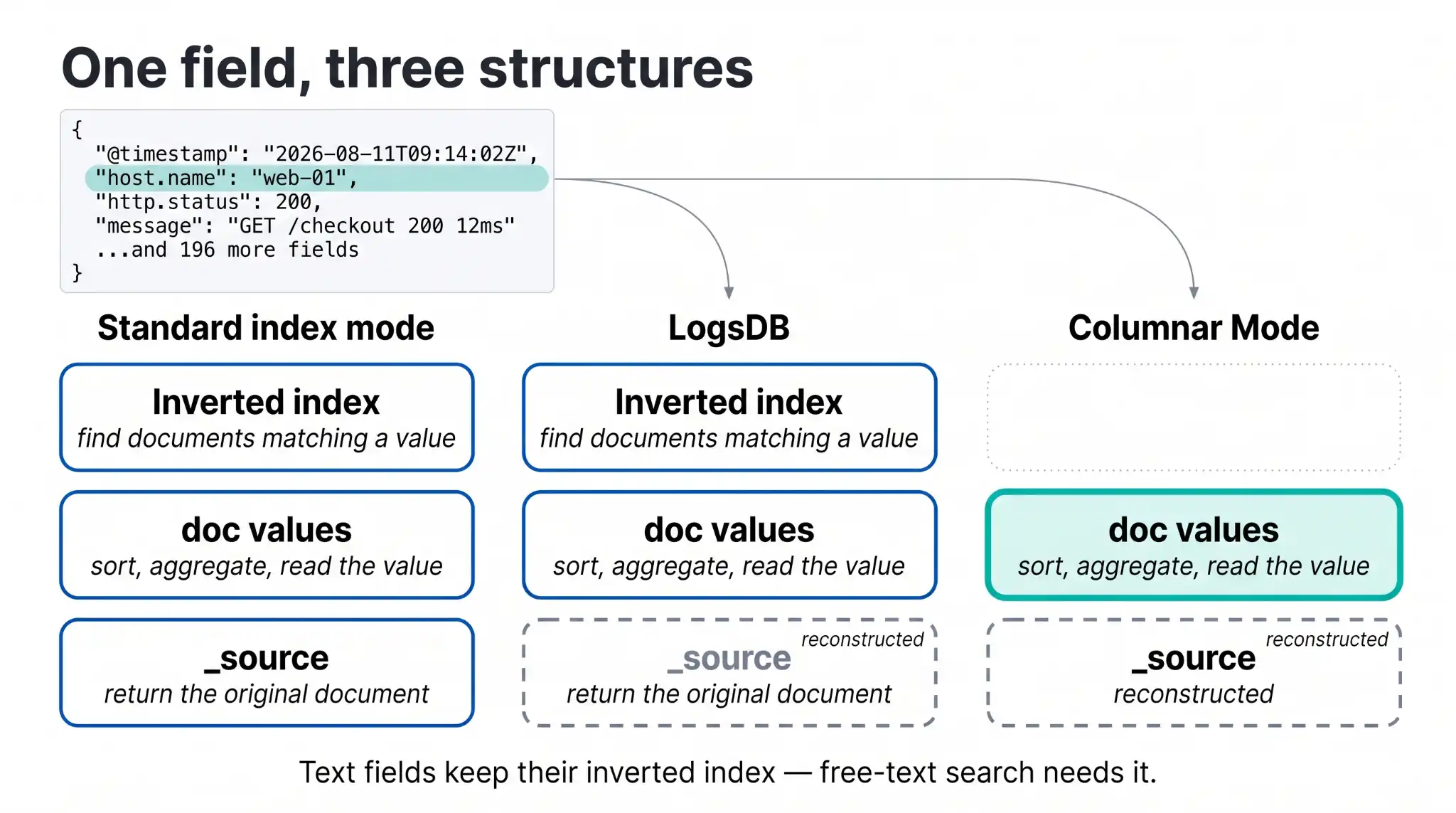
Figure 1. The old copy-paste loop collapses into a single dynamic filter.
How the WHERE IN subquery replaces static filter lists
Traditional IN filtering is still useful when the list is small and static:
FROM logs-*
| WHERE status_code IN (401, 403, 429)
But many real investigations don’t start with a tidy list. They start with a question: Which users are suspicious, which hosts are noisy, which services are failing, or which accounts crossed a threshold?
That’s where the WHERE IN subquery becomes useful. The list is produced by ES|QL rather than typed by hand.
WHERE IN subquery example: filtering logs by suspicious users
FROM logs-*
| WHERE user.name IN (
    FROM auth-logs-*
    | WHERE event.action == "login_failed"
    | STATS failed_attempts = COUNT(*) BY user.name
    | WHERE failed_attempts >= 10
    | KEEP user.name
  )
Read it like this: Show me log events for users who appear in the list of users with at least 10 failed login attempts.
The outer query asks the main question, and the subquery builds the dynamic filter list, eliminating the need to copy and paste.
The subquery can target a different index or index pattern from the outer query.
Filtering without subqueries: the manual ID copy workflow
Imagine that you want to inspect traffic for the top failing services. First you run:
FROM service-logs-*
| WHERE status_code >= 500
| STATS failures = COUNT(*) BY service.name
| SORT failures DESC
| LIMIT 5
Then you copy the five service names and paste them into another query:
FROM service-logs-*
| WHERE service.name IN ("checkout", "payments", "search", "profile", "orders")
That’s fine once, but less fine when the top five change every hour.
Dynamic filtering with a WHERE IN subquery
FROM service-logs-*
| WHERE service.name IN (
    FROM service-logs-*
    | WHERE status_code >= 500
      AND @timestamp >= now() - 2 days
    | STATS failures = COUNT(*) BY service.name
    | SORT failures DESC
    | LIMIT 5
    | KEEP service.name
  )
  AND status_code >= 500
  AND @timestamp >= now() - 2 days
| KEEP @timestamp, service.name, status_code, message
The subquery finds the top failing services from the last two days, and the outer query returns the log events for those services. One query builds the full picture.
Excluding values with NOT IN subqueries in ES|QL
Sometimes the interesting question is about what doesn’t belong:
FROM access-logs-*
| WHERE user.name NOT IN (
    FROM known-users
    | WHERE user.name IS NOT NULL
    | KEEP user.name
  )
That pattern is useful for exclusion checks, gap analysis, and workflows that ask for the things outside an approved or expected set.
Nested subquery chains in ES|QL's WHERE clause
An IN subquery replaces the literal value list with a query in parentheses. The inner query runs first and returns a single column, and the outer WHERE filters against it. Because that inner query is a full pipeline, it can contain its own IN subquery, which lets you express a chain of lookups that would otherwise require three separate queries and two rounds of copy-paste.
FROM orders
| WHERE customer_id IN (
    FROM customers
    | WHERE region_id IN (
        FROM regions
        | WHERE tier == "priority"
        | KEEP region_id
      )
    | KEEP customer_id
  )
| STATS revenue = SUM(amount) BY customer_id
Read it inside out. The innermost query finds priority regions, and the middle query finds customers in those regions, while the outer query sums revenue for those customers. Each layer is a normal ES|QL pipeline, so each one can filter, aggregate, or sort on its own before handing a clean column up to the layer above.
Combining WHERE IN subqueries with AND and OR conditions
Because an IN subquery is a Boolean condition, it composes with AND and OR like any other predicate. You can require membership in two independent sets or accept membership in either:
FROM orders
| WHERE customer_id IN (FROM vip_customers | KEEP customer_id)
  AND product_id IN (FROM discontinued_products | KEEP product_id)
| KEEP order_id, customer_id, product_id, amount
The AND combination finds orders placed by VIP customers for products that are being discontinued. Swap AND for OR, and you get orders that match either condition. Each subquery runs its own pipeline, so the two sets are computed independently and then combined by the Boolean operator.
Merging multiple indices into one WHERE IN subquery
The query inside an IN subquery is a full pipeline, so its FROM command can reference more than one subquery. Each branch runs its own pipeline, and the FROM command merges the rows from all branches into one result set. KEEP host_id selects the single column that the outer filter needs. This is useful when the values you want to filter against live in several indices with different schemas. For more details on how subqueries in the FROM command handle indices with different schemas, see Three indices walk into a FROM clause: ES|QL subqueries in Elasticsearch.
FROM alerts
| WHERE host_id IN (
    FROM
      (FROM prod_hosts    | WHERE region == "us-east"),
      (FROM staging_hosts | WHERE region == "us-east"),
      (FROM edge_hosts    | WHERE region == "us-east")
    | KEEP host_id
  )
| STATS alert_count = COUNT(*) BY host_id
The IN subquery combines matching host IDs from three indices, prod, staging, and edge, into one value list. The outer query then counts alerts for any host in that combined set. Adding a fourth source means adding one more branch, with no change to the outer query.
Using an Elasticsearch subquery inside each FROM branch
A FROM subquery gives each index its own branch with its own WHERE, and that WHERE can use an IN subquery. This is how you apply the same dynamic filter across several indices that each have their own schema.
FROM
  (FROM orders  | WHERE customer_id IN (FROM vip_customers | KEEP customer_id)),
  (FROM refunds | WHERE customer_id IN (FROM vip_customers | KEEP customer_id))
| STATS total_events = COUNT(*) BY customer_id
Each branch filters its index down to VIP customers before the two branches combine, so the final aggregation runs over a single normalized set of rows.
When to use ES|QL WHERE IN subqueries
Investigations that start by finding risky users, hosts, accounts, or services.
Operational dashboards where the interesting entities change over time.
Top-N follow-up queries, such as events for the five noisiest services.
Set comparison workflows, especially with
NOT IN.Queries that would otherwise need glue code just to pass values from one step to the next.
Requirements and constraints for WHERE IN subqueries
Return exactly one column from the
INsubquery.Use
KEEPat the end of the subquery so the comparison field is obvious.Make sure the outer field and the subquery field have compatible types.
If the subquery uses
SORT, add an explicitLIMIT, as unboundedSORTisn’t supported in ES|QL yet.Use this for membership filtering. If you need columns from both sides, a JOIN` may be the better tool.
Why ES|QL dynamic filtering replaces manual query workflows
The WHERE IN subquery turns a manual workflow into a declarative one. You can let one query build the filter for another query directly inside the WHERE command, instead of asking ES|QL for a list, copying it somewhere else, and hoping it stays fresh.
Your WHERE clause now has a better way to handle Filter this by whatever that query finds.
Frequently Asked Questions
What are the constraints on the subquery?
The subquery must return exactly one column. Use `KEEP` at the end of the subquery to make the comparison field explicit. The field types in the outer query and the subquery must be compatible. If the subquery includes `SORT`, add an explicit `LIMIT`.
When should I use the WHERE IN subquery instead of a JOIN?
Use the `WHERE IN` subquery for membership filtering; that is, rows from the outer query that match (or don't match) a set of values from another query. Use a `JOIN` when you need columns from both sides of the relationship in the same result row.
How helpful was this content?
Related Content

The fastest work is the work you never do: 100x faster sorted queries in Elasticsearch
The best LLM writes correct Elasticsearch ES|QL 59% of the time. Here's what breaks the other 41%.

Ask Elastic Agent Builder why it's slow: Natural-language trace analysis