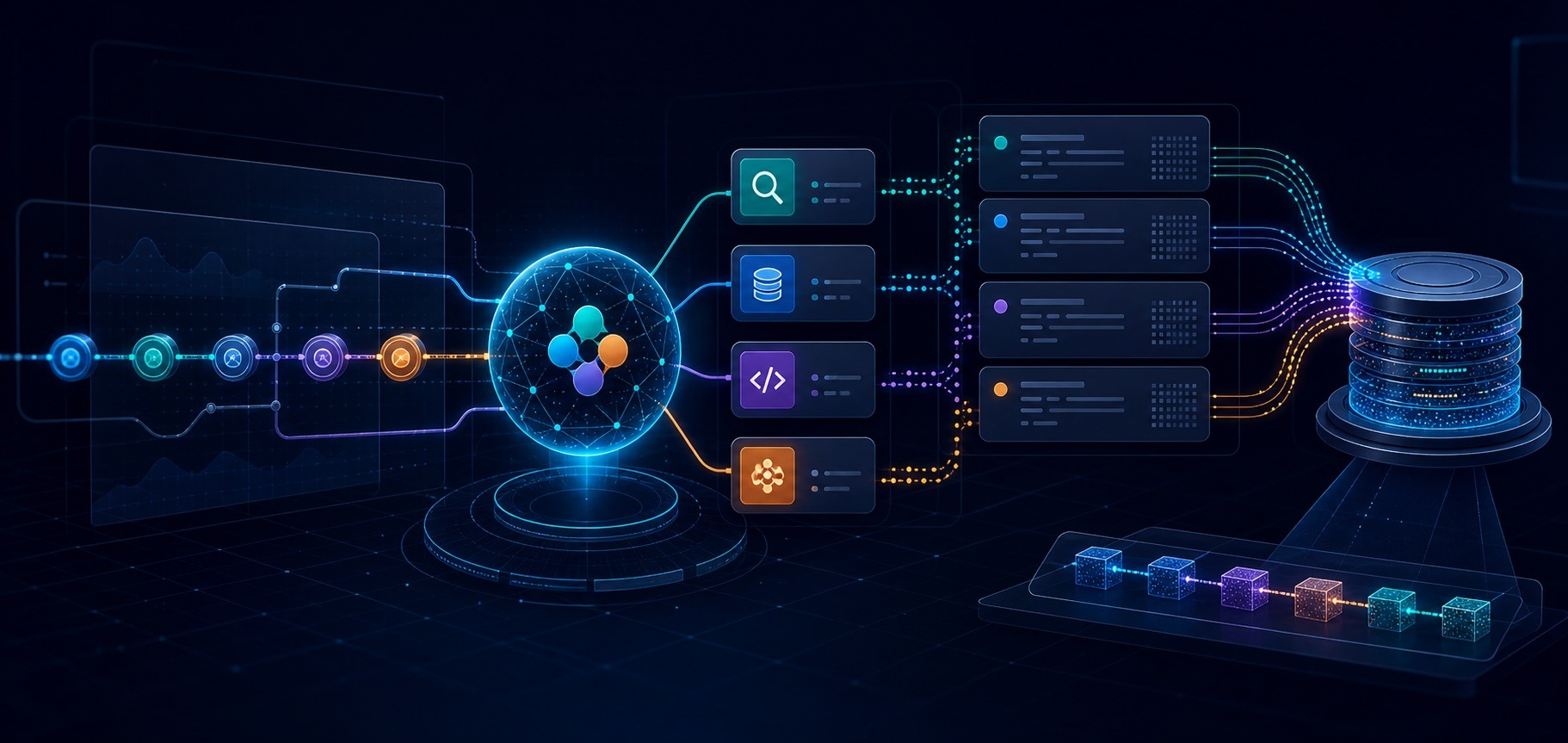
AI agent observability in Elastic for Claude Platform with OpenTelemetry
Send Claude Platform traces to Elastic and the whole turn arrives in Kibana. The service sits in your service inventory next to the rest of your stack, so you can observe it, create alert rules, and create SLOs.
Build and observe AI agents where your data already lives. Begin with Elastic Agent Builder. You can also start a free cloud trial or try Elastic on your local machine today.
Claude Platform now exports agent traces in public beta as OpenTelemetry traces that follow the GenAI semantic conventions. Add Elastic as a destination in the Claude Console and your Managed Agents turns and Messages API calls arrive in Elastic with no change to your application code.
Open a turn and the model requests, the tool calls and the MCP calls are there in order, with duration and token counts on each span, plus the prompt and the reply when full content is enabled. You can see where the time went, including inside an MCP server you do not control.
Send spans from the Claude SDK too and your own service wraps the Claude spans on one trace. From there claude-platform sits in your service inventory, next to the rest of your stack, so you can observe it, create alert rules, and create SLOs.
What AI agent observability for Claude Platform looks like in Elastic
In the service inventory, open claude-platform to find these traces. Each span carries status as well as the timing and token counts.
The service overview shows latency, throughput, and the failed transaction rate, and the service map shows which service calls it.
Open a trace to follow one turn.
The GenAI tab is where that span renders, as a technical preview on Serverless and Elastic Cloud Hosted (ECH) 9.6, including details such as the operation, the model, the provider, and the tool calls. The conversation is there when full content is enabled. On older versions the same data appears as key values.
You can also query and explore the traces with ES|QL in Discover.
FROM traces-*
| WHERE service.name == "claude-platform"
Two ways to send Claude Platform traces to Elastic
Send traces from the Claude Console, from your application, or from both. Use the Claude Console for what the API did, and the SDK for the steps your own code runs. Set up both when you want your span and the Claude spans on one trace.
From the Claude Console | From the Claude SDK | |
|---|---|---|
What it captures | Managed Agents turns and Messages API calls | Steps that run inside your own process, such as a tool runner, a custom tool, or a tool in a sandbox you host |
Code changes | None | Exporter configured in your application |
Where the span originates | Anthropic, as the service | Your own service, wrapping the |
Set it up when | You want what the API did | You want the steps your own code runs |
Send traces from the Claude Console
Add Elastic as a destination and Claude sends the spans for Managed Agents and the Messages API, with no change to your application code.
You need the admin role on the Claude organization, the managed OTLP endpoint, and an API key in Elastic that can write traces.
- Open your organization's OpenTelemetry settings and click Add destination.
- Set the provider to Elastic.
- Paste the managed OTLP endpoint from Kibana under Add data → Application → OpenTelemetry.
- Paste the API key that you find next to the endpoint by clicking Create key.
- Pick a content mode (full content keeps the conversation, metadata only leaves it out) and the workspaces this destination should cover.
- Save and click Test.
After you click Test, run this in Discover.
FROM traces-*
| WHERE service.name == "claude-platform" AND span.name == "anthropic.test"
If you see a row, the test span from the Claude Console reached Elastic.
Send spans from the Claude SDK
The Claude Console never sees work that stays inside your process, so a tool runner, a custom tool, or a tool in a sandbox you host only shows up if your application sends the span.
Point the SDK exporter at the same base URL. It adds /v1/traces, and the header is Authorization=ApiKey <encoded key>. The SDK can record the prompt and the reply, or leave that text out.
Observe Claude Platform traces in Elastic
Open a trace to understand what ran, and to see what can be optimized.
The model requests, the tool calls, and any MCP calls are in order, with the duration and the token counts on each span. You can see whether the time went to the model, to a tool, or to an MCP server.
Open the GenAI tab on that span to see why the answer came out that way.
Which model ran and the other details of the span. The operation, the model, and the token counts tell you which model ran and what it spent.
Read the full conversation on the GenAI tab
Full content shows the conversation from start to end. A few of those blocks are called out below:
- Prompt. Read what was asked before you judge the reply.
- MCP call. Confirm your server ran, and read what it sent back.
- Tool call. Read what the tool received and what it produced.
- Response. Read the reply against those results, and see what the model kept.
Claude Console traces show up under the service claude-platform. Point the SDK at the same endpoint and your span wraps the Claude spans, which puts your service on the map.
Now that it sits next to the rest of your stack, you can create alert rules on claude-platform, such as for failures and latency, so you get told when a turn fails or runs long. Additionally, you can create SLOs for failures and latency, so that over time you can see whether too many turns are failing, or taking too long.
Start sending Claude Platform traces to Elastic
- Start a free trial on Elastic Cloud Serverless.
- Copy the managed OTLP endpoint and add Elastic as a destination in the Claude Console.
- Click Test, then run the Discover query for anthropic.test. If you see a row, the test span reached Elastic.
- Send one Messages API request, or one Managed Agents turn.
- To see Anthropic usage, cost, and rate limits in Elastic, add the Anthropic Metrics integration.
To learn more, see the documentation: Send Claude Platform traces to Elastic.
How helpful was this content?
Related Content
How Elastic Significant Events turns 100 log samples into detection rules
Meet Elastic nightshift AI SRE, your always-on SRE coworker
Automated root cause analysis for AWS: From a CloudWatch alert to a diagnosed incident in 36 seconds
.jpg)
Collecting rootless Podman logs with Elastic Agent: the CRI parser, user-scoped paths, and the Podman socket