Explore Elastic Cloud with your 14‑day free trial
Start your free 14-day trial and build with a production-ready vector database, search, observability, and security, from day one.

Elasticsearch
An open source, distributed search and analytics engine built to deliver relevant, accurate results at speed and scale — giving developers everything they need to build production-ready AI search experiences.
Vector Database
The most widely deployed, open source vector database for semantic and hybrid search — with built-in AI models and deployment flexibility across any cloud, on-premises, or air-gapped environments.
Elastic Observability
Prevent outages with proactive issue detection. Unify logs, traces, metrics, profiling, synthetics, and real user monitoring (RUM) to improve service availability and performance.
Elastic Security
Address threats at scale with security information and event management (SIEM), endpoint security, cloud security, and more. Quickly correlate information and automate key triage steps with AI.


What is included in Elastic Cloud?
Elastic Cloud includes a comprehensive set of features and services to help you achieve your goals in search, observability, and security.


Free Trial Overview
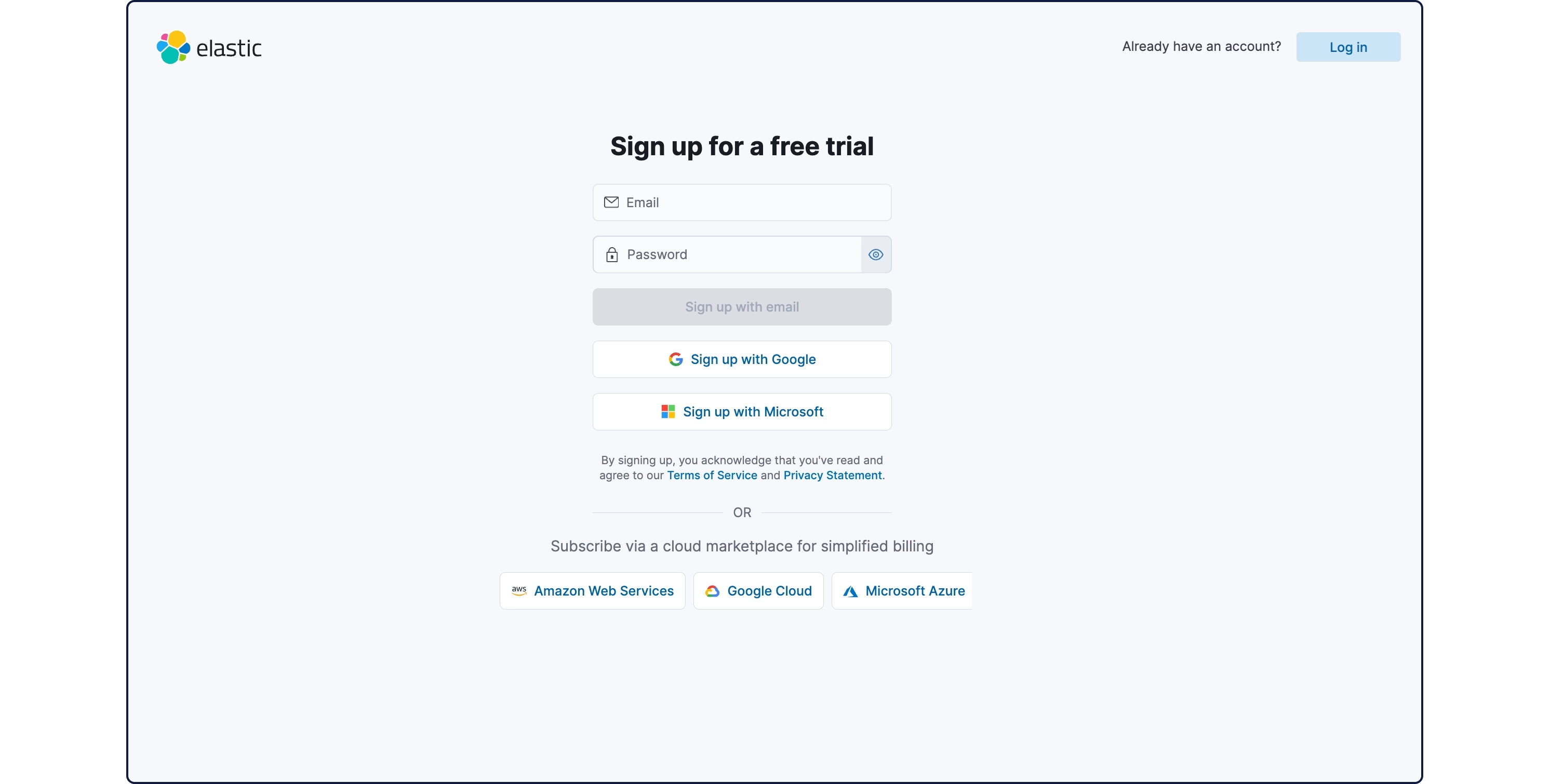
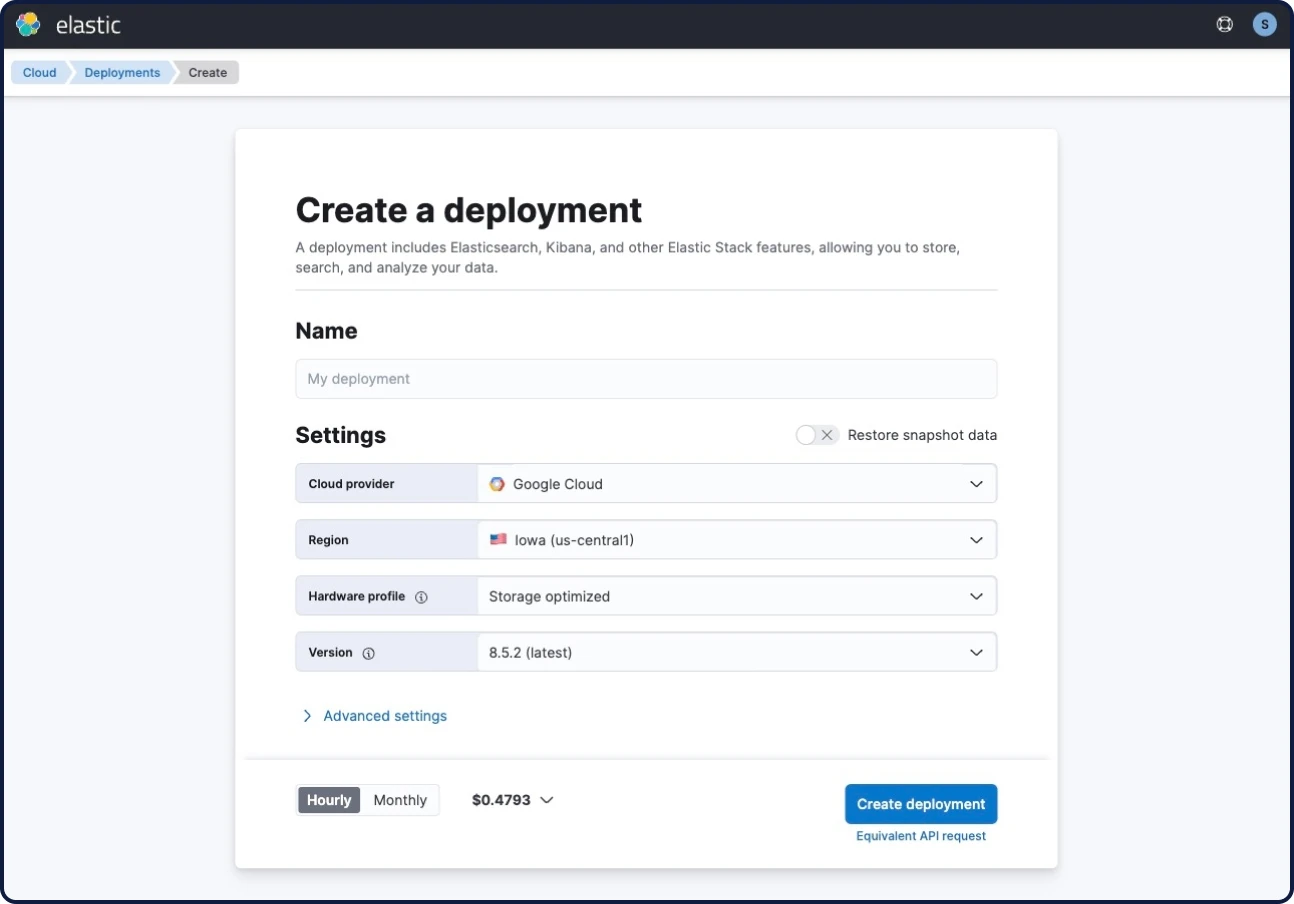
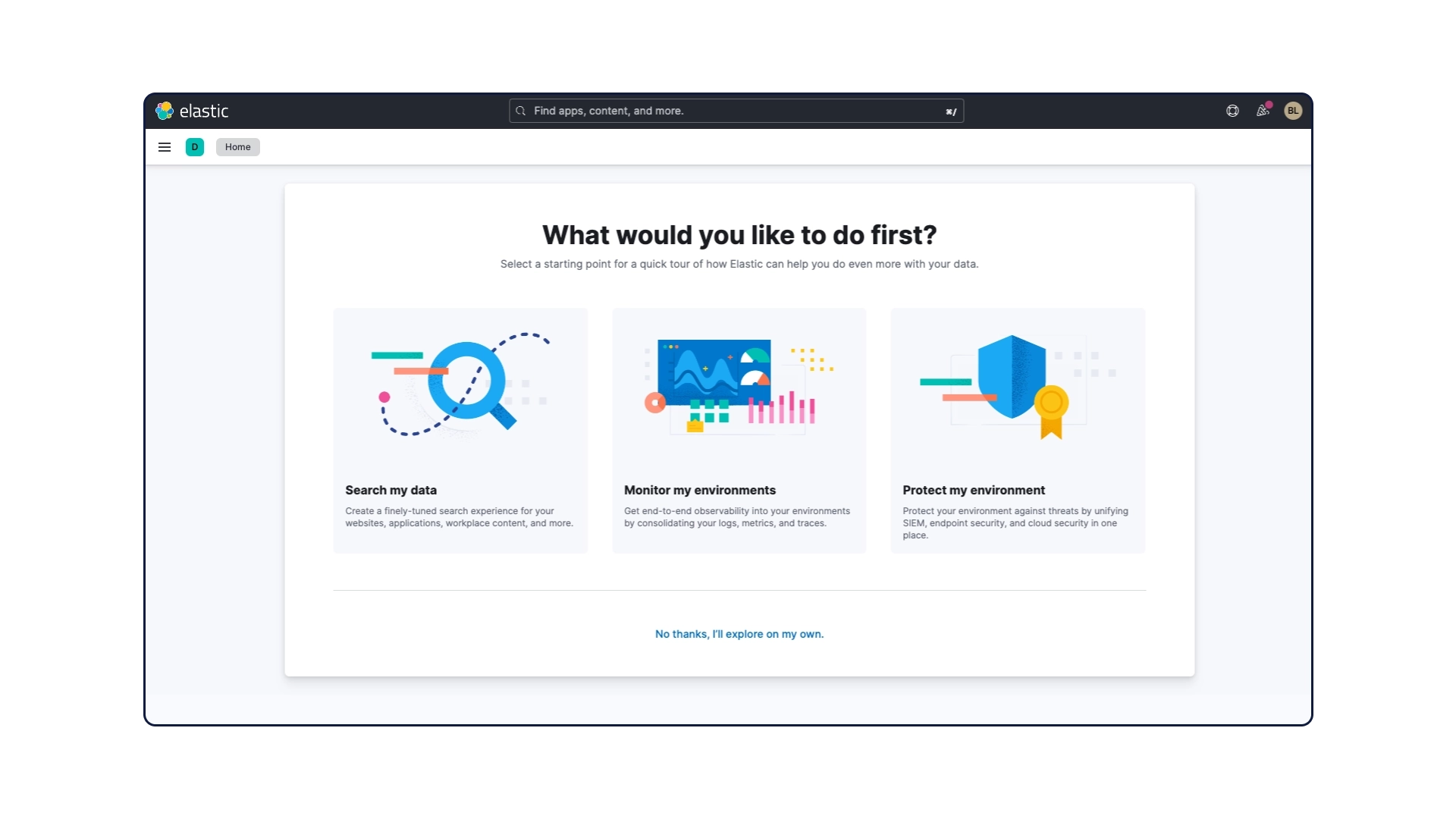
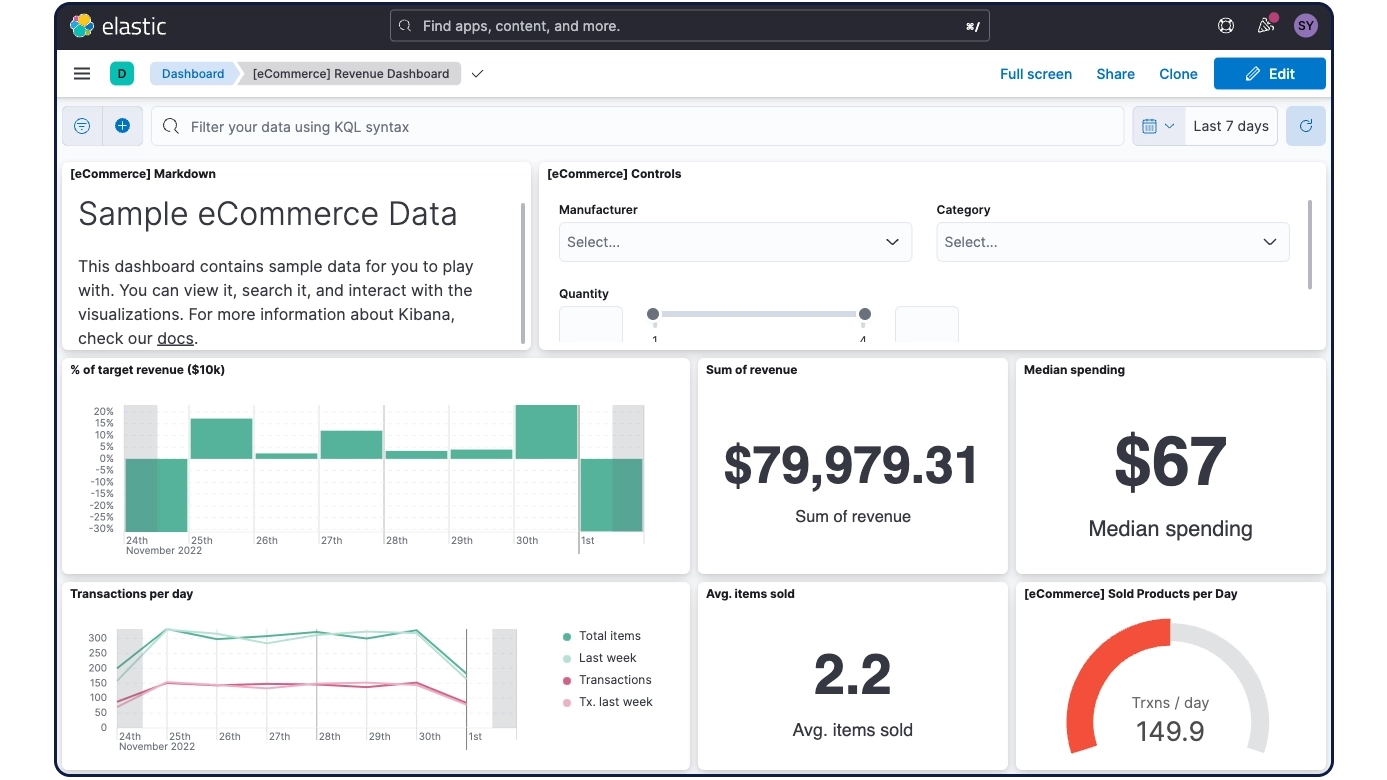
Get started with your trial in minutes
Know before you go: Here's what you can expect from your Elastic Cloud free trial experience.
Elastic Cloud trial FAQ
Explore some of the most frequently asked questions about our Elastic Cloud trial experience. For more FAQ about Elastic in general, check out our FAQ page.
What is Elastic Cloud?
What is Elastic Cloud?
Elastic Cloud is a fully managed cloud offering with AI-driven service solutions for search, observability, and security use cases. It is a multi-cloud, multi-region offering, available across Amazon Web Services, Microsoft Azure, and Google Cloud. Elastic Cloud provides access to the most current version of all three solutions.
Should I choose Elastic Cloud Serverless, Elastic Cloud Hosted, or Elastic Self-Managed when deploying on Elastic?
Should I choose Elastic Cloud Serverless, Elastic Cloud Hosted, or Elastic Self-Managed when deploying on Elastic?
Choosing between serverless, hosted, or on-prem depends on your specific needs and use cases:
- Elastic Cloud Serverless: Ideal for those who want to offload infrastructure management and scale flexibly based on demand
- Elastic Cloud Hosted: Best for users seeking full control over the environment while utilizing managed services for maintenance and updates
- Elastic Self-Managed: Suitable for enterprises requiring complete customization and control over their deployment, often preferred by organizations with in-house DevOps capabilities
What if I am already working with a cloud provider?
What if I am already working with a cloud provider?
Elastic Cloud is designed to be cloud-agnostic and integrates seamlessly with major cloud providers such as Amazon Web Services, Microsoft Azure, and Google Cloud. If you are already with a cloud provider, you can deploy Elastic Cloud within your preferred environment to leverage existing resources and integrations.
Do I need a credit card ready to sign up for an Elastic Cloud trial?
Do I need a credit card ready to sign up for an Elastic Cloud trial?
No, a credit card is not required to sign up for the initial Elastic Cloud trial. You can start the trial by registering with your contact details. However, a credit card or other payment methods will be needed if you wish to continue using the service after the trial period ends.
Where can I find documentation to get started with Elastic Cloud?
Where can I find documentation to get started with Elastic Cloud?
Elastic provides comprehensive documentation to help you get started with Elastic Cloud. You can find cloud-specific guides, tutorials, and reference materials on the getting started page.
What is included in the Elastic Cloud trial?
What is included in the Elastic Cloud trial?
The Elastic Cloud trial includes access to a full suite of features, enabling you to explore and deploy Search, Observability, and Security solutions. The trial allows you to test various functionalities to understand how they can benefit your specific use cases. If you continue using Elastic Cloud after your trial ends, you'll pay only for what you use, allowing you to scale resources as needed without long-term commitments.
Are there any limitations to the Elastic Cloud trial?
Are there any limitations to the Elastic Cloud trial?
While the Elastic Cloud trial provides extensive access to features, there are some resource limitations. Additionally, signing up through Microsoft Azure and Google Cloud does not come with a free trial. For full terms and conditions, refer to the trial documentation.
Does my Elastic trial include AutoOps?
Does my Elastic trial include AutoOps?
Yes! Elastic Cloud trials now include AutoOps. Please consult the AutoOps availability page for cloud provider and region coverage. When available, AutoOps can be accessed using these steps. After creating a cloud deployment, please wait for up to 20 minutes for AutoOps to be applied, and up to a further 20 minutes for metrics and data to appear in AutoOps dashboards.