Platform
Migration using Google Cloud Storage
See how to set up a self-managed Elastic stack and then migrate that Elastic stack’s contents to Elastic Cloud using a snapshot and restore migration method. Google Cloud Storage will be used as the storage location of the snapshot, since it is an ideal service for saving and accessing files.
Explore similar demos

Security
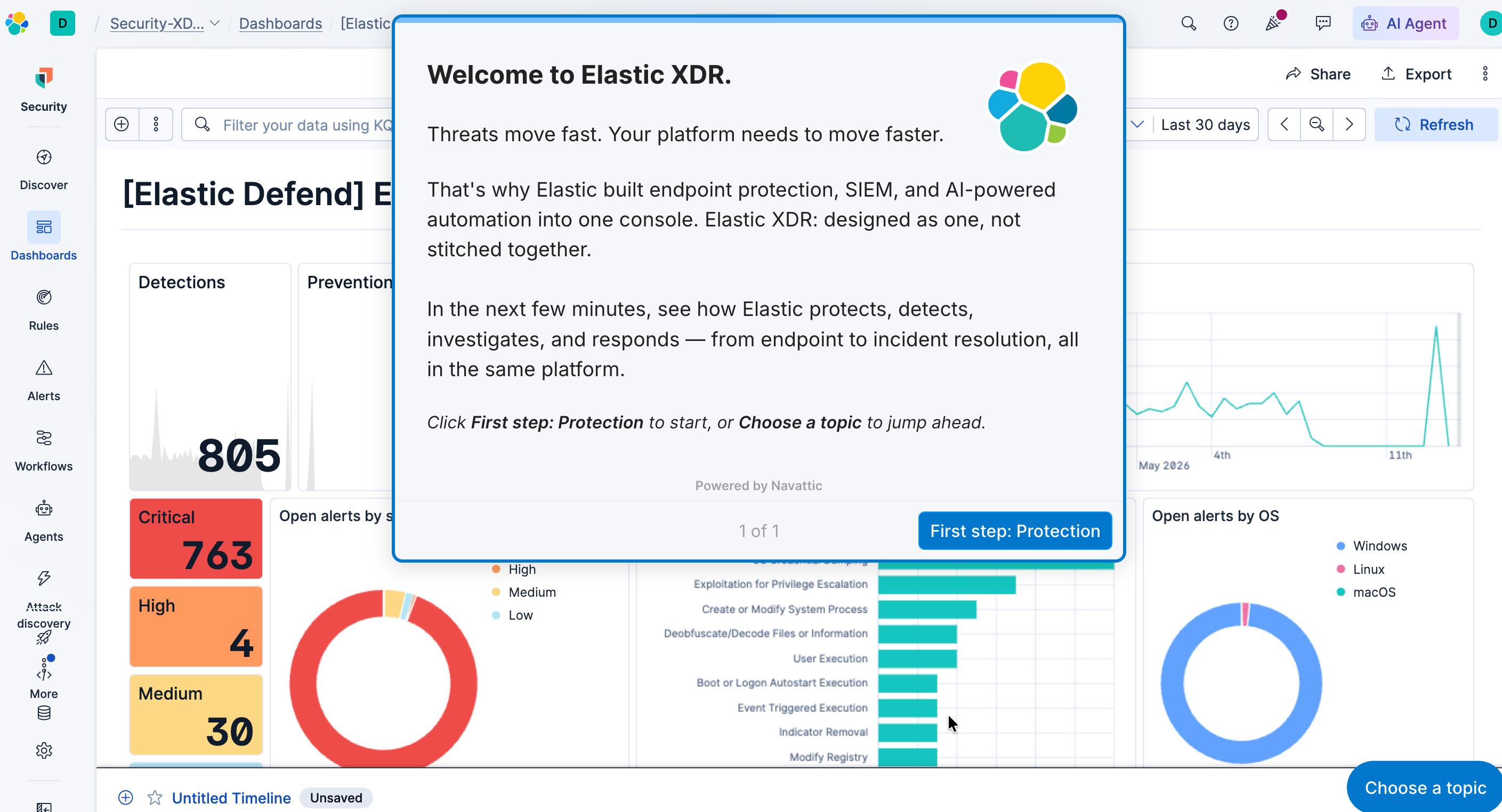
Elastic Security XDR
Threats move fast. Your platform needs to move faster. In this flow see how Elastic XDR protects, detects, investigates, and responds — from endpoint to incident resolution, all in the same platform.
Search
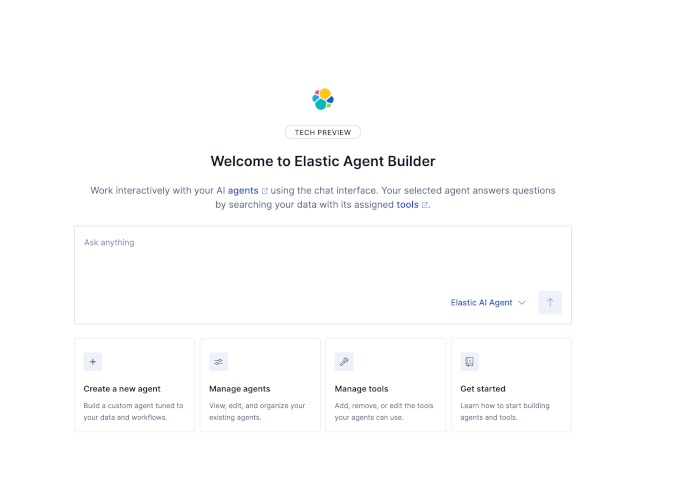
Elastic Agent Builder
Explore this interactive demo to see how easy it is to get started with Agent Builder.

Search
Elastic Context Engine
See how to build structured context, serve it to agents, and measure performance.