Add data
Building a feature and need an easy way to test it out with some data? Below are three options.
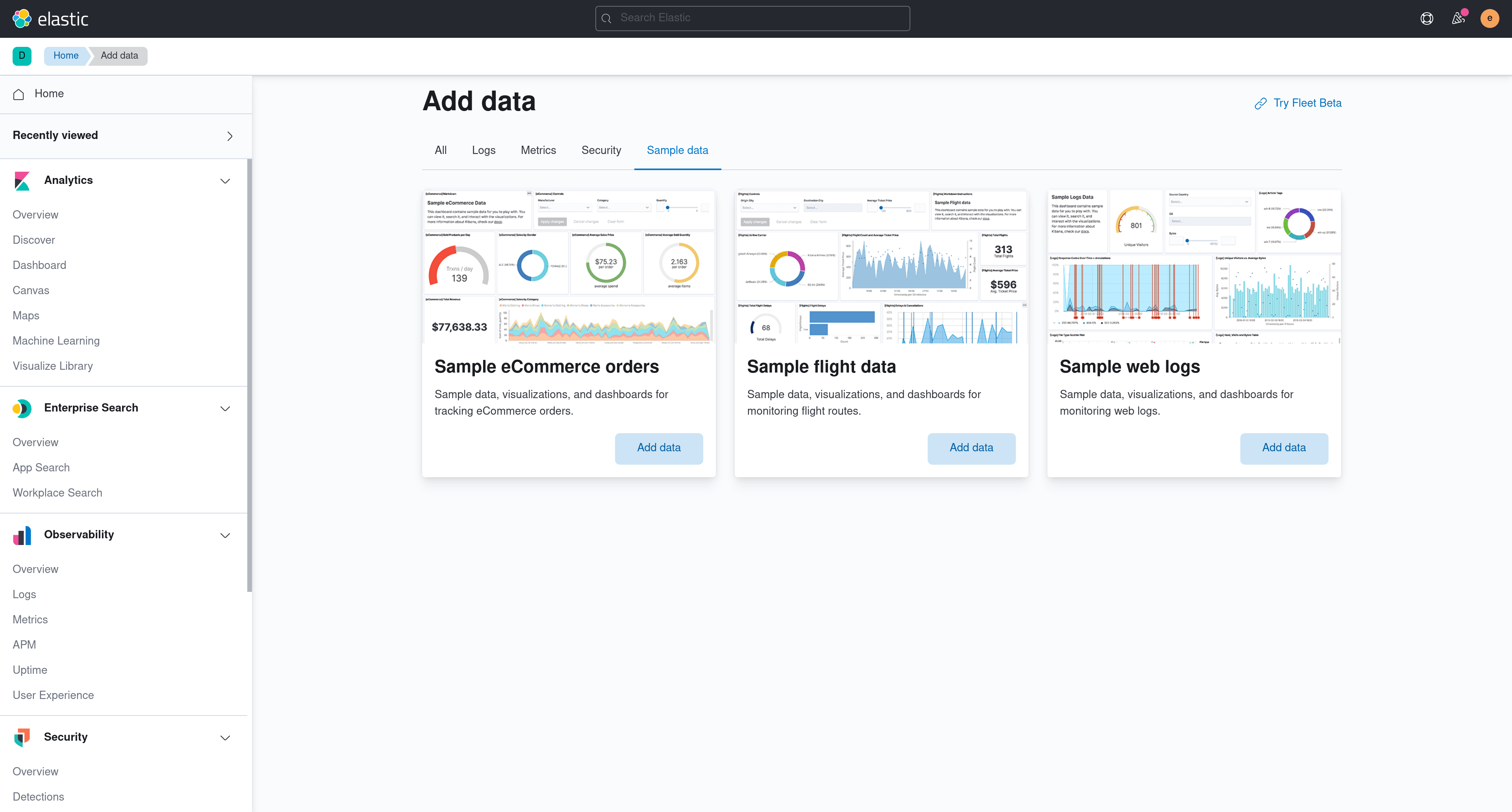
Kibana ships with sample data that you can install at the click of the button. If you are building a feature and need some data to test it out with, sample data is a great option. The only limitation is that this data will not work for Security or Observability solutions (see #62962).
- Navigate to the home page.
- Click Add data.
- Click on the Sample data tab.
- Select a dataset by clicking on the Add data button.
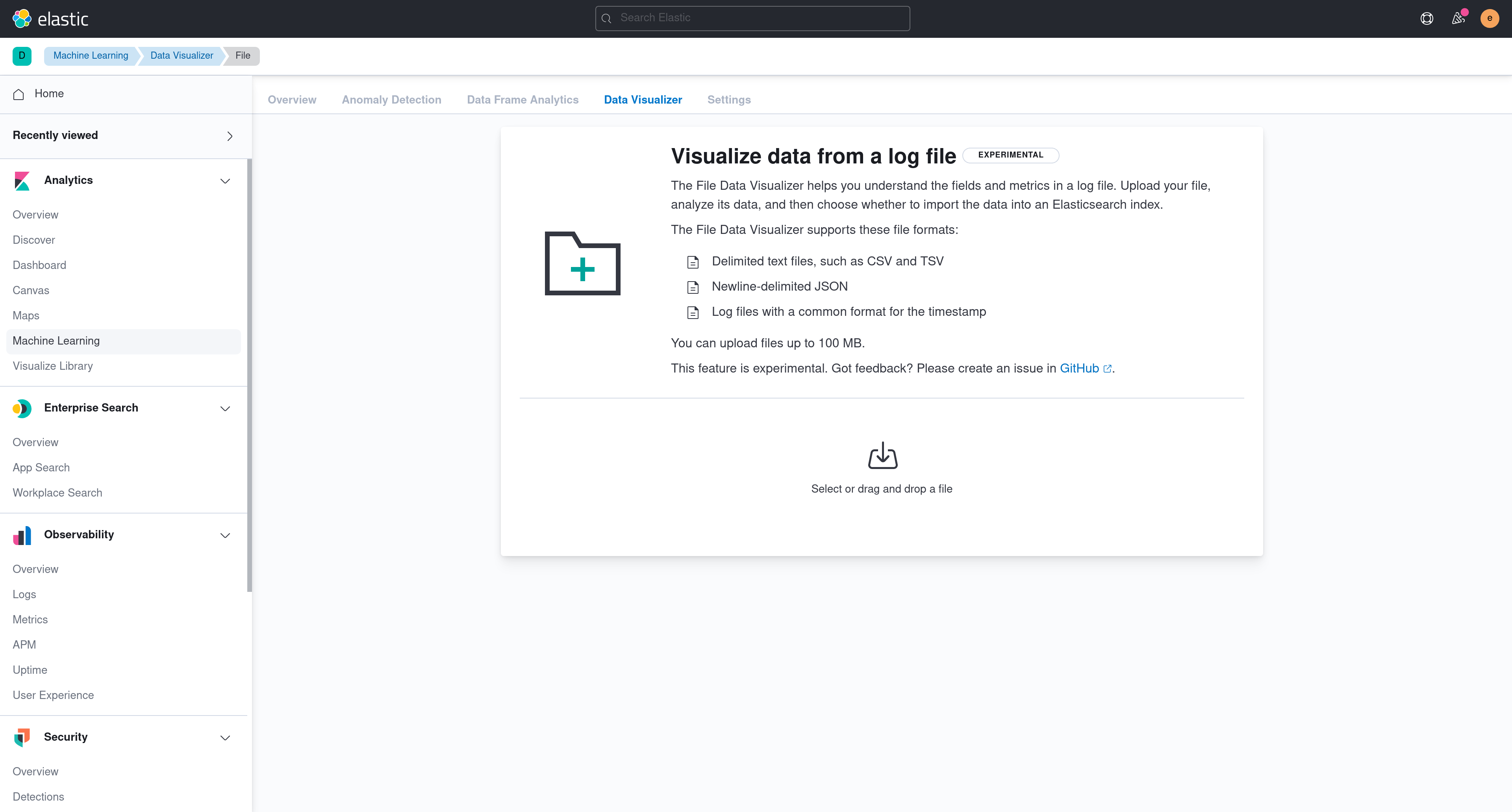
Kibana can import CSV, NDJSON, log files, GeoJSON, and shapefiles through the Upload a file feature (provided by the File Upload and Data Visualizer plugins). Where the entry point appears depends on the solution view:
- Classic navigation: From the home page, click Add data, then open the Upload file tab. The feature is also reachable from Machine Learning → Data Visualizer, and from the empty state shown when creating a data view with no matching indices.
- Search solution: Use the Add data button on the Getting Started page, or the "Get started with Elasticsearch" card on the Search home page.
- Observability solution: Launch the Onboarding flow and select the Upload a file card.
- Security solution: The generic file upload is not surfaced in the Security nav. Security provides its own domain-specific uploaders (asset criticality, entity resolution, SIEM migration lookups).
These entry points all route to one of two URLs:
/app/home#/tutorial_directory/fileDataViz/app/ml/filedatavisualizer
The makelogs script generates sample web server logs. Make sure Elasticsearch is running before running the script.
node scripts/makelogs --auth <username>:<password>
Security and Observability solution applications only work if data exists in particularly named indices, abiding by our ECS format. If you would like to use these applications with realistic data, check out the oblt_cli tool. This tool sets you up to connect to a remote Elasticsearch cluster that contains the appropriate data via CCS.