Elasticsearch has native integrations with the industry-leading Gen AI tools and providers. Check out our webinars on going Beyond RAG Basics, or building prod-ready apps with the Elastic vector database.
To build the best search solutions for your use case, start a free cloud trial or try Elastic on your local machine now.
Elastic expanded their open inference API capabilities with the integration of IBM watsonx™ Slate embedding models, marking an important milestone in our ongoing partnership with the IBM watsonx team. With this, Elasticsearch users gain immediate, simplified access to IBM’s Slate family of models while the IBM watsonx community can take advantage of Elasticsearch’s comprehensive AI search tooling and proven vector database capabilities.
Elastic’s open inference API, now generally available, enables you to create endpoints and use machine learning models from providers like IBM watsonx™. IBM® watsonx™ AI and Data Platform includes core components and AI assistants designed to scale and accelerate AI's impact using trusted data. The platform features open-sourced Slate embedding models (slate-125m, slate-30m) for retrieval-augmented generation, semantic search, and document comparison, and also the Granite family of LLMs trained on trusted enterprise data.
In this blog, we will explain how to use IBM watsonx™ Slate text embeddings when building Search AI experiences with Elasticsearch vector database. Elastic now supports the usage of these text embeddings, with the new semantic_text field chunking incoming text by default to fit the token limits of the platform’s models.
Prerequisites & creation of inference endpoint
You will need an IBM Cloud® Databases for Elasticsearch deployment. You can provision one through the catalog, the Cloud Databases CLI plug-in, the Cloud Databases API, or Terraform. Once the account is set up successfully, you should land on the IBM cloud home page.
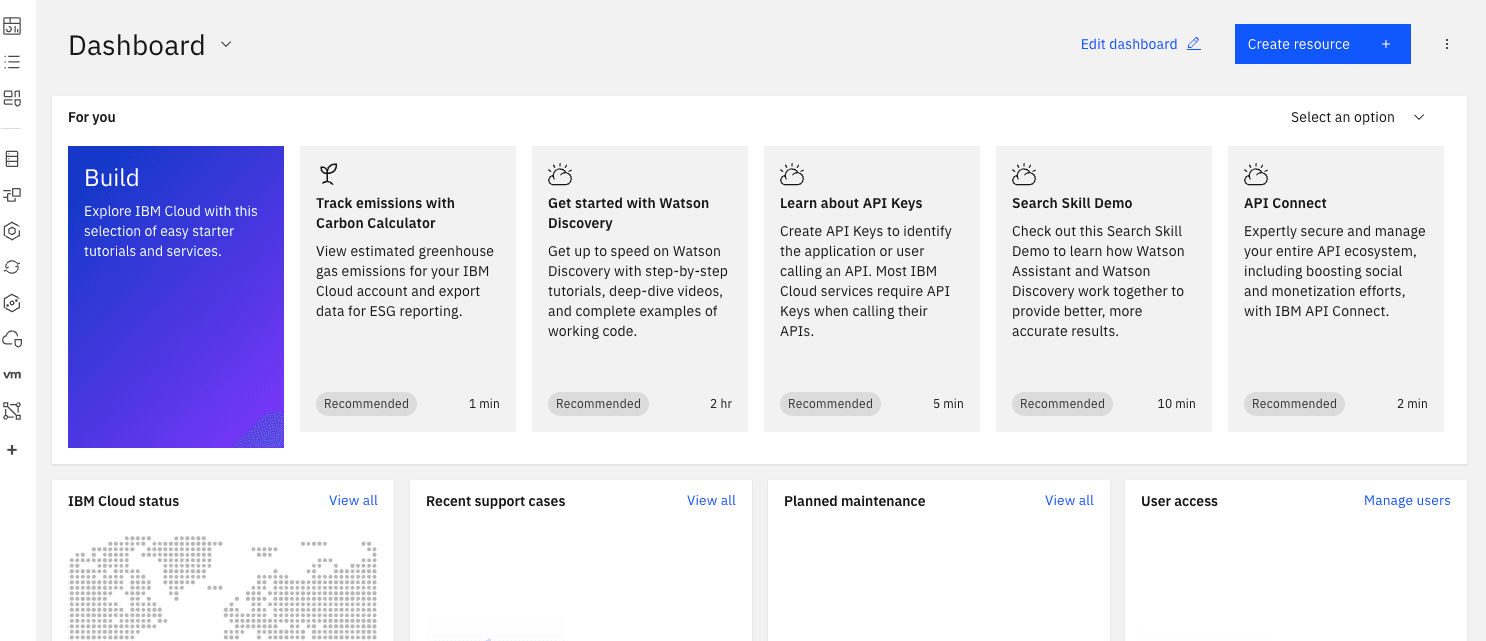
You can then provision a Kibana instance and connect to your Databases for Elasticsearch instance using the managed service model of IBM Cloud using these steps -
- Set the Admin Password for your Elasticsearch deployment.
- Install Docker to pull the Kibana container image and connect it to Databases for Elasticsearch.
Alternatively, if you prefer not to run Kibana locally or install Docker, you can deploy Kibana using IBM Cloud® Code Engine. For details, see the documentation on deploying Kibana with Code Engine and connecting it to your Databases for Elasticsearch instance.
Generate an API key
- Go to IBM watsonx.ai cloud and log in using your credentials. You will land on the welcome page.

- Go to the API keys page.
- Create an API key.
Steps in Elasticsearch
Using DevTools in Kibana, create an inference endpoint using the watsonxai service for text_embedding
You will receive the following response on the successful creation of the inference endpoint:
Generate embeddings
Below is an example of generating text_embedding for a single string
You will receive the following response as embeddings:
Additionally, let's look at a semantic_text mapping example
Create an index containing semantic_text field
Insert some documents to the created index
Next, run a query using semantic_text
You will receive the following response from the query
Conclusion
With the integration of IBM watsonx™ text embeddings, the Elasticsearch Open Inference API continues to empower developers with enhanced capabilities for building powerful and flexible AI-powered search experiences. Explore more supported encoder foundation models available with watsonx.ai.
관련 콘텐츠
2026년 7월 16일
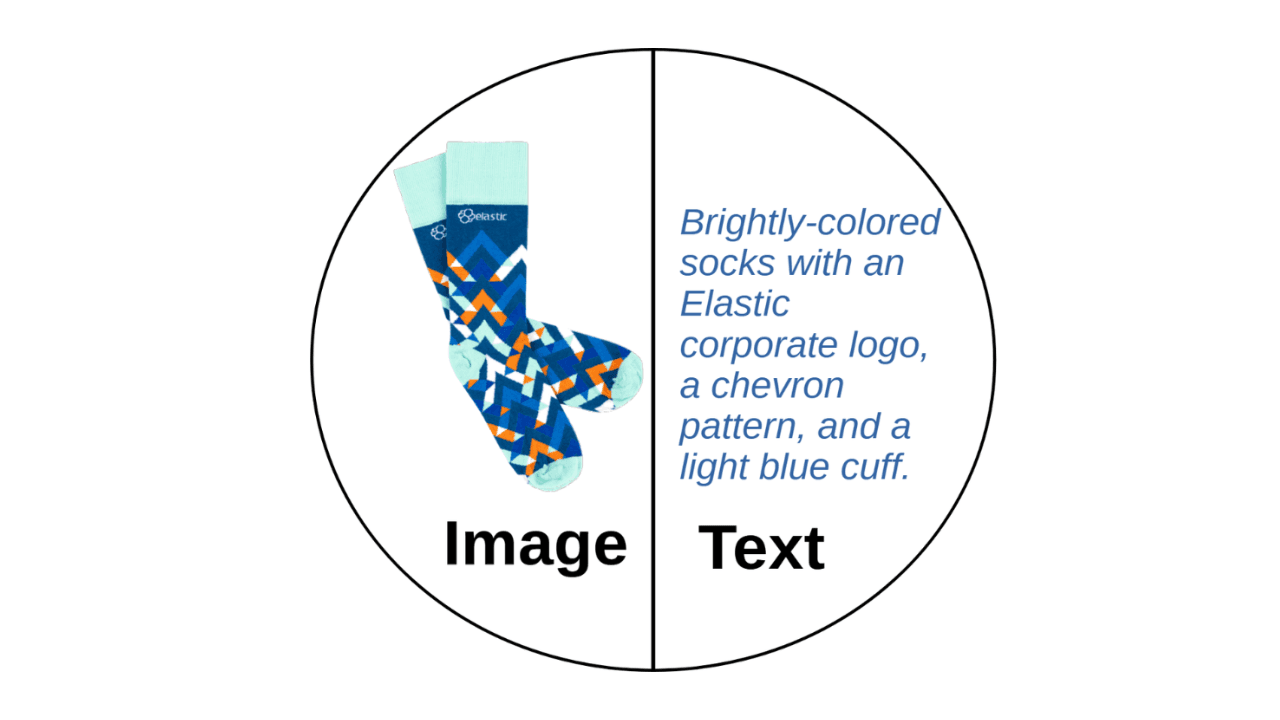
A picture is worth 1.5x the words: What we learned benchmarking product search embeddings
We benchmarked two embedding models on 5,000 real products and found that combining image and text beats either alone by up to 50%. Here's the data and the model that won.

2026년 7월 13일
The disk that never woke up: what actually decided our Qdrant vector search benchmark rematch
On the same hardware, Elasticsearch and Qdrant land in the same range at 56 QPS. The io_uring disk scorer and memory claims turned out to be the two things that mattered least.

2026년 7월 21일
4 NVIDIA AI tasks, 1 Elasticsearch API: Embeddings, chat, completion, and rerank
Set up NVIDIA hosted models in Elasticsearch with one API key and a model ID. No custom integration code needed.
2026년 7월 10일
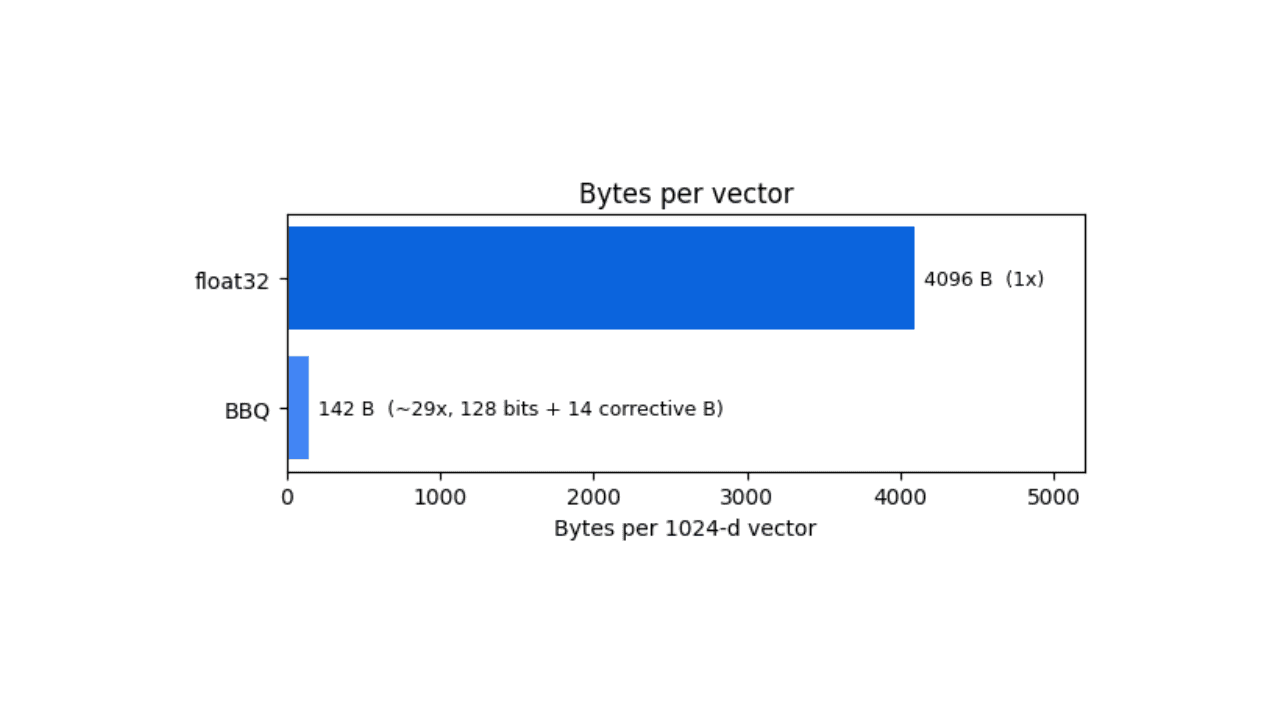
How BBQ shrinks Jina v5 embeddings by 29x without losing recall in Elasticsearch
A hands-on test comparing BBQ and float32 vector indices in Elasticsearch, measuring memory, disk and recall@10 across five languages.
2026년 7월 7일
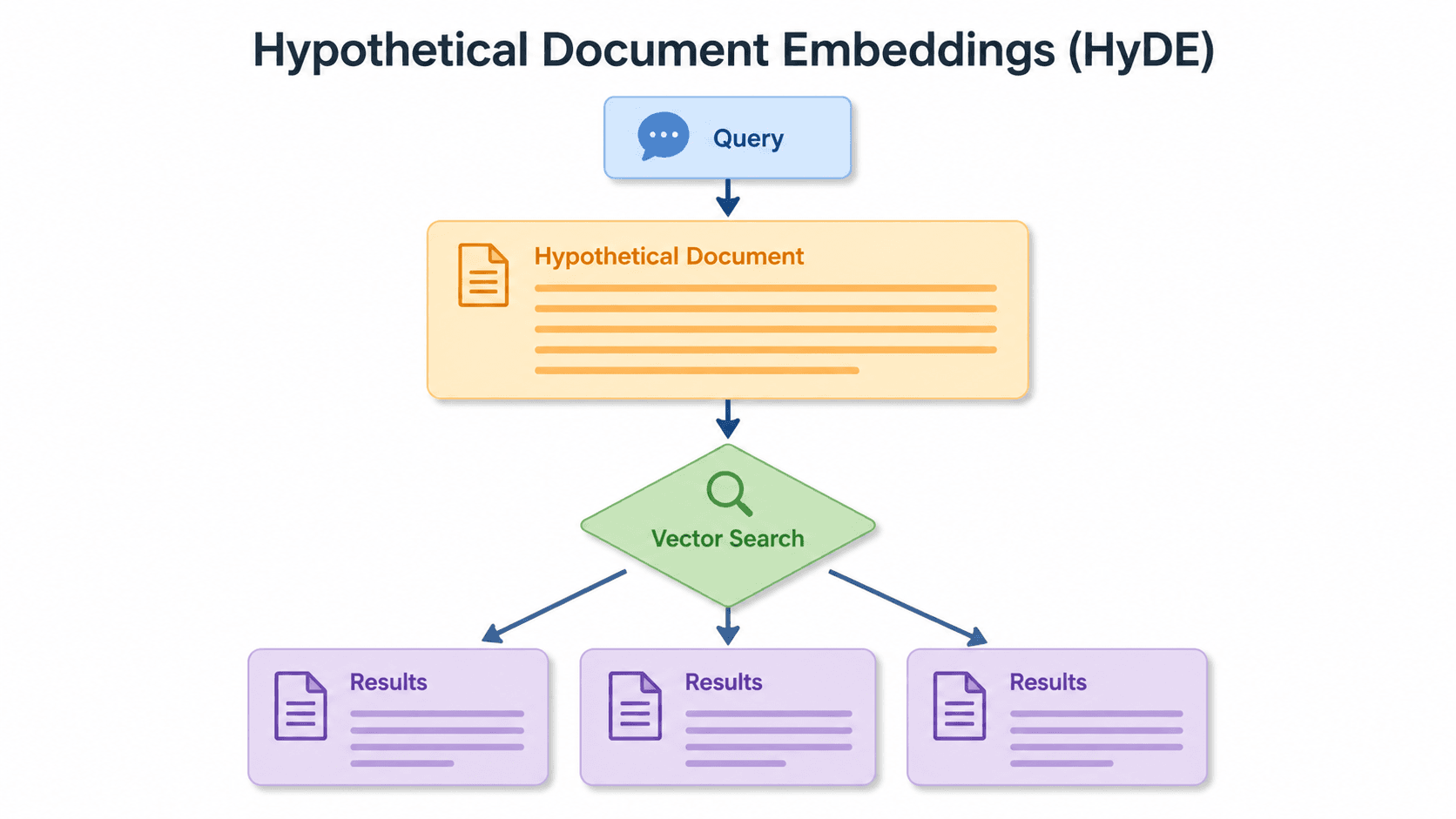
Short queries, formal documents: how HyDE improved semantic search precision by 50% in Elasticsearch
HyDE boosts semantic search precision and recall by 50% on short queries. Here's how to implement it in Elasticsearch with the Inference API and semantic_text.