Get hands-on with Elasticsearch: Dive into our sample notebooks in the Elasticsearch Labs repo, start a free cloud trial, or try Elastic on your local machine now.
Elasticsearch Query Language (ES|QL) is Elasticsearch’s piped query language, designed for intuitive data querying and manipulation. Refer to our getting started guide to learn more.
The Elasticsearch Java client supports ES|QL queries through the DSL, but currently it treats queries as simple strings, with no dedicated helper; and while Kibana offers an excellent UI to build ES|QL queries, we’re aware that sometimes having everything needed to write applications in the integrated development environment (IDE) offers a better experience. So, until the Java client extends its type support to ES|QL, we wrote an Intellij IDEA plugin that autocompletes, syntax checks, shows documentation, and executes ES|QL queries.
The plugin currently supports Java, Kotlin, and plain text files, in case the Java Virtual Machine (JVM) isn’t your thing.
Check it out in the JetBrains Marketplace page and in the GitHub repository, for more information.
Prerequisites
- IDE: Intellij IDEA version >= 253 (community or ultimate)
Usage
Install the plugin in Intellij IDEA like you would with every other plugin, so either from the JetBrains marketplace or by going to Settings -> Plugins -> Marketplace and searching “esql”.
The following examples are written using Java, but Kotlin is also supported and the usage is pretty much the same.
Create a text block string, write “ES|QL” in a simple comment above it, and you’re done.
If you see the Elastic logo appearing on the left:

then everything is working, and you’re ready to write your queries.
Why text blocks and not simple strings? The ES|QL syntax accepts quotes in various contexts, and escaping them would trigger other errors in the syntax checker, so we decided on text blocks to keep things simple.
It’s even simpler for txt files, as you can just add the comment and start writing the query right below:
Connecting to a server instance
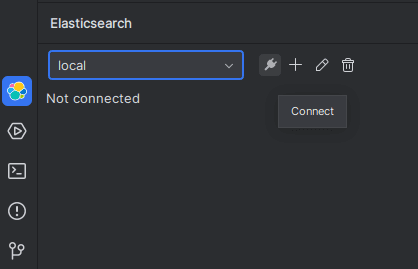
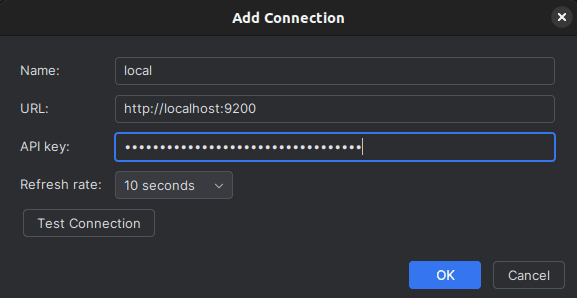
The plugin can be connected to an Elasticsearch server instance to fetch indices and field names, which will then be added to the autocompletion options. Look for the Elastic logo on the bottom left of of the screen (or wherever you keep your tools), and configure your connection to any server instance:
Autocomplete
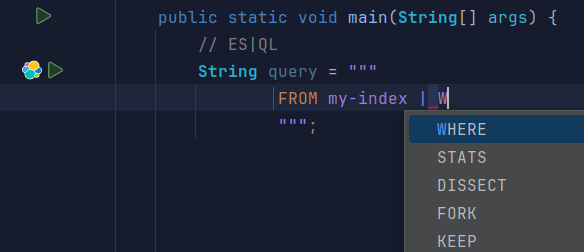
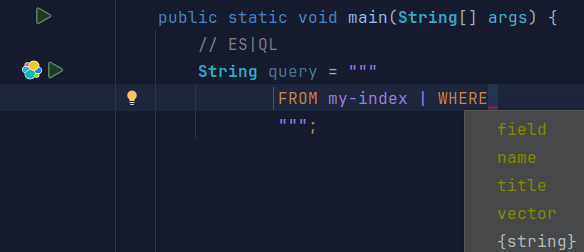
Start typing while in the text block to automatically open the autocompletion popup, which will return a list of acceptable commands/values to continue writing the query correctly. If you want to manually trigger autocompletion, ctlr+space is the IDE’s shortcut to use:
Syntax check
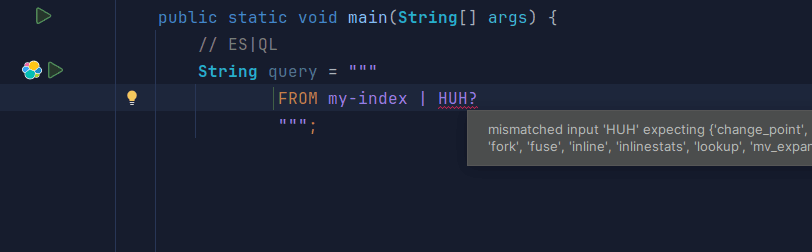
The plugin will highlight errors in queries, explaining what to fix:
Documentation
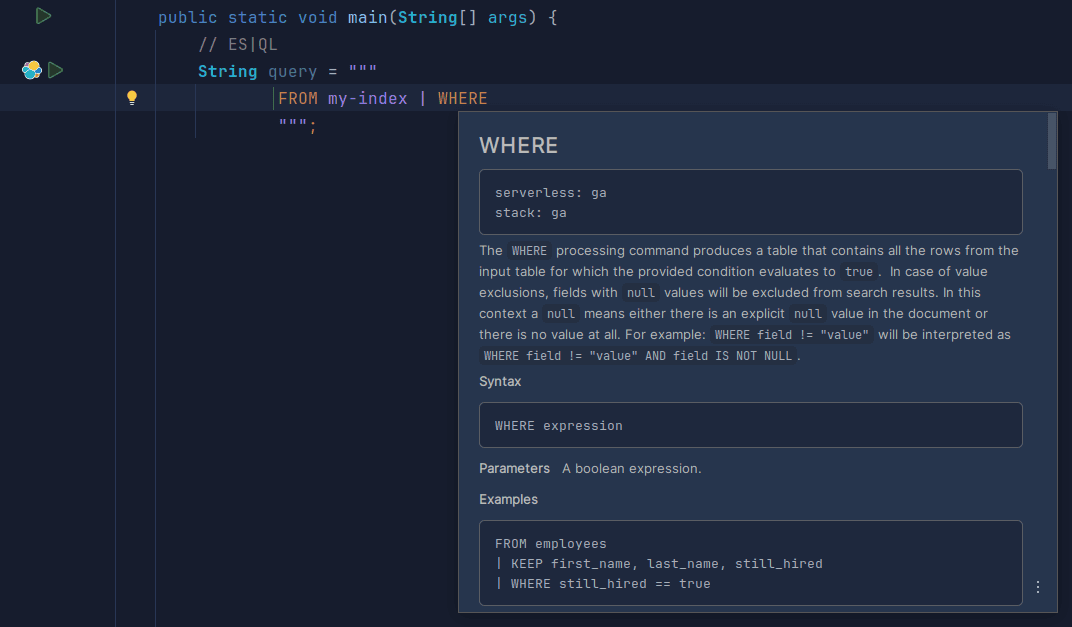
Hovering with the cursor over commands will display documentation describing what the command can be used for and its correct syntax:
Running the query
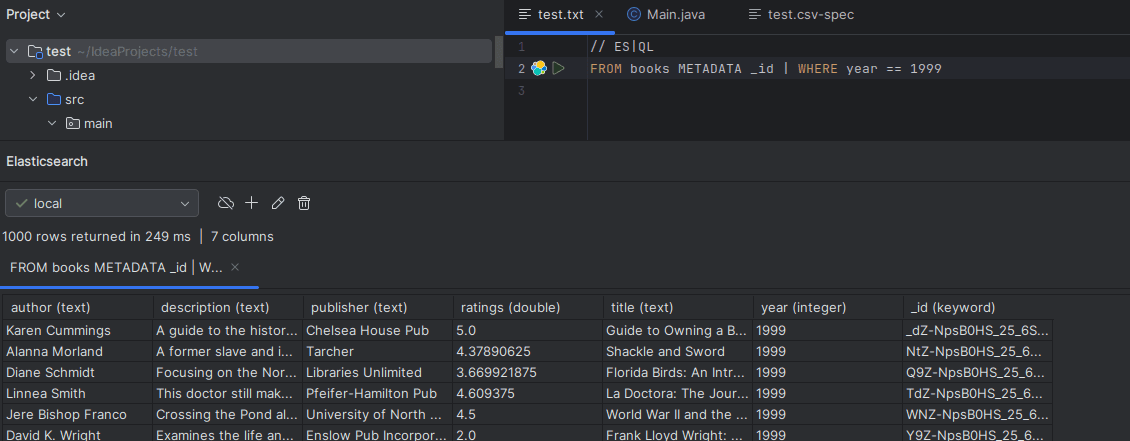
Once connected to a server instance, you can run queries by clicking on the green button beside the Elastic icon: The results will be displayed in the tool window:
Or if you’re writing an application, you can use the Java client like so:
Check our previous ES|QL Java Client article for a complete example of mapping ES|QL results to Java objects.
How does it work?
There’s no AI involved; the plugin is based on the ES|QL ANTLR grammar for autocompletion and syntax check, and it uses the Elasticsearch docs to show documentation.
Conclusion
The plugin is still experimental, so feel free to report any bug or feature request on the Github repository.
Zugehörige Inhalte
How to instrument your search API with OpenTelemetry and query it with ES|QL
Add custom attributes to OpenTelemetry spans and run six ES|QL queries that reveal your top searches, zero-result rate and slowest queries.
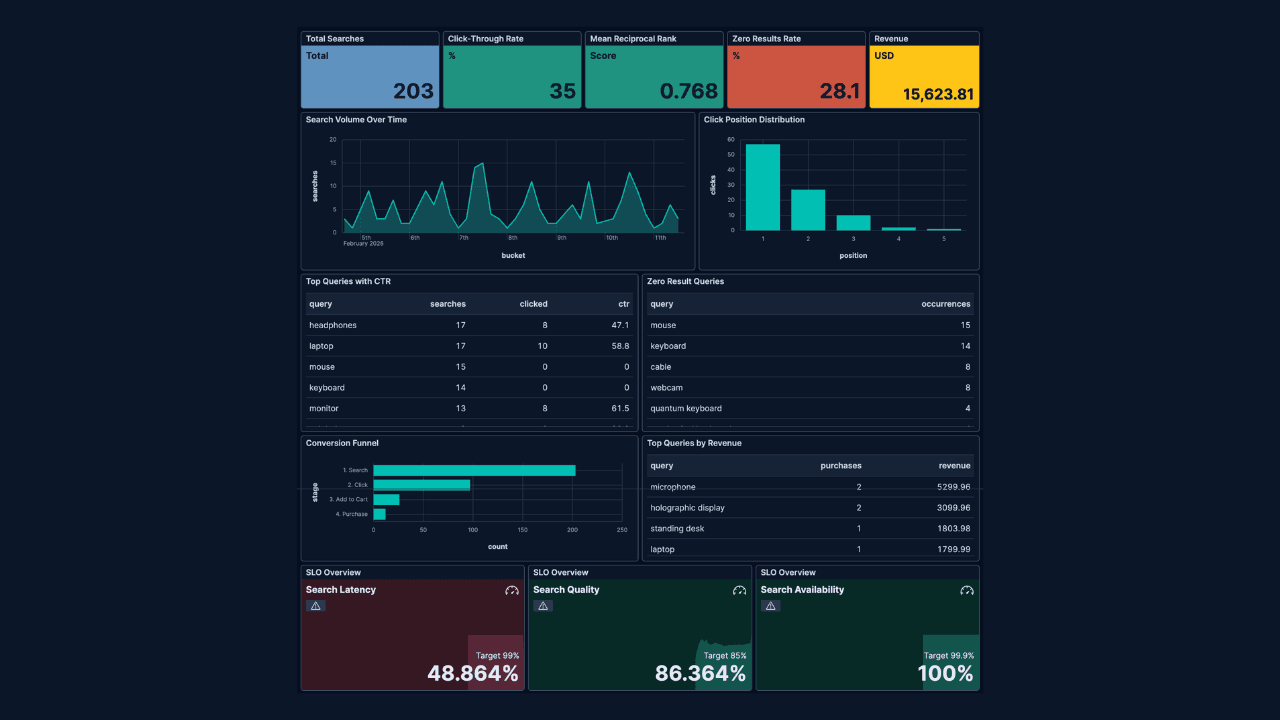
How to build search analytics on Elastic using OpenTelemetry, no extra pipeline required
How to instrument your search application to use modern Open Telemetry standard to drive insights in to your search and users.
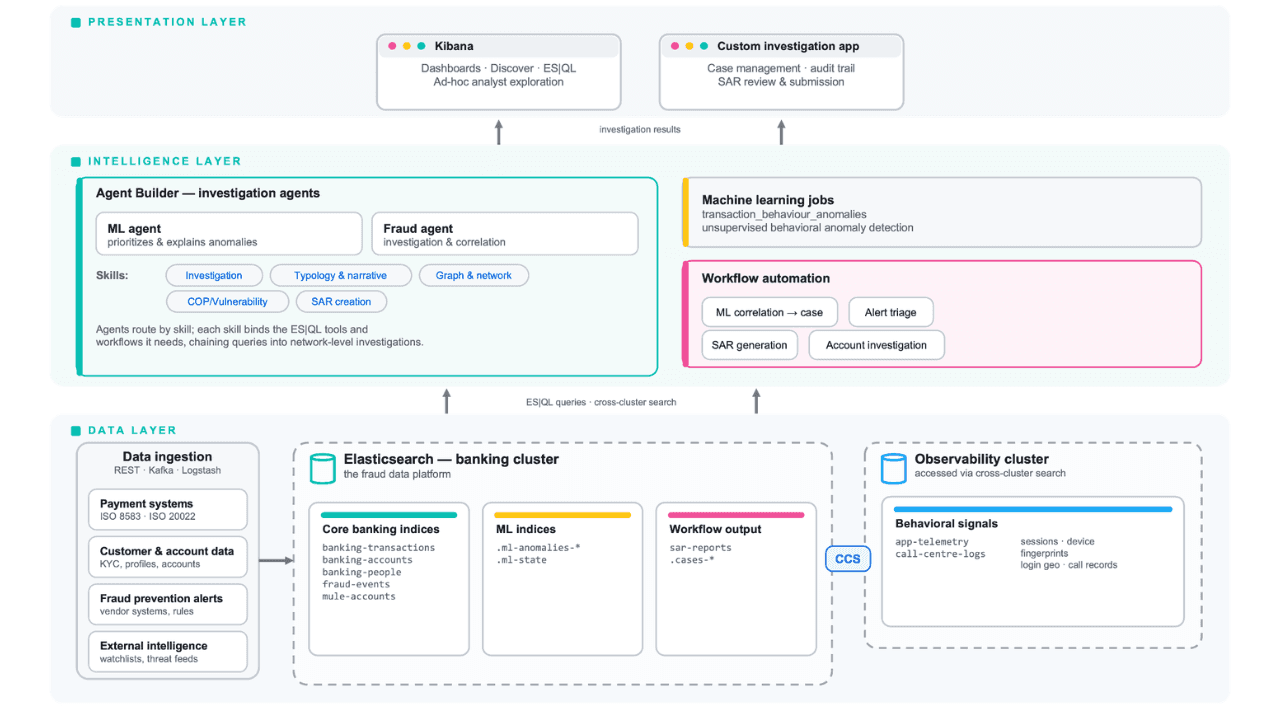
Follow the money: tracing laundering networks with ES|QL and cross-cluster search
The data model, cross-cluster architecture and five ES|QL queries that power mule detection and laundering network tracing, built from infrastructure most financial institutions already run.

1. Juli 2026
One command. Natural language. Your Elasticsearch data, straight to the terminal.
Query your Elasticsearch data from the terminal in plain English. The official Elastic GitHub Copilot CLI plugin generates and runs ES|QL queries against your cluster. No Kibana, no manual syntax.
30. Juni 2026
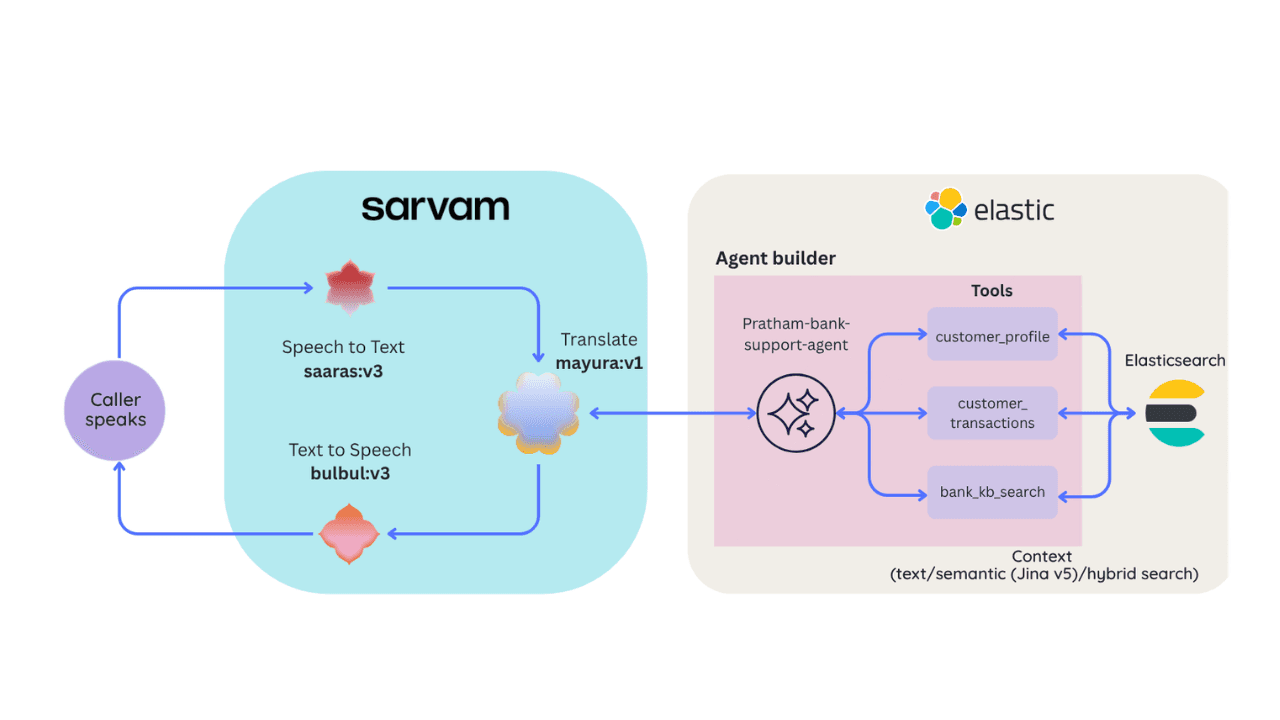
Building a multilingual voice agent with Elastic Agent Builder & Sarvam AI
A working demo combining Sarvam AI speech with Elastic Agent Builder: identity verification, per-customer ES|QL queries, and mid-call language switching across 22 Indian languages without multilingual indices.