Get hands-on with Elasticsearch: Dive into our sample notebooks in the Elasticsearch Labs repo, start a free cloud trial, or try Elastic on your local machine now.
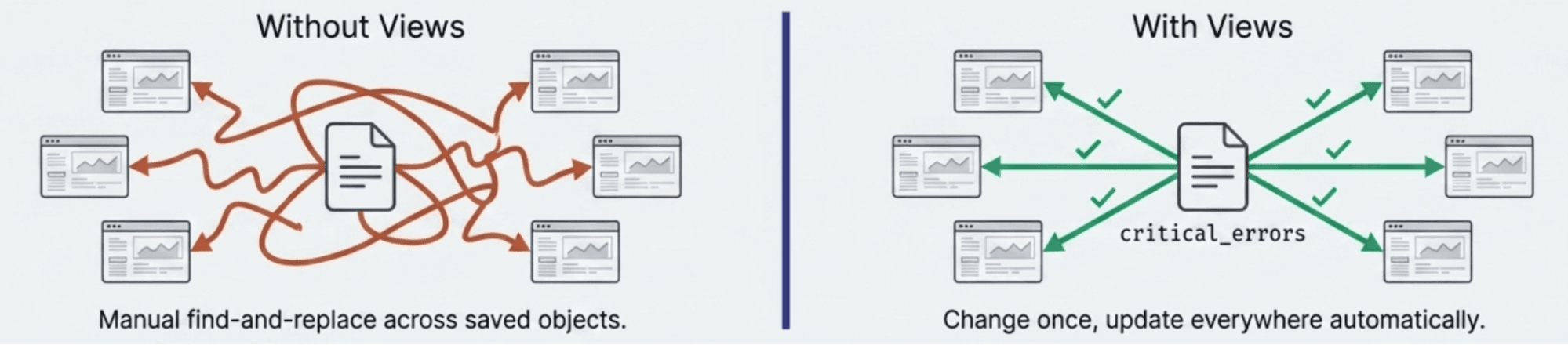
Elasticsearch Query Language (ES|QL) now has logical views. Define a query once, and reference it by name in FROM, like an index. Twelve dashboards, one definition, zero copy-paste. Update the view, and every consumer gets the change automatically.
Views don't store data; they re-execute on every read, so results always reflect the current data and the current definition. If you've used views in SQL databases, this will feel familiar. The difference: ES|QL views are engine-level virtual indices stored at the Elasticsearch cluster level, not saved query text that gets expanded client-side. They appear in Kibana autocomplete, support cross-cluster search (CCS), and are governed by dedicated role-based access control (RBAC) privileges.
A simple view
A view can wrap any ES|QL query. Start with a straightforward filter — HTTP 500 errors from the API gateway:
Now anyone can write FROM error_triage without knowing the index pattern or filter condition:
The query is defined once. Consumers reference a name.
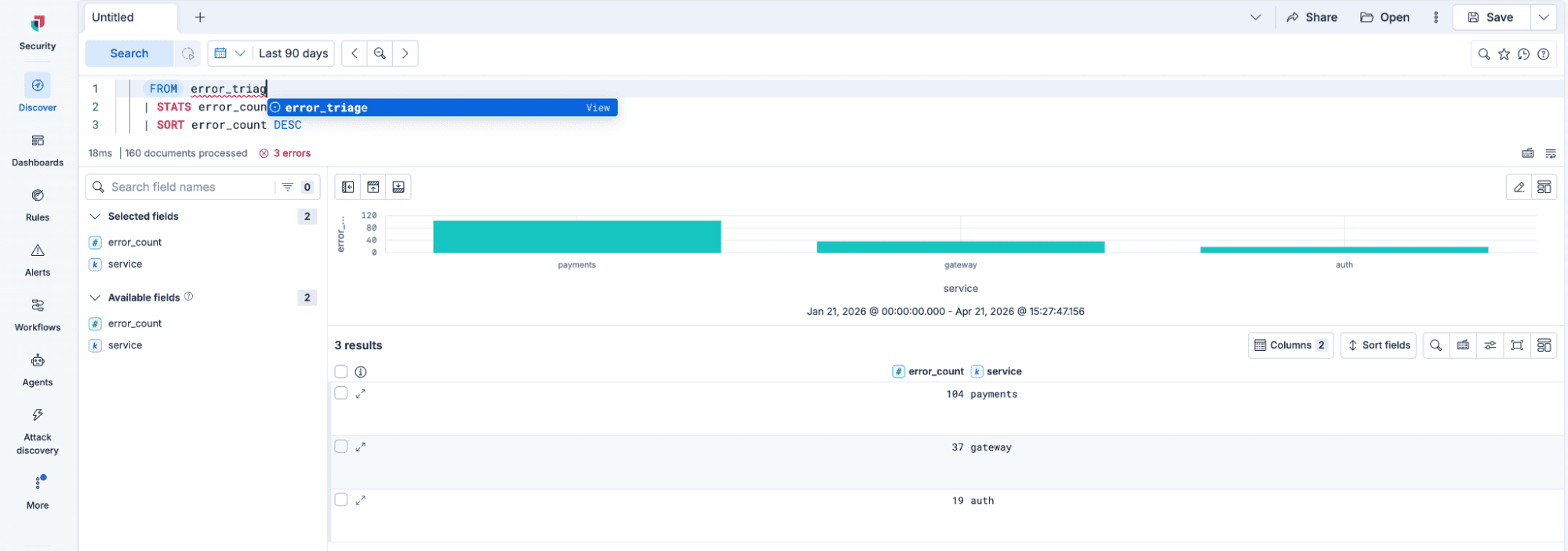
Views support full create, read, list, update, and delete (CRUD) via the _query/view REST API.
Update propagation
Say the team decides error_triage should also capture client errors, not just 500s. Update the definition in place:
Every dashboard panel, alert rule, and ad-hoc query using FROM error_triage immediately reflects the broader filter. No saved objects to hunt down. No stale copies. Change once, update everywhere.
Nested views
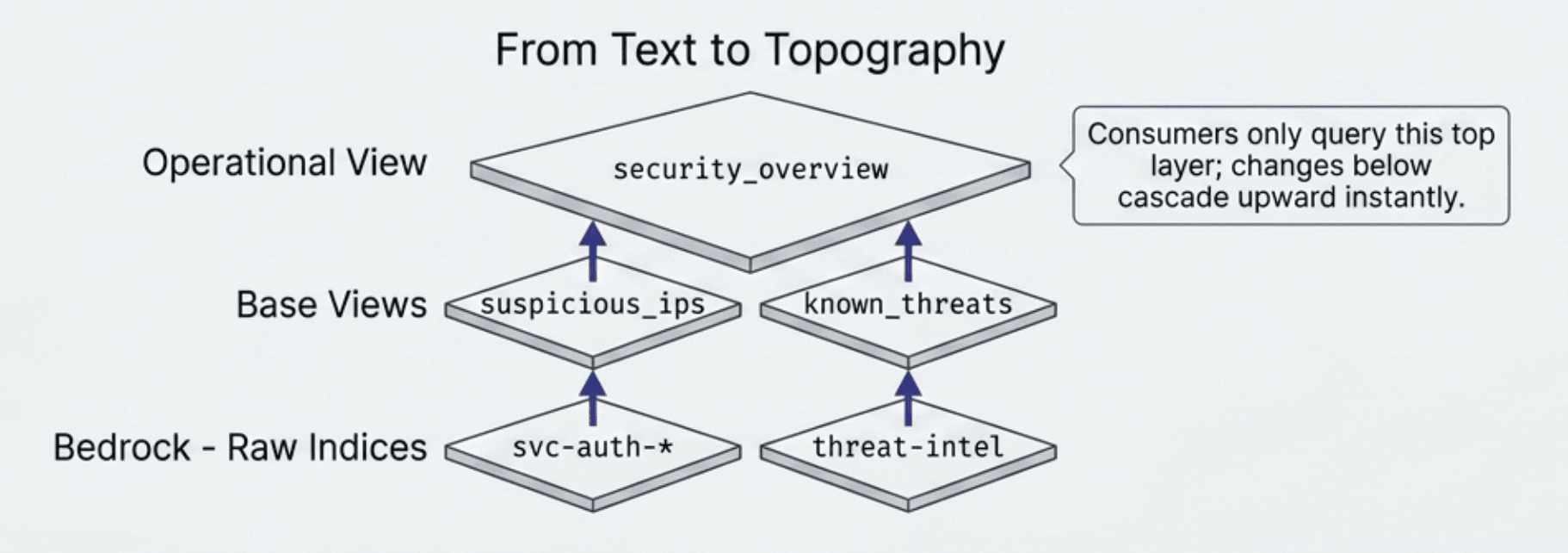
Views can reference other views, enabling layered abstractions. Create views for suspicious IPs and threat intelligence, and then compose them:
Security teams query FROM security_overview without knowing the underlying data model. They're also shielded from any changes made to suspicious_ips by its owner; the abstraction boundary is real, not syntactic.
Multisource views with subqueries
A view can wrap any ES|QL query, including multisource compositions, using subqueries in FROM. Each subquery branch queries one service independently (its own filters, its own field normalization), and the results combine automatically:
Consumers just write:
Two indices, two independent pipelines, one name. To add a third service later, add a third branch; existing branches don't change, and every downstream dashboard and alert reflects the update automatically. For a deep dive on subquery syntax and what you can do inside each branch, see Three Indices Walk Into a FROM Clause.
How views work under the hood
When you write FROM view_name, ES|QL resolves the view's stored query and executes it inline. Views are re-executed on every read, so results always reflect the current data and the current definition.
Views share a namespace with indices, aliases, and data streams. A view cannot have the same name as any of these (enforced at creation time). This keeps FROM my_name unambiguous regardless of whether the name resolves to a view, an index, or an alias.
Security model
Views are governed by four dedicated RBAC privileges: create_view, read_view_metadata, delete_view, and manage_view. Elasticsearch checks the privileges of the user running the query (invoker security), not the user who defined the view. The user querying a view needs permissions on both the view and its underlying indices.
Kibana integration
Views appear in Discover's ES|QL editor autocomplete alongside indices. ES|QL-based dashboard panels work with views transparently. In the initial Tech Preview release, view management is API-only. A Kibana UI for creating and managing views is planned.
Cross-cluster search
A view's definition can reference remote indices using CCS syntax:
Consumers query FROM cross_cluster_errors without knowing which clusters are involved.
Current constraints
In the Tech Preview release, view management is API-only and SET directives can't appear inside view definitions; the caller applies them when querying. Subquery-based views can't be nested inside other multisource FROM expressions. See the views documentation for the full list.
What's next for views
Views today are always fresh; they re-execute on read. Materialized views flip that tradeoff: Pre-compute once, read instantly. Think pre-aggregated rollup views for Service Level Agreement (SLA) dashboards that load in milliseconds instead of scanning raw data on every refresh. A Kibana CRUD UI for views, including a "Save as View" workflow in Discover, is also planned.
Try it
Logical views are available as a Tech Preview. Try them in Kibana Dev Tools or Discover. We'd love your feedback; file a GitHub issue with the ES|QL label.
ES|QL logical views are a Tech Preview feature. Tech Preview features are subject to change and are not covered by the support SLA of GA features. The release and timing of any features or functionality described in this post remain at Elastic's sole discretion. Any features or functionality not currently available may not be delivered on time or at all.
相关内容
How to instrument your search API with OpenTelemetry and query it with ES|QL
Add custom attributes to OpenTelemetry spans and run six ES|QL queries that reveal your top searches, zero-result rate and slowest queries.
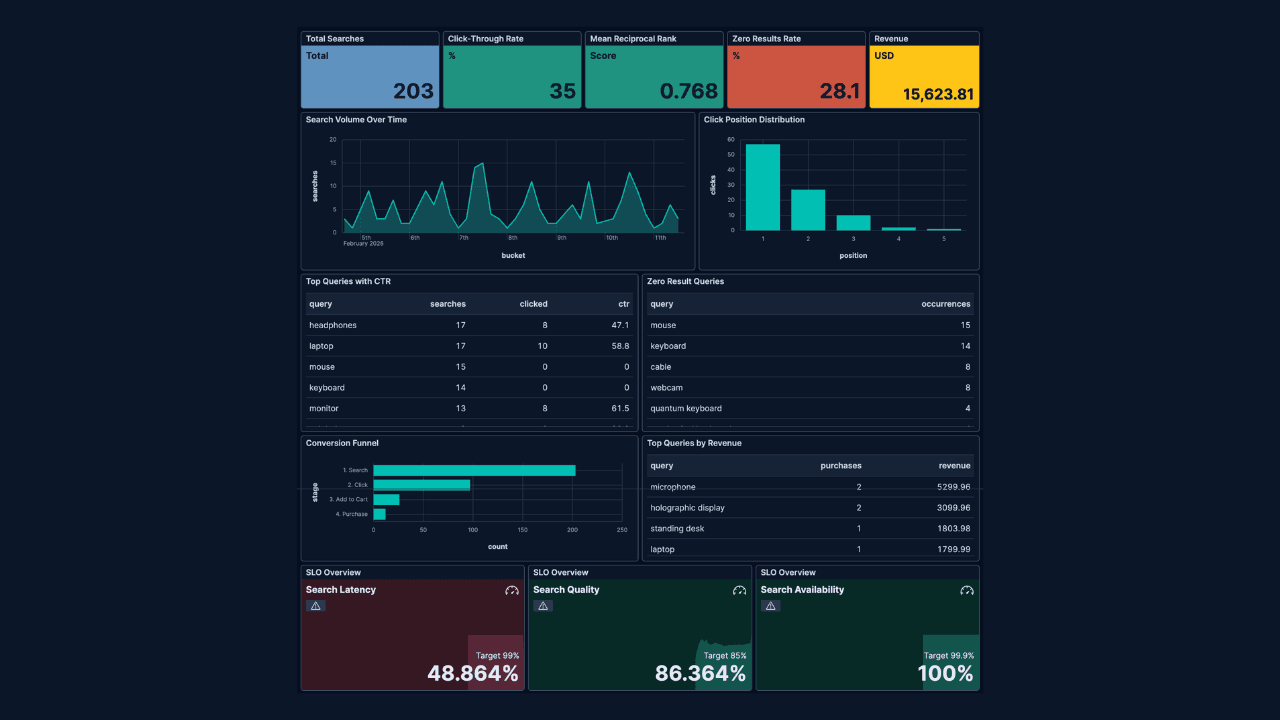
How to build search analytics on Elastic using OpenTelemetry, no extra pipeline required
How to instrument your search application to use modern Open Telemetry standard to drive insights in to your search and users.
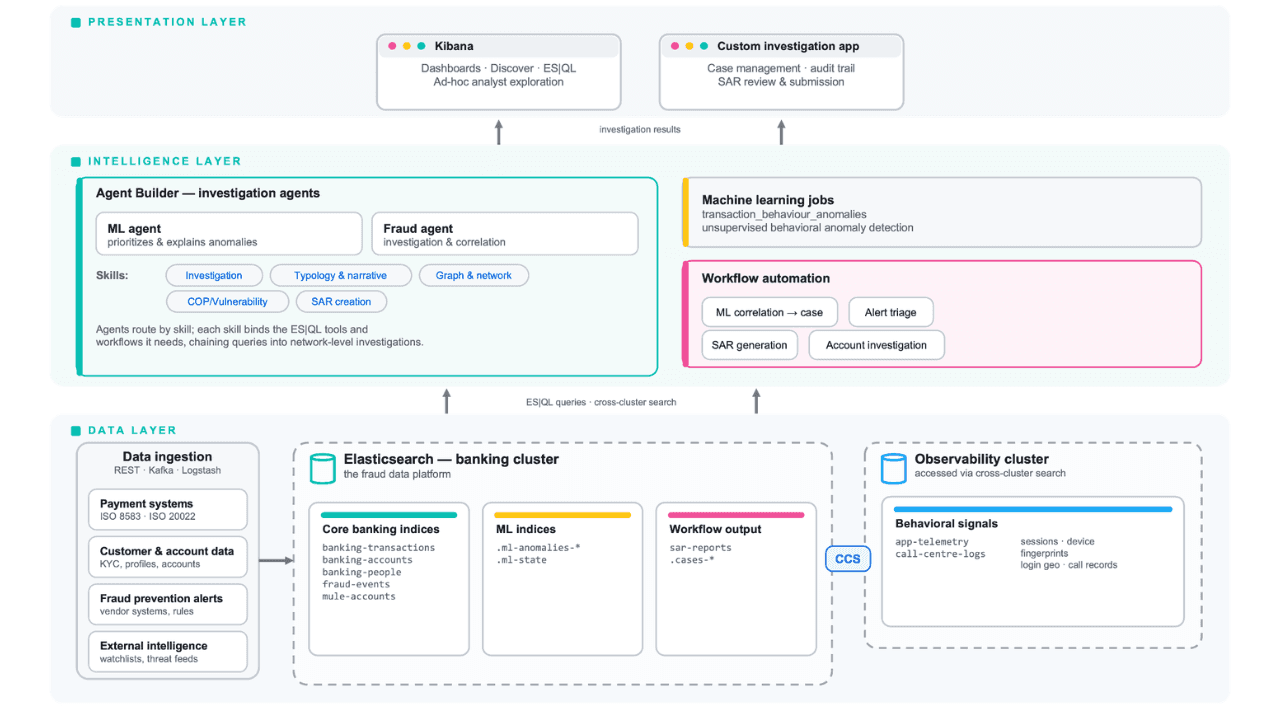
Follow the money: tracing laundering networks with ES|QL and cross-cluster search
The data model, cross-cluster architecture and five ES|QL queries that power mule detection and laundering network tracing, built from infrastructure most financial institutions already run.

2026年7月1日
One command. Natural language. Your Elasticsearch data, straight to the terminal.
Query your Elasticsearch data from the terminal in plain English. The official Elastic GitHub Copilot CLI plugin generates and runs ES|QL queries against your cluster. No Kibana, no manual syntax.
2026年6月30日
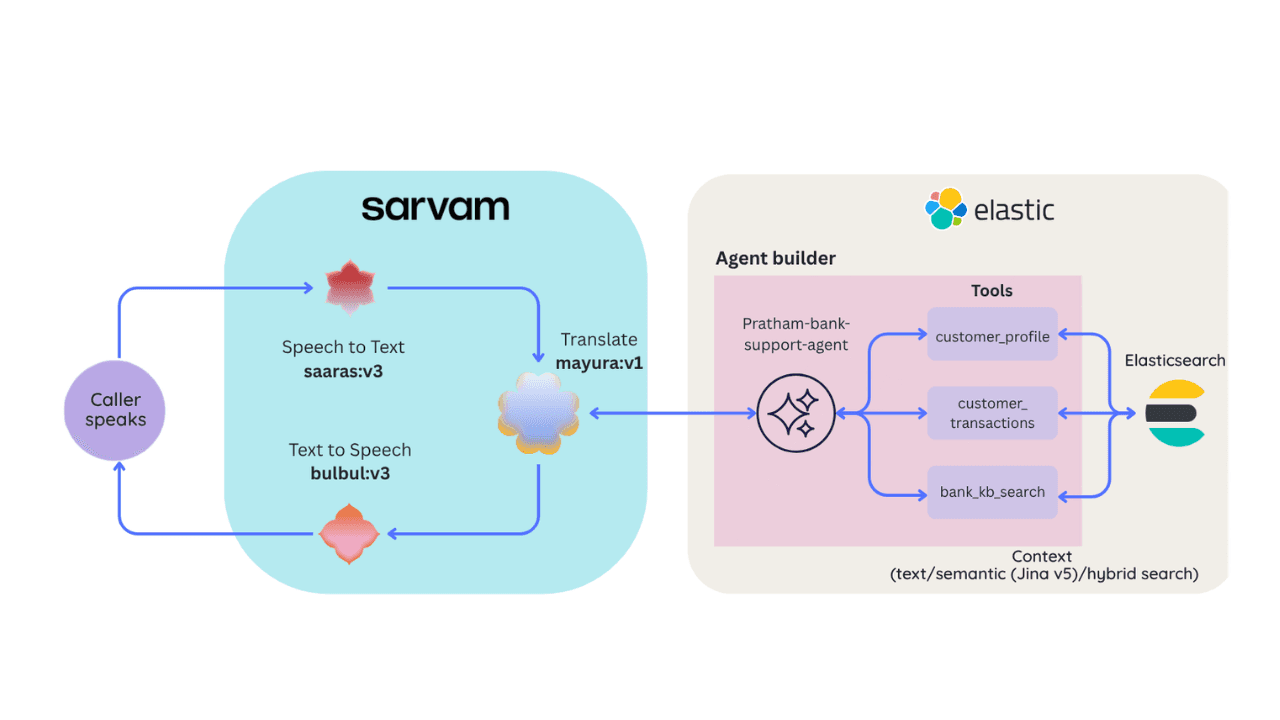
Building a multilingual voice agent with Elastic Agent Builder & Sarvam AI
A working demo combining Sarvam AI speech with Elastic Agent Builder: identity verification, per-customer ES|QL queries, and mid-call language switching across 22 Indian languages without multilingual indices.