One OTLP endpoint, three teams, zero routing rules: Elasticsearch Streams AI Partitioning
Stop writing log routing rules upfront. See how Streams AI Partitioning reads your data, proposes child streams, and lets you set per-team retention in minutes.
Elasticsearch turns raw logs into structured, searchable data at ingest. Follow the collect and analyze logs tutorial to see it end-to-end. Start a free cloud trial or try Elastic on your local machine now.
Ship logs from three teams into one Elastic OTLP endpoint, and Streams AI Partitioning routes them into per-team child streams, with no routing rules written upfront. In this post, you generate 115 multi-team log records, let the AI analyze what arrived and propose partitions, refine the suggestions in plain English, then set retention independently per team: 90 days for payments, 30 for checkout, 7 for notifications. The entire workflow runs inside Elastic Observability without touching index templates or ILM policies.
Why multi-team log routing needs structure
Multi-team Elasticsearch deployments typically converge on a single shared index, which works until teams need different retention periods, sharding settings or processor pipelines.
Before Streams, you had to set up your ingestion scripts to send data to different indices, or data streams, or use the reroute processor to define the data destination based on some field name.
With AI Partitioning, you let the data arrive first. Then the AI analyzes what showed up, reviews the suggestions it proposes, refines them as needed, and applies them. The result is a set of wired child streams that inherit retention, processors, and schema from the parent, while still allowing you to override any of those per child.
What you need before using Streams AI Partitioning
Before running the example, three things need to be in place:
- Wired Streams enabled. On Elastic Cloud Serverless and Elastic Cloud Hosted 9.4+, wired streams are on by default. If you upgraded from an earlier version, open the Streams app and confirm the toggle is on under Settings.
- The Elastic Managed LLM connector. Go to Stack Management > Connectors > Create connector > Elastic Managed LLM. Keep in mind the following considerations:
- This connector ships preconfigured and does not require an external account or API key.
- Any generative AI connector works with the feature.
- Note that Elastic Managed LLMs incur a cost per million tokens for input and output.
- The account you use needs the
manage_inferencecluster privilege (the built-ininference_adminrole grants it).
- The Managed OTLP endpoint URL and an API key. Open Cloud Console > Manage > Application endpoints > Ingest. Copy the Managed OTLP endpoint URL and generate an API key from that same panel.
Once these are ready, open Observability > Streams and confirm a logs.otel wired stream is listed. That stream is the parent we will partition.
If Streams does not appear in the sidebar, your Kibana space may be using a solution view other than Observability. You can change it in Stack Management > Spaces > edit your space > set Solution view to Observability.
Generating multi-team log data
Our example uses three apps produced by teams from the same fictional company:
payments-api: structured JSON withtransaction_idandamount_cents. Sensitive data, long retention needs.checkout-web: JSON withcart_idandcustomer_id. Mostly INFO and ERROR.notifications-worker: less structured, withrecipientandchannel. High volume.
We use a Python script with the OpenTelemetry Python SDK to emit logs for all three teams over OTLP directly to the Managed OTLP endpoint. The full code, including setup and execution, is in the companion notebook.
Each team is defined with a service name, a set of message templates, and a function that generates team-specific attributes:
TEAMS = {
    "payments": {
        "service": "payments-api",
        "messages": [
            ("INFO", "charge captured tx={tx} amount_cents={amt}"),
            ("ERROR", "charge declined tx={tx} reason=insufficient_funds"),
            ("INFO", "refund issued tx={tx} amount_cents={amt}"),
        ],
        "extra": lambda: {
            "transaction_id": f"tx_{random.randint(10000, 99999)}",
            "amount_cents": random.randint(100, 50000),
        },
    },
    "checkout": {
        "service": "checkout-web",
        "messages": [
            ("INFO", "cart updated cart={cart} customer={cust}"),
            ("INFO", "checkout started cart={cart} customer={cust}"),
            ("ERROR", "checkout failed cart={cart} stage=address_validation"),
        ],
        "extra": lambda: {
            "cart_id": f"c_{random.randint(1000, 9999)}",
            "customer_id": f"u_{random.randint(100, 999)}",
        },
    },
    "notifications": {
        "service": "notifications-worker",
        "messages": [
            ("INFO", "email queued recipient={rcp} channel=email"),
            ("INFO", "sms queued recipient={rcp} channel=sms"),
            ("ERROR", "webhook failed recipient={rcp} channel=webhook status=503"),
        ],
        "extra": lambda: {
            "recipient": f"+1555{random.randint(1000000, 9999999)}",
            "channel": random.choice(["email", "sms", "webhook"]),
        },
    },
}
Setting elasticsearch.index to logs.otel as a resource attribute routes the data into the wired streams root instead of the default OTLP data stream.
def setup_provider():
    resource = Resource.create({"elasticsearch.index": "logs.otel"})
    provider = LoggerProvider(resource=resource)
    provider.add_log_record_processor(BatchLogRecordProcessor(OTLPLogExporter()))
    set_logger_provider(provider)
    handler = LoggingHandler(level=logging.INFO, logger_provider=provider)
    root = logging.getLogger()
    root.setLevel(logging.INFO)
    root.addHandler(handler)
    return provider
Run the notebook to emit 115 records with an uneven split across teams.
Open Observability > Streams > logs.otel and switch to the Partitioning tab. You should see the ingested data in the preview panel, with attributes like team, service.name, and the team-specific fields visible in the columns.
How Streams AI Partitioning proposes child streams
Streams AI Partitioning analyzes up to 1,000 documents from the parent stream, identifies attribute clustering and cardinality distribution, then proposes child streams, keyed on whichever field best separates the data logically (the ML approach behind this analysis is detailed in automated log parsing in Streams).
For the data we just emitted, the AI proposed three child streams keyed on attributes.service.name:
Each suggestion shows a Streamlang condition and the percentage of sampled documents that would match. The AI picked service.name because it is a standard OpenTelemetry attribute and a natural identifier for any single workload.
This is a reasonable first proposal, but it is worth thinking about what happens as the deployment grows. Right now there are three services because there are three teams. Tomorrow, Payments might add a refunds-api and a fraud-detector. Each new service would mechanically create another child stream, and over time you would end up with dozens of partitions for what is really just three organizational boundaries.
Elastic's partitioning recommendations prefer logical groupings like team or technology type, and aim for tens of partitions rather than hundreds. A team-keyed partitioning is more stable because Payments stays one child stream no matter how many services that team operates.
Refining Streams AI Partitioning suggestions in natural language
After reviewing the AI's initial suggestions in Streams AI Partitioning, click Modify suggestions to open a free-text prompt.
After submitting, the AI regenerates the suggestions. Now the three cards are keyed on attributes.team instead of service.name:
Select all three and click Accept selected. A confirmation dialog shows the streams that will be created, each with its WHERE attributes.team equals <team> condition.
Click Create all streams. The Partitioning tab now shows the three child streams as part of the logs.otel parent:
Every new document arriving at the OTLP endpoint will be routed into the correct child according to these conditions. You can open any child stream to verify its data. For example, logs.otel.checkout shows only checkout logs:
How do you set per-team log retention in Elasticsearch Streams?
After Streams AI Partitioning creates child streams, each one can have its own lifecycle configuration independently of the parent. Because wired streams use a parent-child hierarchy, every child inherits retention, processors, and schema from the parent by default. You only need to override the partitions you need to change.
Open the child stream logs.otel.payments and go to the Retention tab. Click Edit retention method, select Custom period, and set it to 90 days.
Do the same for the other teams with the retention that fits their needs:
| Stream | Retention | Rationale |
|---|---|---|
logs.otel.payments | 90 days | Sensitive financial data, compliance requirements |
logs.otel.checkout | 30 days | Useful for debugging, no long-term need |
logs.otel.notifications | 7 days | High volume, low value after delivery confirmation |
Conclusion: from shared index to per-team streams, without routing rules
A shared Elastic deployment with several teams shipping logs is the normal starting point. Organizing it used to mean writing routing rules upfront or maintaining separate index templates and ILM policies by hand.
With Streams AI Partitioning, the workflow is different: you let the data arrive, let the AI read what showed up, refine the suggestions in natural language when they need adjusting, and accept.
The result is a set of child streams that inherit everything from the parent while giving each team its own retention and processing, without any manual template management.
Next steps
- Try the companion notebook to generate your own multi-team data.
- Read How Streams in Elastic Observability Simplifies Retention Management for a deeper look at the retention model.
- Read Streams Processing: Stop Fighting with Grok to explore the parsing side of Streams when teams need different processors.
- Read Introducing Streams for Observability for the broader investigation story Streams is part of.
How helpful was this content?
Related Content
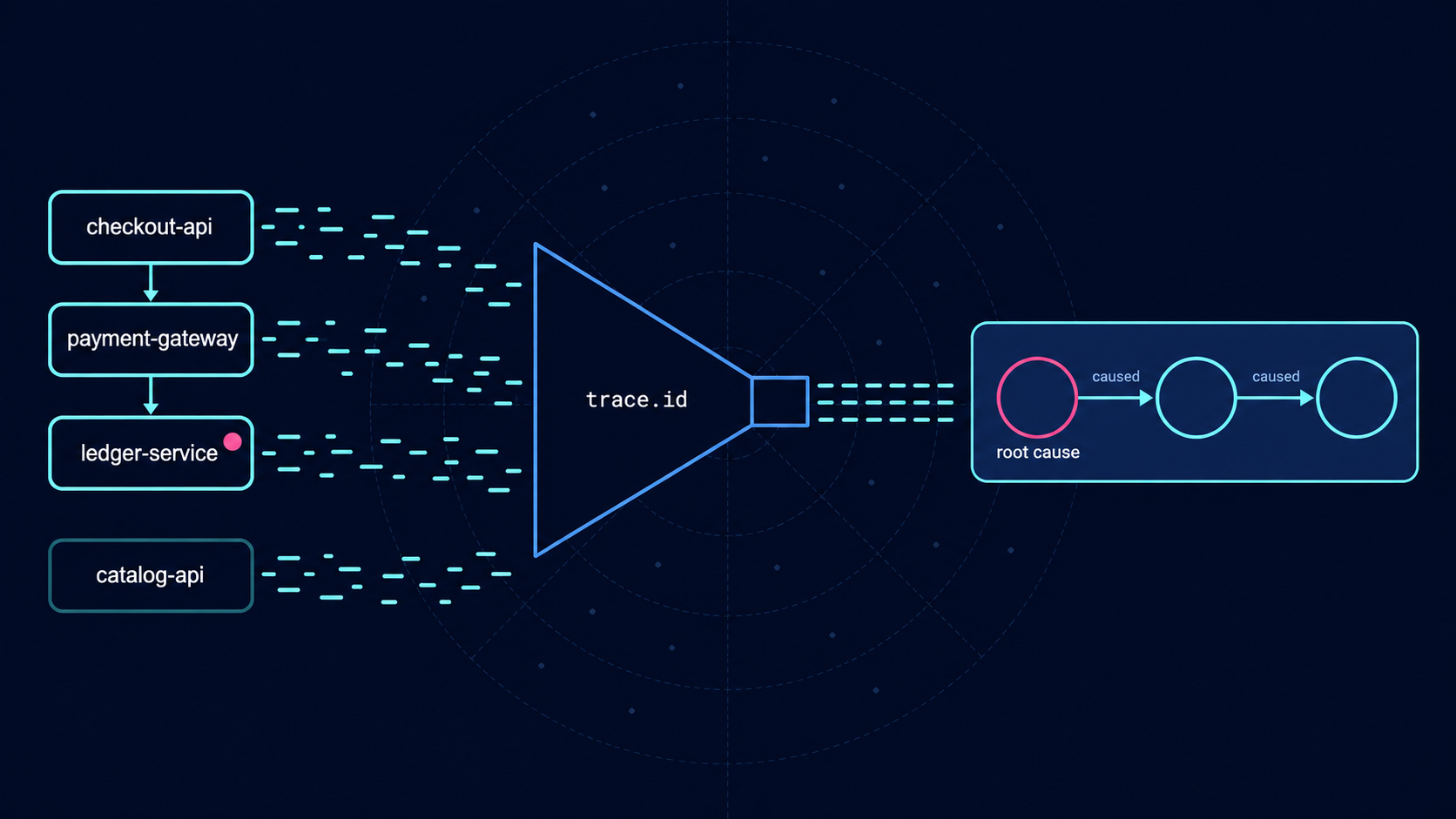
The service with the most errors was healthy: root cause analysis from logs with ES|QL
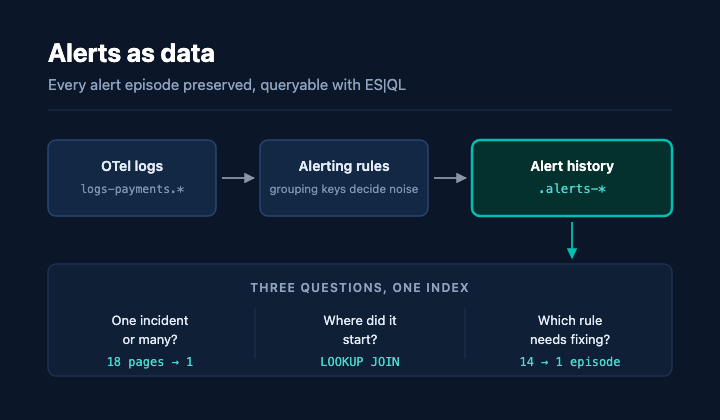
14 alerts, 1 incident: Measuring alerting rule noise with ES|QL in Elasticsearch