How to cut Elasticsearch log storage costs with LogsDB
Learn how to enable LogsDB index mode in Elasticsearch and measure real storage savings. We compare a standard index against a LogsDB index using Apache logs and show how much storage you can reclaim.
Keep the data you need and pay for what it’s worth. LogsDB, data tiers, and ILM help optimize storage and retention. Start a free cloud trial.
LogsDB is a specialized Elasticsearch index mode that gives you full functionality at a fraction of the storage cost. Your Kibana dashboards, searches, alerts, and visualizations all continue to work exactly as before. No data is discarded. No queries need to be updated. No workflows break. It is one setting, and everything else gets cheaper.
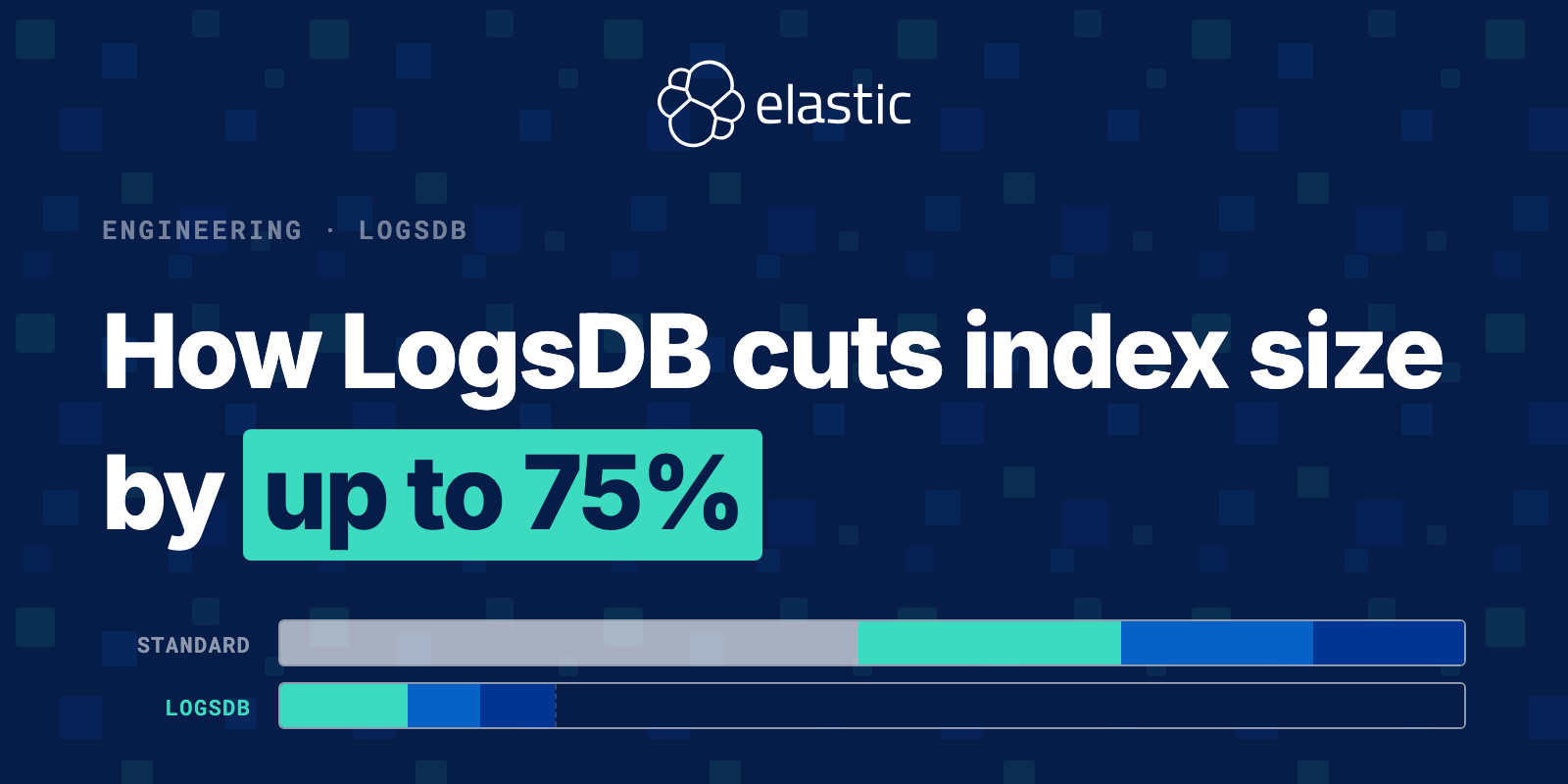
In benchmarks, LogsDB brought a dataset from 162.7 GB down to 39.4 GB — a 76% reduction in storage. You can explore the full nightly benchmark results at elasticsearch-benchmarks.elastic.co.
In this tutorial you'll reproduce the experiment yourself using Kibana Dev Tools and an Apache logs dataset. You'll create two identical indices, ingest the same documents into both, and measure the storage difference with the _stats API. By the end, you'll see a 44% reduction on your test data — and understand exactly why production numbers push even higher.
Already on Elasticsearch 9.2+? Any data stream with a
logs-prefix already uses LogsDB by default. Jump to What about your existing logs? to verify your setup.
Want the full picture? For the engineering history behind these savings — how Lucene doc values, synthetic
_source, index sorting, and ZSTD were developed and stacked over twelve years — see Elasticsearch over the years: how LogsDB cuts index size by up to 75%.
Prerequisites
- Elasticsearch 8.17+ cluster, Elastic Cloud deployment, or Serverless
- Kibana with Dev Tools access
- Some logs
- Basic familiarity with running API calls in Kibana Dev Tools
How LogsDB saves storage
LogsDB stacks three mechanisms to achieve its storage reduction:
- Index sorting — documents are sorted by
host.namethen@timestamp, grouping similar log lines so compression codecs find far more repeated patterns. Sorting alone accounts for roughly 30% of the savings. - ZSTD compression with delta/GCD/run-length encoding —
best_compressionswitches from LZ4 to Zstandard and applies numeric codecs to each doc values column. The standard index in this tutorial uses LZ4, so part of what you're measuring is the full package LogsDB delivers automatically. - Synthetic
_source— Elasticsearch skips storing the raw JSON blob entirely and reconstructs_sourceon demand from doc values, adding another 20–40% of savings on top.
Synthetic
_sourcetrade-offs: Field ordering in returned documents may differ from the original, and some edge cases around multi-value array fields behave differently. For most log analytics workloads these differences are invisible, but check the synthetic_sourcedocumentation before enabling it in latency-sensitive applications.
For a deep dive into the architecture behind each mechanism, see Elasticsearch over the years: how LogsDB cuts index size by up to 75%.
Let's now walk through the steps you can take to enable LogsDB and measure the storage savings.
Step 1: Collect logs with Elastic Agent
The recommended way to ingest Apache logs into Elasticsearch is through Elastic Agent with the Apache integration. It handles collection, parsing, ECS field mapping, and routing automatically.
Browse all available integrations in the Elastic integrations catalog.
Once the Agent is collecting logs and routing them to logs-apache.access-*, move to the next step.
Step 2: Create the two indices
All commands in this tutorial are run in Kibana Dev Tools.
Create one standard index and one LogsDB index with identical field mappings. The only difference is "index.mode": "logsdb".
Standard index:
PUT /apache-standard
{
  "mappings": {
    "properties": {
      "@timestamp":                  { "type": "date" },
      "host.name":                   { "type": "keyword" },
      "http.request.method":         { "type": "keyword" },
      "url.path":                    { "type": "keyword" },
      "http.version":                { "type": "keyword" },
      "http.response.status_code":   { "type": "integer" },
      "http.response.bytes":         { "type": "integer" },
      "http.request.referrer":       { "type": "keyword" },
      "user_agent.original":         { "type": "keyword" }
    }
  }
}
LogsDB index:
PUT /apache-logsdb
{
  "settings": {
    "index.mode": "logsdb"
  },
  "mappings": {
    "properties": {
      "@timestamp":                  { "type": "date" },
      "host.name":                   { "type": "keyword" },
      "url.path":                    { "type": "keyword" },
      "http.request.method":         { "type": "keyword" },
      "http.version":                { "type": "keyword" },
      "http.response.status_code":   { "type": "integer" },
      "http.response.bytes":         { "type": "integer" },
      "http.request.referrer":       { "type": "keyword" },
      "user_agent.original":         { "type": "keyword" }
    }
  }
}
That single "index.mode": "logsdb" line activates all three storage mechanisms. Elasticsearch enables these additional settings behind the scenes — you don't set any of them manually:
{
  "index.sort.field":              ["host.name", "@timestamp"],
  "index.sort.order":              ["asc", "desc"],
  "index.codec":                   "best_compression",
  "index.mapping.ignore_malformed": true,
  "index.mapping.ignore_above":    8191
}
Step 3: Reindex the logs
Use the _reindex API to copy the same documents into both test indices:
POST /_reindex
{
  "source": { "index": "logs-apache.access-*" },
  "dest":   { "index": "apache-standard" }
}

POST /_reindex
{
  "source": { "index": "logs-apache.access-*" },
  "dest":   { "index": "apache-logsdb" }
}
Both indices now hold identical documents, so the storage comparison in the next step reflects only the index mode difference.
Step 4: Force merge for a fair comparison
Before measuring, force merge both indices to a single segment:
POST /apache-standard/_forcemerge?max_num_segments=1

POST /apache-logsdb/_forcemerge?max_num_segments=1
These calls block until the merge finishes. Wait for both responses before continuing.
Why this matters: Elasticsearch writes data into multiple Lucene segments before merging them in the background. Measuring mid-merge gives artificially inflated numbers because each segment is compressed independently. Forcing a single segment shows the real steady-state storage footprint you'd see in a mature production index.
Only run
_forcemergeon indices that are no longer being written to. Force merging an index that is still receiving writes is resource-intensive and can impact ingestion performance. In production, you can use Index Lifecycle Management (ILM) to automate force merges as part of the warm or cold phase, once an index is rolled over and no longer actively ingested into.
Step 5: Measure the difference
GET /apache-standard/_stats?filter_path=indices.*.primaries.store

GET /apache-logsdb/_stats?filter_path=indices.*.primaries.store
The filter_path parameter keeps the response focused. Look for primaries.store.size_in_bytes in each response.
In our test with Apache log records, the results were:
| Index | Documents | Size |
|---|---|---|
| apache-standard | 111,818 | 15.37 MB |
| apache-logsdb | 111,818 | 8.6 MB |
| Reduction | 44% |
To put this in perspective: at 1 TB of log data, LogsDB brings that down to around 560 GB. That's 450 GB saved without any changes to your queries. At production scale with billions of documents and synthetic _source enabled, savings push to 76% — taking 162.7 GB down to 39.4 GB in our benchmark.
Visualize in Kibana
To see the storage difference visually, open Kibana and go to Management → Stack Management → Index Management. You'll see both indices listed with their current sizes side by side.
Why Kibana shows larger numbers than
_stats: Kibana Index Management displays the total index size including all replica shards. The_statsquery above usesprimariesto report primary shards only. The ratio between the two indices remains the same either way.
What about your existing logs?
Elasticsearch 9.2+ (already enabled by default)
Since 9.2, any data stream matching the logs-* naming pattern automatically uses LogsDB. You're likely already saving storage without any configuration change.
Verify your existing data streams:
GET /.ds-logs-*/_settings?filter_path=*.settings.index.mode
If you see "index.mode": "logsdb" in the responses, you're already getting the savings.
Elasticsearch 8.x or 9.0–9.1 (enable per data stream via index template)
For earlier versions, enable LogsDB on a data stream by updating its index template. This affects all new indices created from that template — existing indices are not changed, so the transition is safe and gradual.
Option A — Update an existing template:
PUT _index_template/logs-myapp-template
{
  "index_patterns": ["logs-myapp-*"],
  "data_stream": {},
  "template": {
    "settings": {
      "index.mode": "logsdb"
    }
  },
  "priority": 200
}
Option B — Check and patch an existing integration template:
First, find the template managing your data stream:
GET _index_template/logs-apache*
Then add the index.mode setting to the template.settings block using a PUT _index_template/<name> call with the full template body including your addition.
After updating the template, the next index rollover will use LogsDB. Trigger a rollover immediately if you don't want to wait:
POST /logs-myapp-default/_rollover
Upgrading from 8.x to 9.0+: Existing data streams are not changed automatically. Only new rollovers will use LogsDB. There is no data loss and no reindexing required — the savings accumulate as new indices roll over.
What about query performance?
LogsDB does not significantly impact query performance for typical log analytics workloads. The index sorting by host.name and @timestamp can actually improve range query and aggregation performance on those fields, since matching documents are stored adjacently. Queries that don't filter on those fields perform comparably to a standard index.
For indexing throughput data across releases, see the performance section of the companion article.
Conclusion
LogsDB activates with a single "index.mode": "logsdb" setting and delivers measurable storage savings immediately: 44% in our hands-on test, and 76% (162.7 GB → 39.4 GB) in production benchmarks with synthetic _source. On Elasticsearch 9.2+, logs-* data streams already use LogsDB by default. For 8.x or earlier 9.x clusters, a one-line index template change enables it on your next rollover with no data loss and no reindexing required.
Next steps
How helpful was this content?
Related Content
14 alerts, 1 incident: Measuring alerting rule noise with ES|QL in Elasticsearch

Cross-project search for Elastic Observability: one query across every linked project

Migrate Datadog Kubernetes dashboards to Elastic Observability in under an hour