Get hands-on with Elasticsearch: Dive into our sample notebooks in the Elasticsearch Labs repo, start a free cloud trial, or try Elastic on your local machine now.
We are excited to announce the new ES|QL query builder module of the Python Elasticsearch client. With it, you can build queries for the ES|QL engine using a familiar Python syntax.
Introduction
ES|QL is a query language specifically designed for data analysis. The new Python query builder makes it easy to construct and run ES|QL queries in your Python application.
The query builder feature is available in current versions of the Python Elasticsearch client, starting from release 8.19. The package is called elasticsearch and can be installed with your favorite Python installation tool. For example, here is how to install it with pip:
If your application uses a version of the Python Elasticsearch client older than 8.19, then you will need to upgrade it to use the query builder.
Creating ES|QL queries in Python
The following example creates an ES|QL query object using the Python query builder:
When printed or converted to a string, this object renders a standard ES|QL query:
You can pass the query object directly to the ES|QL endpoint of the Python Elasticsearch client to execute the query:
The response object includes a description of all the columns returned and the rows of results:
The Python ES|QL module includes Python wrappers for all the ES|QL commands, functions, and operators. The next example demonstrates a more advanced query that uses the LENGTH function and a conditional clause:
Here is the resulting ES|QL query:
Interested in trying out this feature? Have a look at creating ES|QL queries in the Python Elasticsearch client documentation for additional information.
ES|QL queries with the DSL module
The ES|QL query builder is also integrated with the DSL module of the Elasticsearch client for Python. All document classes include the esql_from() convenience method to create a basic ES|QL query. For example, assuming an Employee document class is defined, a query that returns all the employees (up to a maximum of 1000 results allowed by ES|QL by default) can be created as follows:
This query object can be chained with additional ES|QL commands as needed. To make queries less error-prone, any time a reference to a field needs to be given, the class attribute of the document class can be used instead of a string:
The query can be evaluated as above if desired, but document classes provide the esql_execute() method, which runs the query using the DSL module’s managed connection. This method also transforms the raw results into an iterator that returns document instances:
If you want to learn more about the ES|QL query builder integration with the DSL module, take a look at our Elastic documentation.
Conclusion
We hope you will give the new ES|QL query builder a try the next time you need to work with ES|QL in your Python application. Note that this feature is currently released as a technical preview. If you have any questions, feedback or issues, please create an issue in the Python Elasticsearch client repository on GitHub.
관련 콘텐츠
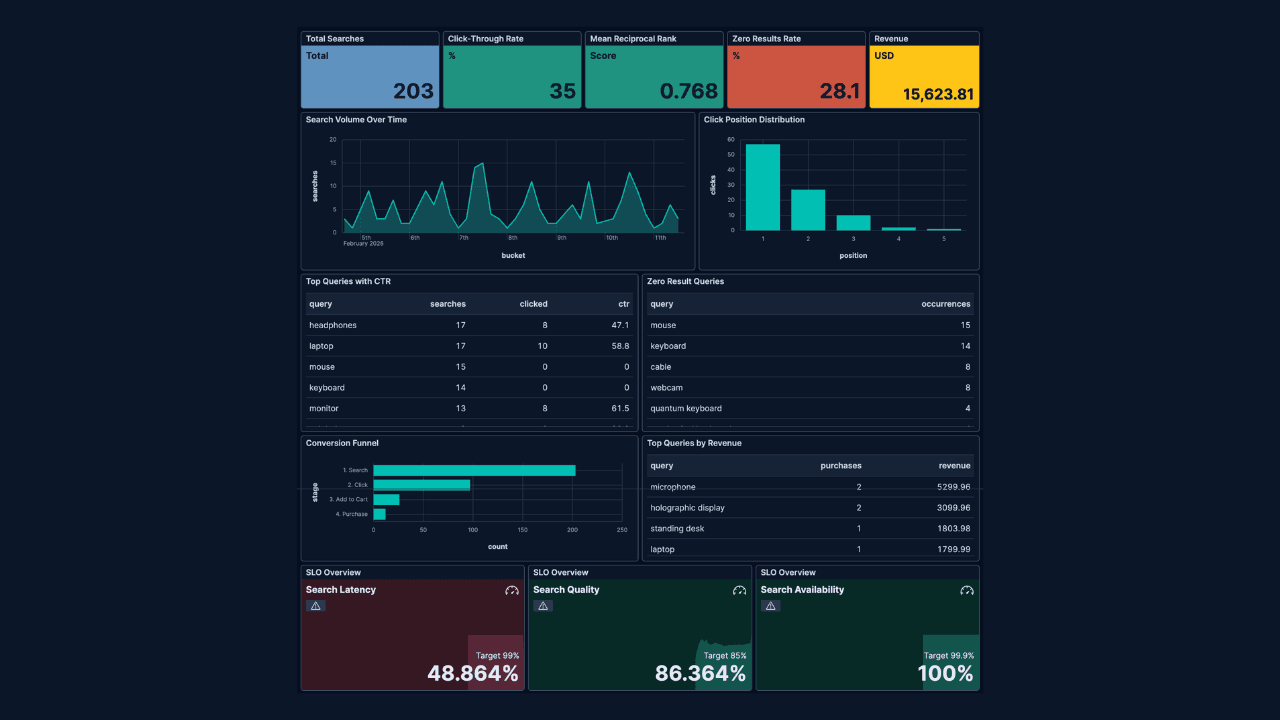
How to build search analytics on Elastic using OpenTelemetry, no extra pipeline required
How to instrument your search application to use modern Open Telemetry standard to drive insights in to your search and users.
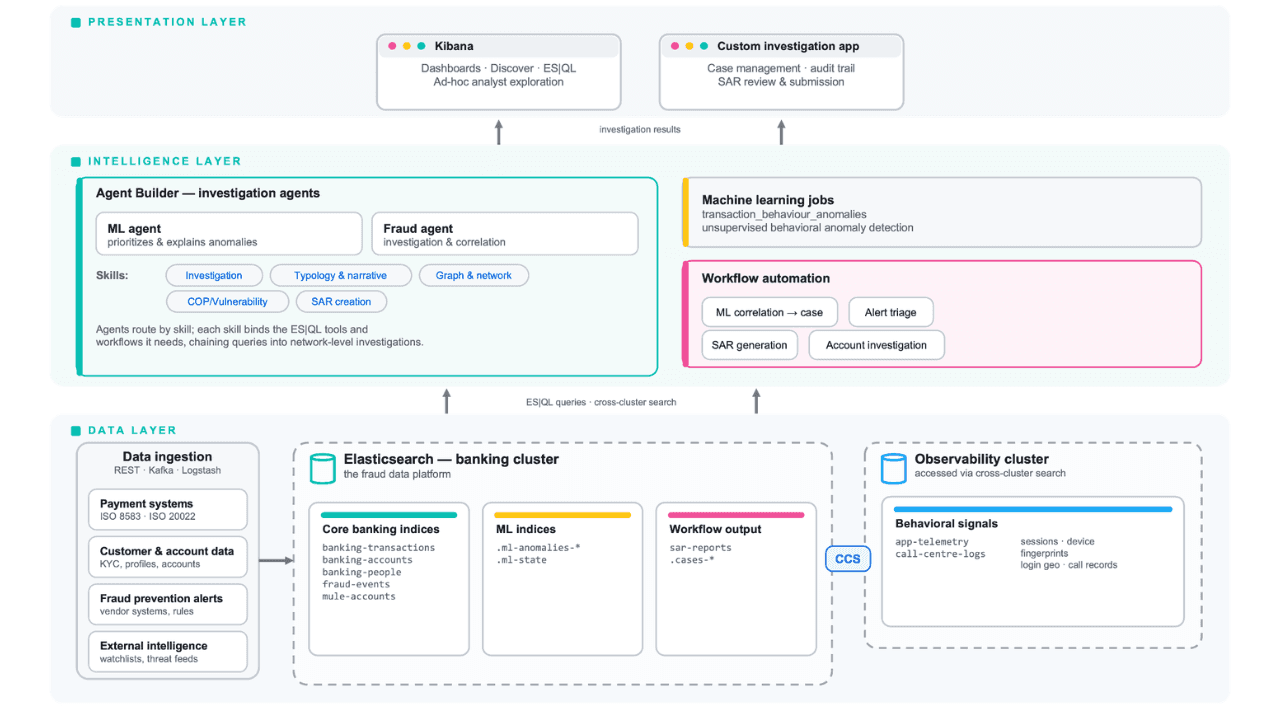
Follow the money: tracing laundering networks with ES|QL and cross-cluster search
The data model, cross-cluster architecture and five ES|QL queries that power mule detection and laundering network tracing, built from infrastructure most financial institutions already run.

2026년 7월 1일
One command. Natural language. Your Elasticsearch data, straight to the terminal.
Query your Elasticsearch data from the terminal in plain English. The official Elastic GitHub Copilot CLI plugin generates and runs ES|QL queries against your cluster. No Kibana, no manual syntax.
2026년 6월 30일
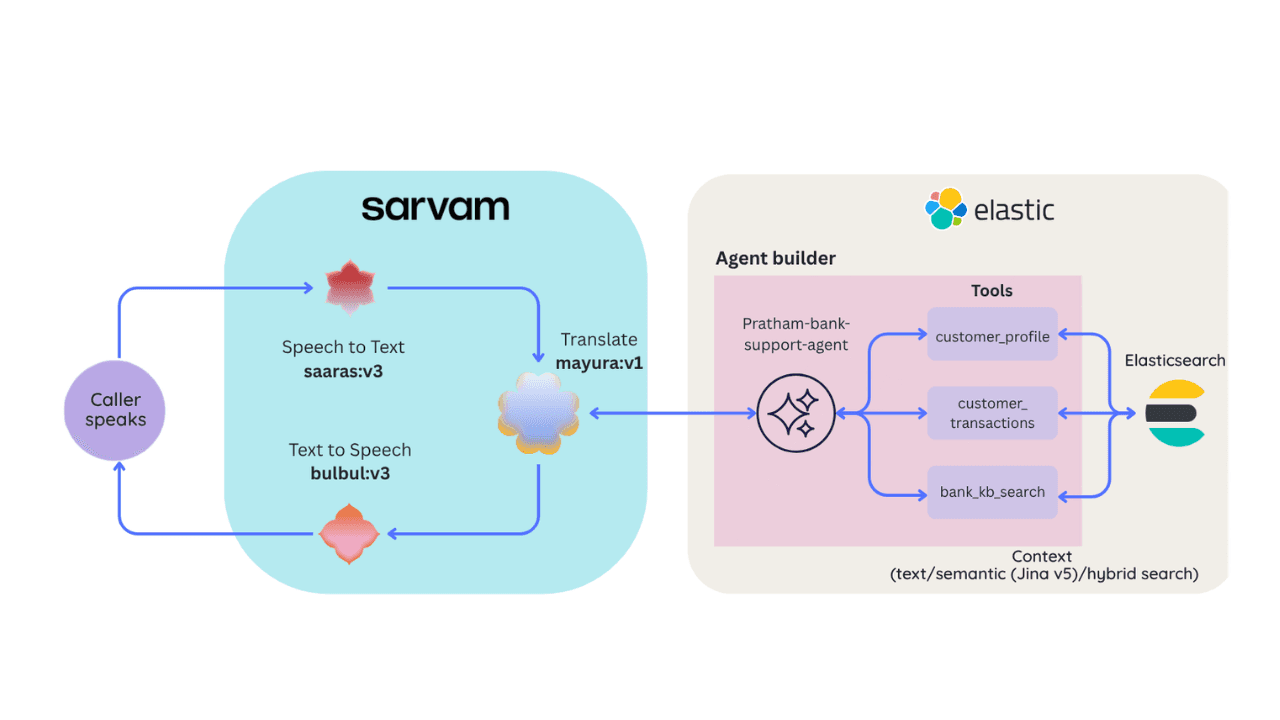
Building a multilingual voice agent with Elastic Agent Builder & Sarvam AI
A working demo combining Sarvam AI speech with Elastic Agent Builder: identity verification, per-customer ES|QL queries, and mid-call language switching across 22 Indian languages without multilingual indices.

2026년 6월 29일
Bringing it together: How we rebuilt Elasticsearch as a columnar metrics engine; 6.6x less storage, 160x faster queries
Elasticsearch metrics in version 9.4 run on a fully columnar engine: 6.6x less storage, 160x faster queries, native PromQL and OTel support.