New to Elasticsearch? Join our getting started with Elasticsearch webinar. You can also start a free cloud trial or try Elastic on your machine now.
In this article, we will discuss how to parse JSON fields in Elasticsearch, which is a common requirement when dealing with log data or other structured data formats. We will cover the following topics:
- Ingesting JSON data into Elasticsearch
- Using an Ingest Pipeline to parse JSON fields
- Querying and aggregating JSON fields
1. Ingesting JSON data into Elasticsearch
When ingesting JSON data into Elasticsearch, it is essential to ensure that the data is properly formatted and structured. Elasticsearch can automatically detect and map JSON fields, but it is recommended to define an explicit mapping for better control over the indexing process.
To create an index with a custom mapping, you can use the following API call:
In this example, we create an index called my_index with a custom mapping for a JSON field named json_field.
2. Using an Ingest Pipeline to parse JSON fields
If your JSON data is stored as a string within a field, you can use the Ingest Pipeline feature in Elasticsearch to parse the JSON string and extract the relevant fields. The Ingest Pipeline provides a set of built-in processors, including the json processor, which can be used to parse JSON data.
To create an ingest pipeline with the json processor, use the following API call:
In this example, we create an ingest pipeline called json_parser that parses the JSON string stored in the message field and stores the resulting JSON object in a new field called json_field.
To index a document using this pipeline, use the following API call:
The document will be indexed with the parsed JSON fields:
3. Querying and aggregating JSON fields
Once the JSON fields are indexed, you can query and aggregate them using the Elasticsearch Query DSL. For example, to search for documents with a specific value in the field1 subfield, you can use the following query:
To aggregate the values of the field2 subfield, you can use the following aggregation:
Bonus: How to deal with unparsed JSON data?
If you are in the situation where you have already ingested unparsed JSON data into a text/keyword field, there’s a way to extract the JSON data without having to reindex everything from scratch.
You can leverage the Update by Query API with the ingest pipeline developed in section 2. But before running that update, you’ll first need to update your index mapping similarly to what we did in section 1 to add the json_field mapping, by running the command below:
When done, you can simply run the command below, which will iterate over all documents in your index, extract the JSON from the message field and index the parsed JSON data into the json_field object.
Conclusion
In conclusion, parsing JSON fields in Elasticsearch can be achieved using custom mappings, the Ingest Pipeline feature, and the Elasticsearch Query DSL. By following these steps, you can efficiently index, query, and aggregate JSON data in your Elasticsearch cluster.
相关内容
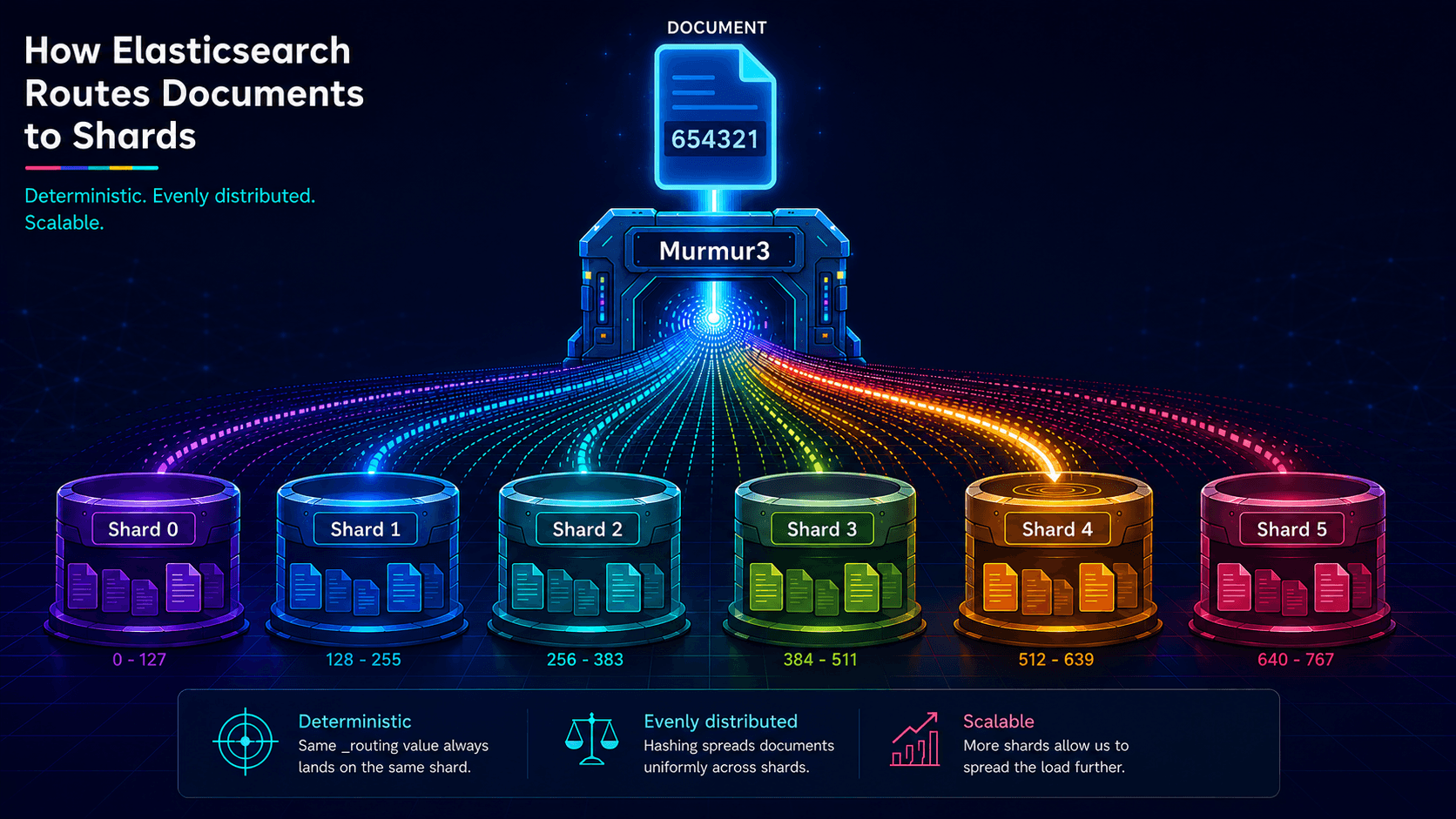
The hash() Elasticsearch won't name and the 12 bytes that prove it's Murmur3
Elasticsearch's routing formula uses MurmurHash3, but the docs never say so. This post names the function, walks through the full shard calculation, and shows you how to reproduce it externally.
2026年5月12日
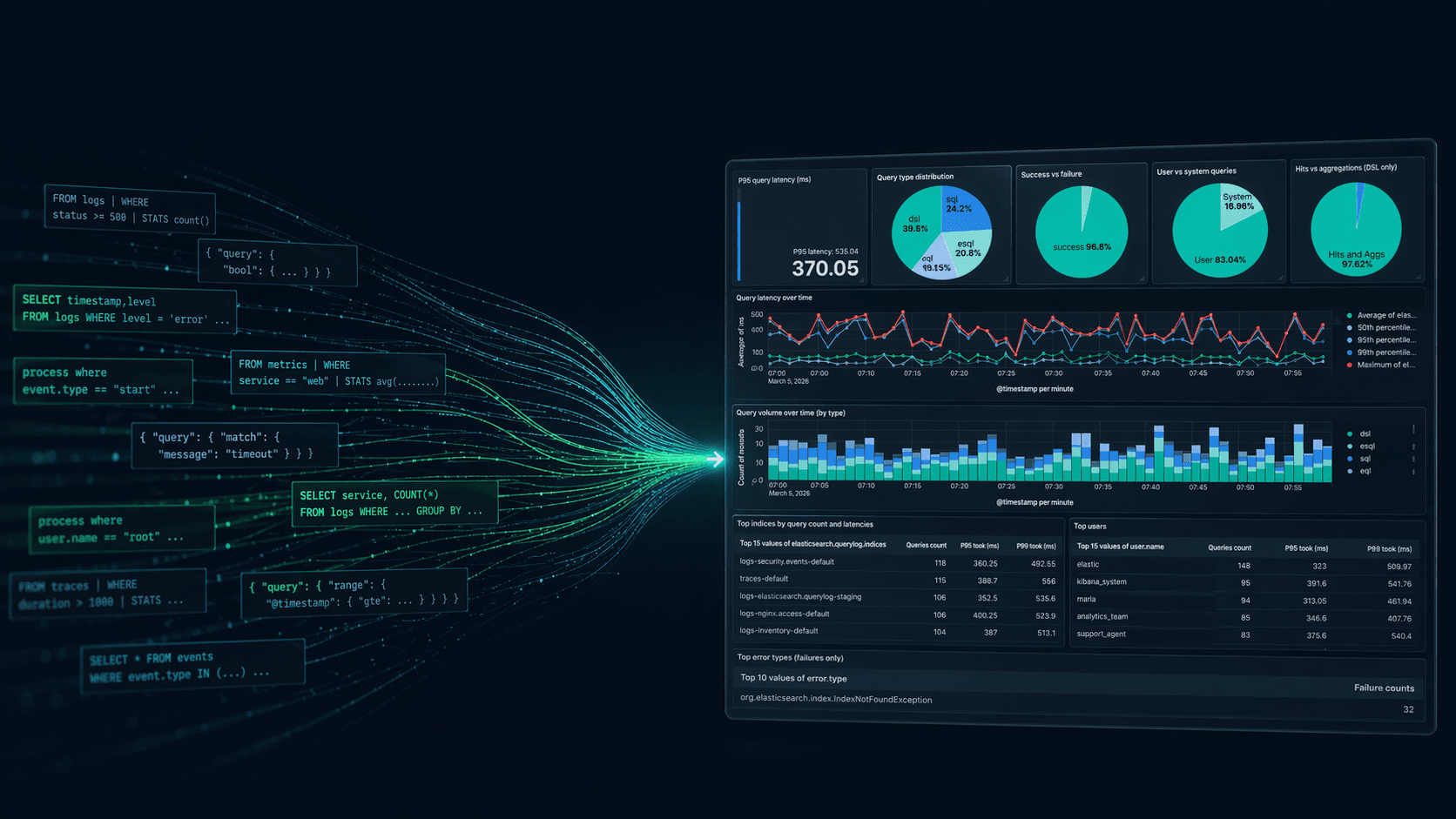
Elasticsearch query logs: One coordinator-level line per query for ES|QL, DSL, SQL, and EQL
Easily understand query impact on cluster performance with Elasticsearch query logs. One coordinator-level line records ES|QL, DSL, SQL, and EQL per request and provides full query text, tracing, optional user context, and CCS hints

2026年4月6日
How to compare two Elasticsearch indices and find missing documents
Exploring approaches for comparing two Elasticsearch indices and finding missing documents.

Testing Elasticsearch. It just got simpler.
Explaining how Elasticsearch integration tests have become simpler thanks to improvements in Elasticsearch 9.x, the modern Java client, and Testcontainers 2.x.

2025年12月19日
Elasticsearch Serverless pricing demystified: VCUs and ECUs explained
Learn how Elasticsearch Serverless pricing works for Elastic’s fully-managed deployment offering. We explain VCUs (Search, Ingest, ML) and ECUs, detailing how consumption is based on actual allocated resources, workload complexity, and Search Power.