Agent Builder is available now GA. Get started with an Elastic Cloud Trial, and check out the documentation for Agent Builder here.
Every developer building agents has to answer one question: what should the agent know, and when? The usual starting point is simple. Write a system prompt, connect a few tools, and the agent works. But as the scope grows, you add more instructions, sources and tools, and runs get longer. Eventually the context window fills up, fidelity drops and token costs climb. Managing context is a first-class concern. This post shares how we built context handling into agents so they can decide what to fetch, what to summarize, what to drop, and how memory should carry across steps.
Agent Builder in 9.4 makes context the agent's problem, not yours. Skills provide reusable instructions that load on demand, so only what the current task needs is in context. Large result sets go into a conversation context store rather than sitting in the prompt. For long-running tasks, context gets compacted selectively so the agent doesn't drift. Token and turn counts are monitored as the conversation runs. And connectors handle reaching enterprise data where it lives.
The goal of all of it is the same. Load the context you need, when you need it. Internally we've seen this cut token costs by up to 40%, and the agent's context stays reliable across datasets when it would have degraded before.
Getting agents to know what you know
Three context problems show up again and again: managing bloated prompts, executing complex actions, and controlling enterprise data sources.
Firstly, prompts get bloated because every instruction has to live in them. Skills fix that by loading on demand and with fewer input tokens. Skills provide structured descriptions of how an agent should operate and act in a specific task. Agent Builder ships with built-in skills for common data analysis patterns, but the real value is that users can also build custom skills. A security team can encode its triage playbook as a skill. An SRE team can describe how they want root cause analysis to proceed. A developer can encode their API design conventions and error handling patterns. Skills are reusable and shareable across agents, which means a pattern that works for one team's deployment doesn't have to be reinvented by the next.
In practice, this looks like: a team lead defines a "Summarize this incident" skill with the process they care about, the severity classification their org uses, and the output format their runbook expects. Anyone on the team invokes it by typing in the chat input and selecting it from autocomplete. Skills follow the Agent Skills open format, so you can pull them from a shared library, write your own, or craft skills using an agent of your choice.

In internal testing, we found that removing instructions from the agent prompt and placing them in dynamically loaded skills showed a 21 to 39% reduction in input token usage across test datasets. The key architectural improvement is that skills and their associated tools are loaded only when the agent needs them. All other skills stay as lightweight stubs with just a name and description, consuming almost no context.

Chat with your data and act on it too (dashboards, workflows, queries and more): Agentic tasks don't stay simple for long. Agent Builder now has contextual awareness of objects in Kibana. With agentic dashboard creation, a user can describe what they want to see in plain language, and the agent generates a dashboard with panels, visualizations, queries, and everything that's needed. Users can refine it conversationally: "break that out by region," "add a filter for the last 7 days," "swap the bar chart for a line chart."
Dashboards, alerts, and rules also work as inputs. Once a dashboard exists, it can be retrieved from the Agent’s context. This unlocks the "act" side of agents. Once a dashboard or alert is in context, the agent can modify it, extend it, or create new ones. The agent can reason about what the data shows, suggest follow-up analyses, or modify the dashboard based on what it sees. It's a feedback loop: the user describes intent, the agent produces a visual artifact, and both the user and the agent can reason over that artifact together.

For business analysts and operations teams, this collapses the gap between "I have a question about the data" and "I have a dashboard I can share with my team," reducing hours of manual work to a few minutes of conversation.
Lastly, using enterprise data for context creates governance you didn't ask for. Connectors close the loop for data that lives outside Elastic. We added prebuilt OAuth-based connectors for sources like Google Drive, Salesforce, and Slack. The design principle here is worth calling out: data stays at the source. The agent searches data via the connector with the user's own permissions enforced. Agents do not accumulate copies of enterprise data in new locations just to be able to answer questions about it.

This matters more than it might seem. Enterprise data governance isn't just a compliance checkbox; it's a load-bearing infrastructure that most teams don't notice until it fails. When agents start routing around it, accumulating copies in vector stores and context windows, you've quietly created a new class of data sprawl that your security team didn't sign off on, and your audit logs don't capture. The connector approach eliminates this risk by constraint: if the data never moves, it can't end up somewhere it shouldn't. The user's permissions travel with every query because the query goes to the source, not to a cached copy. You get agents that are genuinely useful on enterprise data.
Ensure agents don't outgrow the context window
Giving agents too much context creates a new problem. A security analyst investigating a complex threat might pull in dozens of alerts, correlate across multiple indices, and go back and forth with the agent for twenty or thirty turns. At some point, you're pushing past what the context window can hold and degrading the quality of the model's responses. The problem is that each retrieval call adds latency to the user's request and pushes infrastructure costs higher, and a single user interaction can trigger dozens of these calls.
We built a context store for retrieval results. As the agent retrieves data from indexes, the results can grow large and crowd the context window. We introduced a temporary store that holds the results of a query in an in-memory “file store” and only pulls the results into the active context when needed. This allows for conversations to extend and deal with multiple related data sets without blowing out the context. We are also optimizing the retrieval results themselves, applying top snippets retrieval, which demonstrated a 27 to 34% reduction in token usage.

We also added intelligent context compaction for longer interactions: As a conversation progresses, the agent manages what stays in the active context and what gets compressed into a summary that can be retrieved if needed. This isn't a simple truncation; it's selective compaction that preserves the information most likely to matter for the next turn.
This enables agents to handle larger result sets, more complex queries, and longer conversations without the token cost scaling linearly with every turn. With context compaction agents, the context window remains within a limit even for chats with 30 or more turns, rather than quickly ballooning to max size.

For teams running multi-step investigations or summarizations, this is the difference between an agent that stays coherent through turn thirty and one that starts contradicting itself at turn twelve.
Monitoring: In 9.4, we also shipped monitoring for agents to track token usage. With an API available to monitor conversation turns and tool calIs. This matters because agents aren't static. Their behavior shifts based on the context they receive and the tools they call, and without visibility into those patterns, optimizing cost and performance is guesswork.
Agentic consumption model
To support these new capabilities, we're introducing an agent pricing model that directly aligns the value users gain from their agents and how they scale. Agent Builder usage will be measured by Executions. Executions are free for the first 1,000 each month in Elasticsearch and 10,000 in Elastic Security and Observability projects.
An Agent Builder execution represents a completed round of interaction with the agen. In most cases, sending a chat message and receiving a successful response from the agent counts as one execution. For messages that demand significant processing, it will be calculated as multiple executions based on the total number of input tokens required, grouped into 50,000 input token units. For example, a deep investigative task that requires 130,000 input tokens will be billed as 3 executions. This model ensures your consumption aligns with the value your agents deliver and becomes more cost-effective as your agents achieve greater context efficiency.
Where are we going with agents
Agents that can optimize context over operational data need the same kind of careful context engineering that we've spent years applying to search relevance. Getting the right information in front of the model at the right time and at the right level of detail is the new retrieval problem. These capabilities are foundational towards enabling agents that are more reliable, scalable, and cost-efficient as they scale.
Get started with an Elastic Cloud Trial, and check out the documentation here. For existing customers, Agent Builder is available in Cloud Serverless and on the Enterprise Tier in Elastic Cloud Hosted and self-managed.
관련 콘텐츠
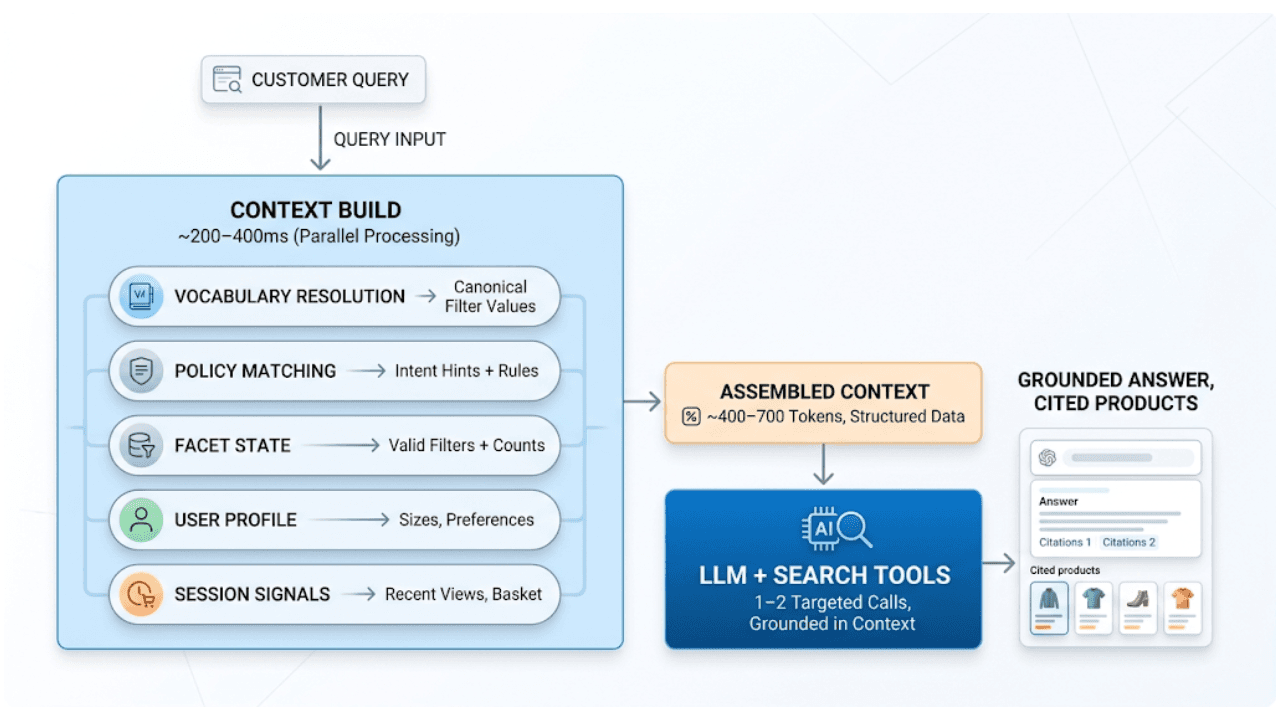
2026년 7월 20일
AI shopping agents: Why context comes before the query
AI shopping agents that guess at your vocabulary make expensive mistakes. Pre-computed catalog context stops the guessing before the first tool call.
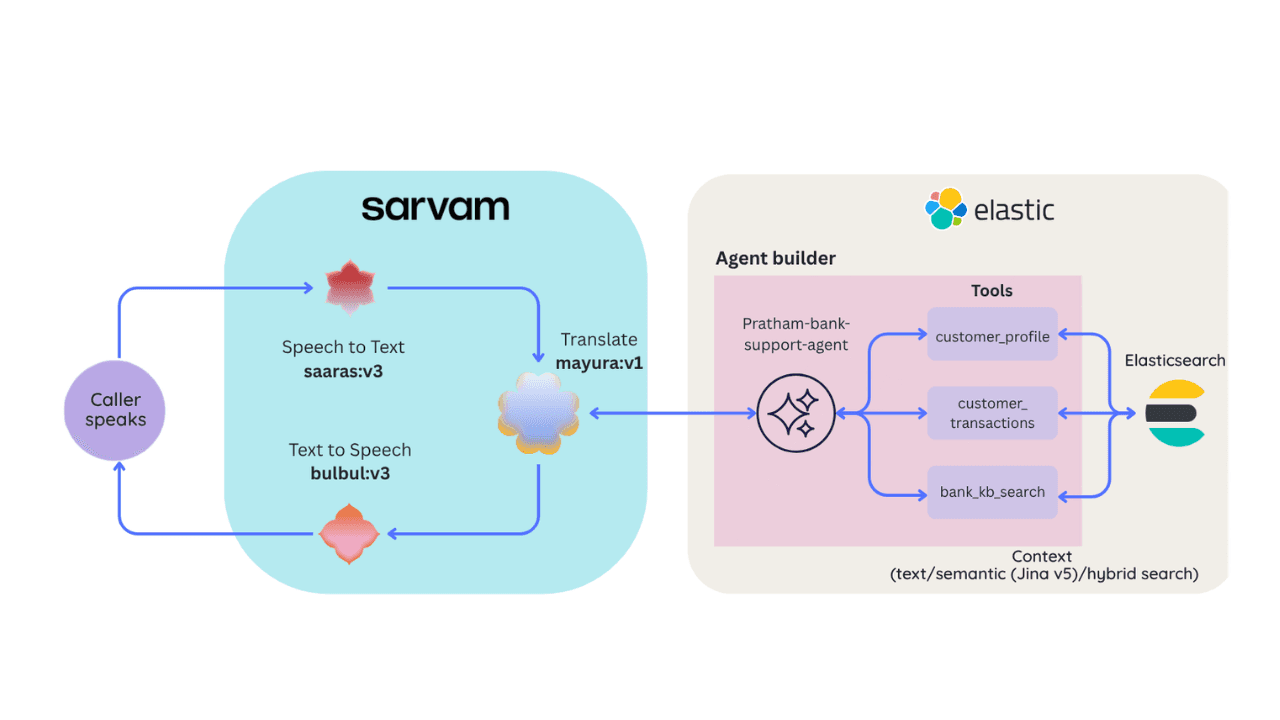
2026년 6월 30일
Building a multilingual voice agent with Elastic Agent Builder & Sarvam AI
A working demo combining Sarvam AI speech with Elastic Agent Builder: identity verification, per-customer ES|QL queries, and mid-call language switching across 22 Indian languages without multilingual indices.
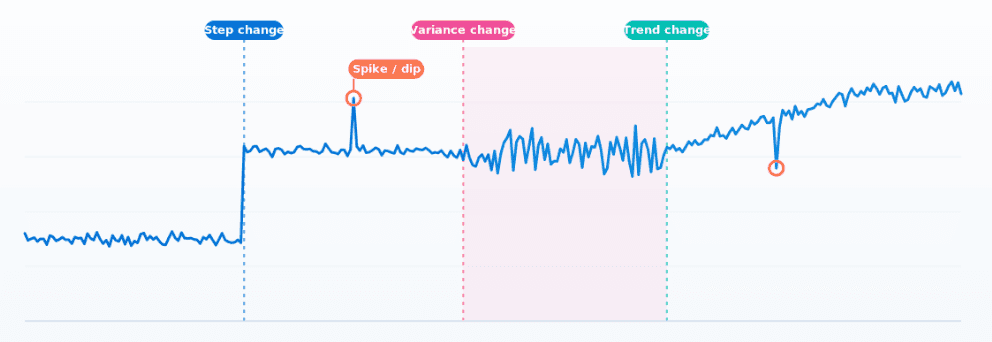
2026년 7월 24일
How Elasticsearch detects multiple change points in time series with 0.99 recall
ES|QL's CHANGE_POINT command finds structural shifts, variance changes and spikes in any metric in ~1ms, without tuning anything per series.
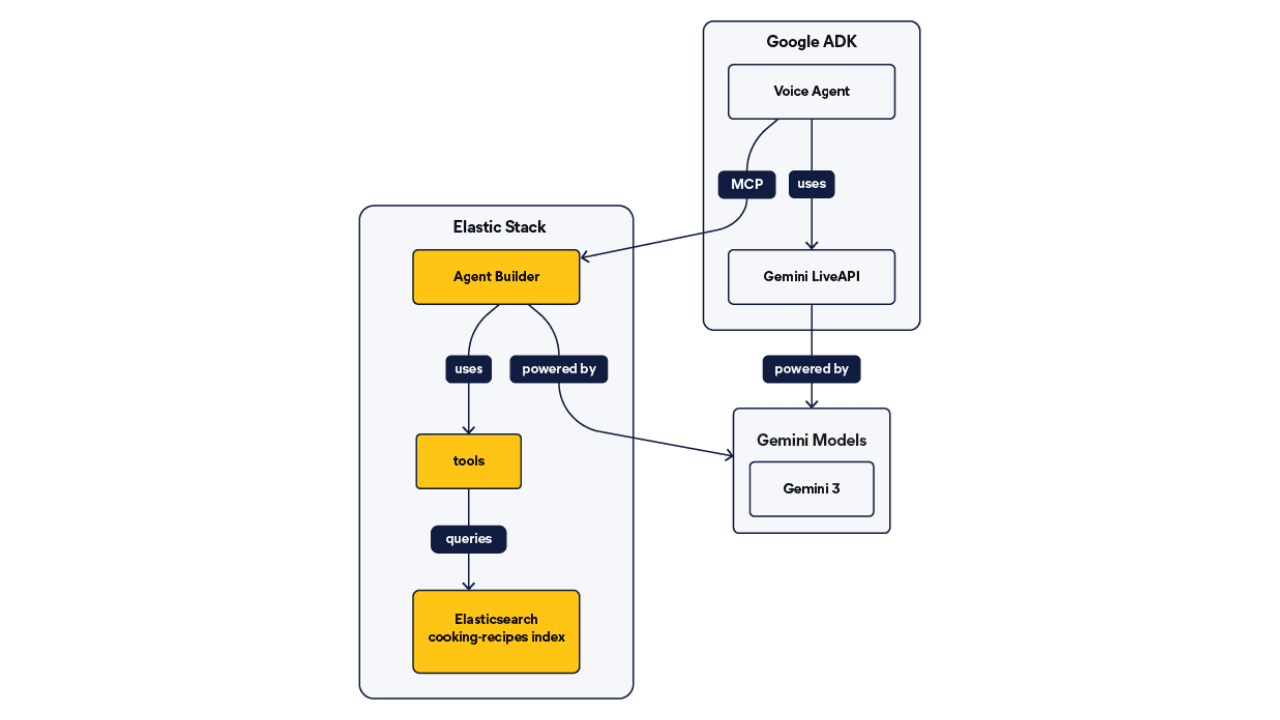
2026년 6월 26일
Talk to your Elasticsearch data: building a real-time voice agent with Google ADK and MCP in 3 components
Wire Google ADK's real-time voice streaming to your Elasticsearch data via Agent Builder's built-in MCP server; no custom integration code required.
2026년 6월 22일
Your data analyst doesn't need SQL: wiring Elastic Agent Builder to AWS AgentCore for natural-language Elasticsearch queries
Wire plain-English questions to your Elasticsearch data using Elastic Agent Builder MCP, AWS Bedrock AgentCore and the Strands SDK. Python code included.