Get hands-on with Elasticsearch: Dive into our sample notebooks in the Elasticsearch Labs repo, start a free cloud trial, or try Elastic on your local machine now.
Elasticsearch Query Language (ES|QL) is a new instruction language in pipes aimed at allowing users to link different operations in a step-by-step fashion. It’s a language optimized for data analysis, besides working in a new architecture designed to analyze large data volumes with high efficiency.
You can learn more about ES|QL in this article and the documentation.
ES|QL queries allow you to build the response in different formats, such as JSON, CSV, TSV, YAML, Arrow, and binary. Starting in Elasticsearch 8.16, the Node.js client includes helpers to handle some of these formats.
This article will cover the newest helpers, toArrowReader and toArrowTable, which support Apache Arrow specifically in the Elasticsearch Node.js client. For more on helpers, check out this article.
What is Apache Arrow?
Apache Arrow is a columnar data analysis tool that uses an agnostic format across the programming language of modern environments.
One of the primary benefits of the Arrow format is that its binary, columnar format is optimized for very fast reads, enabling high-performance analytics calculations.

Read more about how to leverage Arrow with ES|QL in this article.
ES|QL Apache Arrow helpers
For the examples, we are going to use Elastic’s Web logs sample dataset. You can ingest it by following this documentation.
Elasticsearch client
Set up the Elasticsearch client by specifying your Elasticsearch endpoint URL and API Key.
What is toArrowReader?
The toArrowReader helper is provided to optimize memory by not loading the entire result set into memory at once, but rather by streaming it in batches. This makes it possible to perform calculations on very large data sets without exhausting your system's memory.
This helper allows you to process each row:
How to use toArrowTable?
We can use toArrowTable if we want to load all the results into an Arrow table object once the request is completed, instead of returning each row as a stream.
This helper is useful if your dataset will easily fit in memory and you still want to leverage Arrow’s zero-copy reads and compact transfer size while keeping the code simple.
toArrowTable is also a good option if the application is already working with Arrow data, since you don’t need to serialize the data. In addition, given that Arrow is language-agnostic, you can use it regardless of the platform and language.
Conclusion
The Apache Arrow helpers provided by the Elasticsearch Node.js client help facilitate day-to-day tasks like analyzing large data sets efficiently and receiving Elasticsearch responses in a compact and language-agnostic format.
In this article, we learned how to use the ES|QL client helpers to parse the Elasticsearch response as an Arrow Reader or an Arrow Table.
よくあるご質問
What is Apache Arrow?
Apache arrow is a columnar data analysis tool that uses an agnostic format across the programming language.
What is the benefit of using an Arrow format?
A main benefit of the arrow format is that it uses a binary, columnar format that is optimized for very fast reads, enabling high-performance analytics calculations.
関連記事
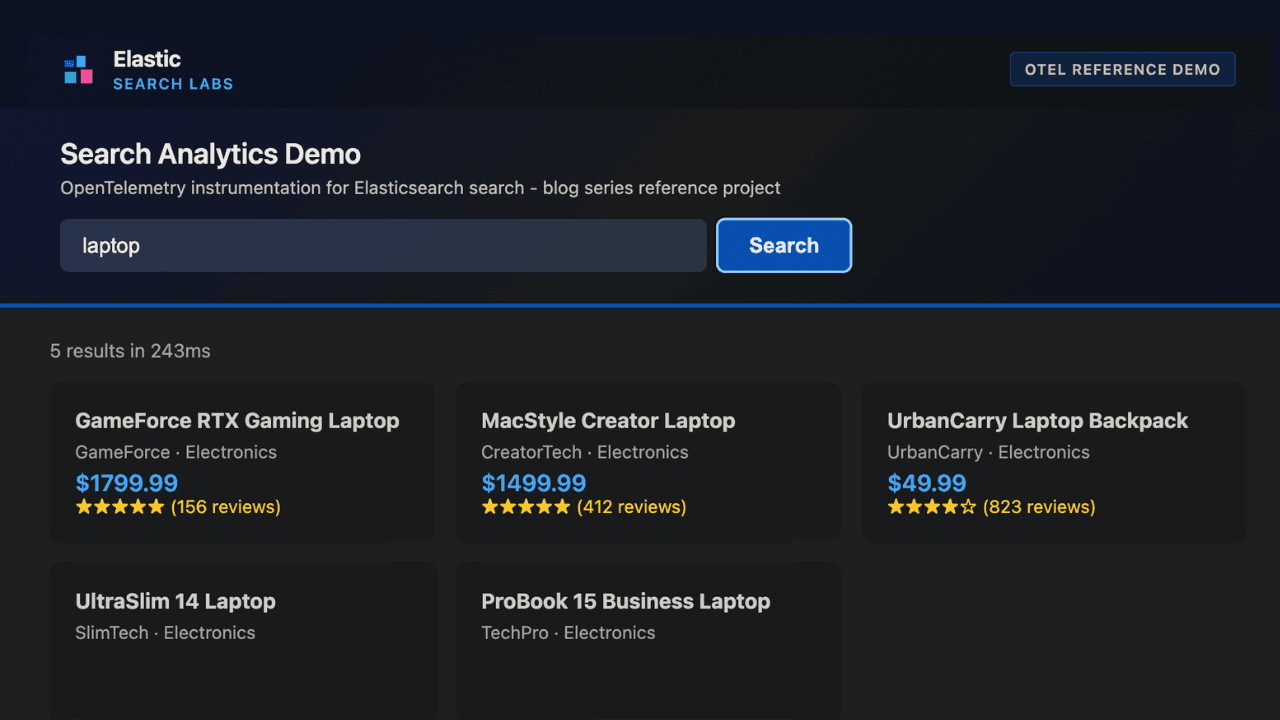
How to instrument your search API with OpenTelemetry and query it with ES|QL
Add custom attributes to OpenTelemetry spans and run six ES|QL queries that reveal your top searches, zero-result rate and slowest queries.
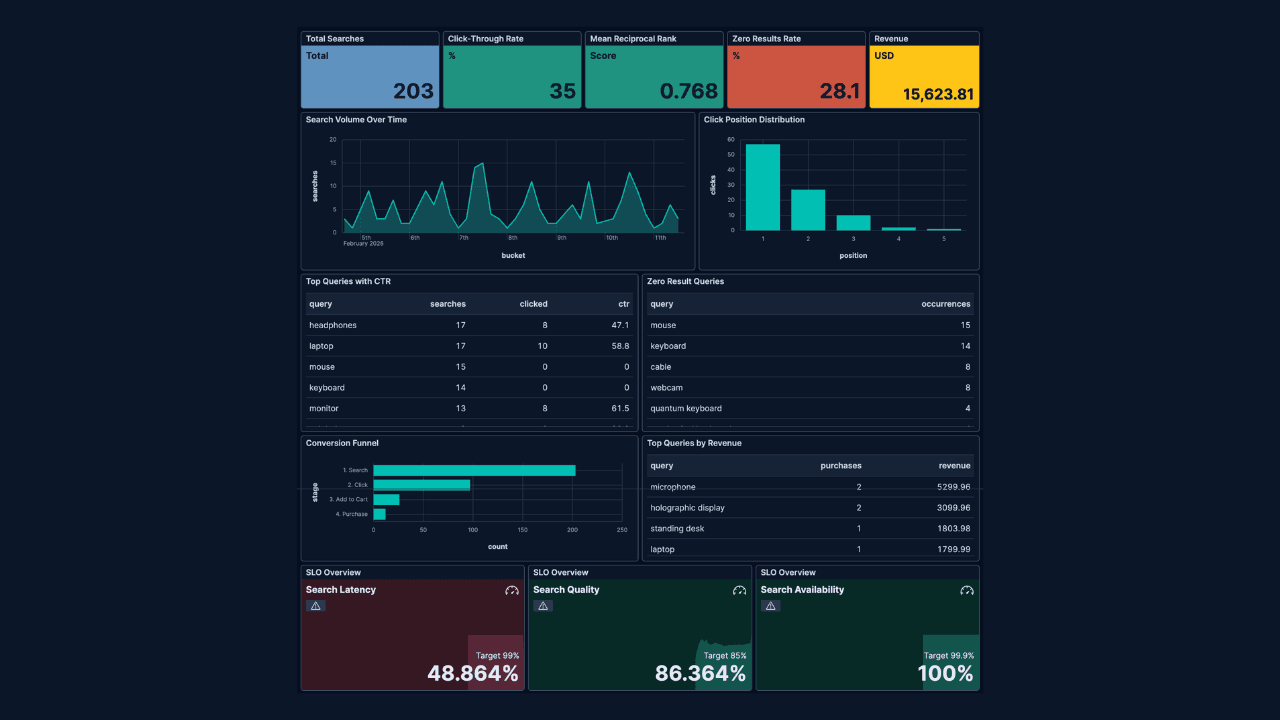
How to build search analytics on Elastic using OpenTelemetry, no extra pipeline required
How to instrument your search application to use modern Open Telemetry standard to drive insights in to your search and users.
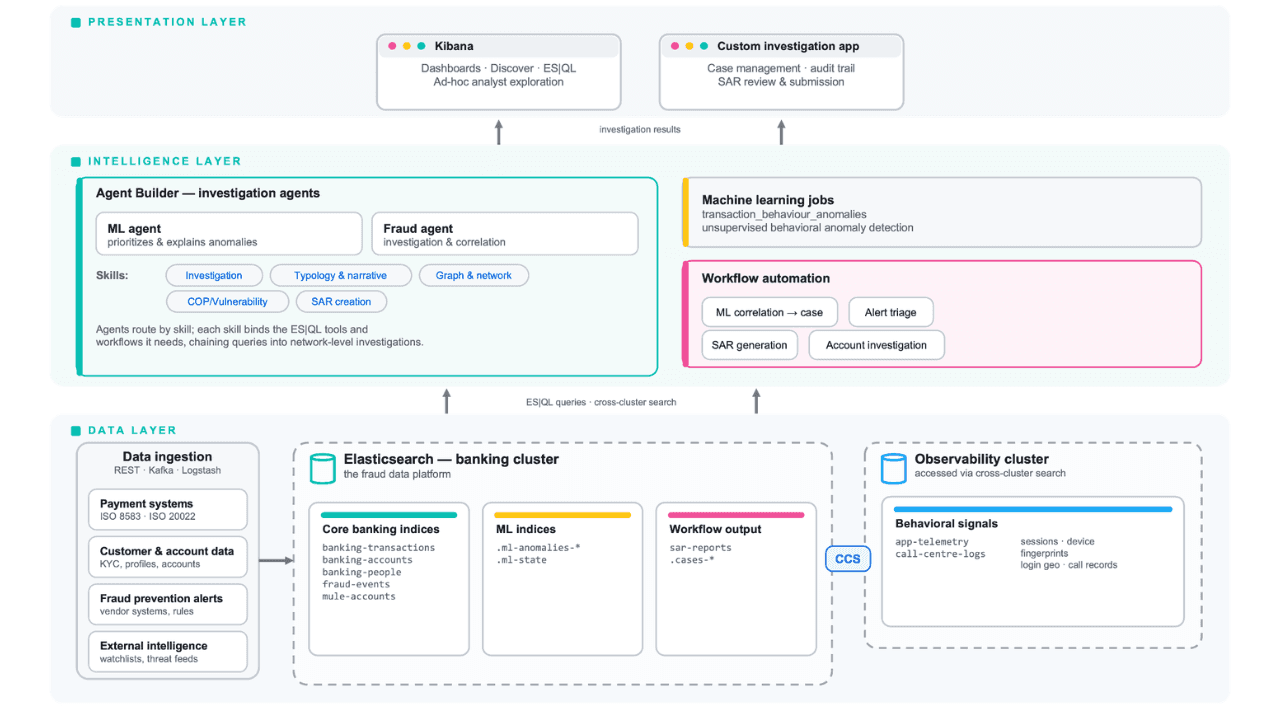
Follow the money: tracing laundering networks with ES|QL and cross-cluster search
The data model, cross-cluster architecture and five ES|QL queries that power mule detection and laundering network tracing, built from infrastructure most financial institutions already run.

2026年7月1日
One command. Natural language. Your Elasticsearch data, straight to the terminal.
Query your Elasticsearch data from the terminal in plain English. The official Elastic GitHub Copilot CLI plugin generates and runs ES|QL queries against your cluster. No Kibana, no manual syntax.
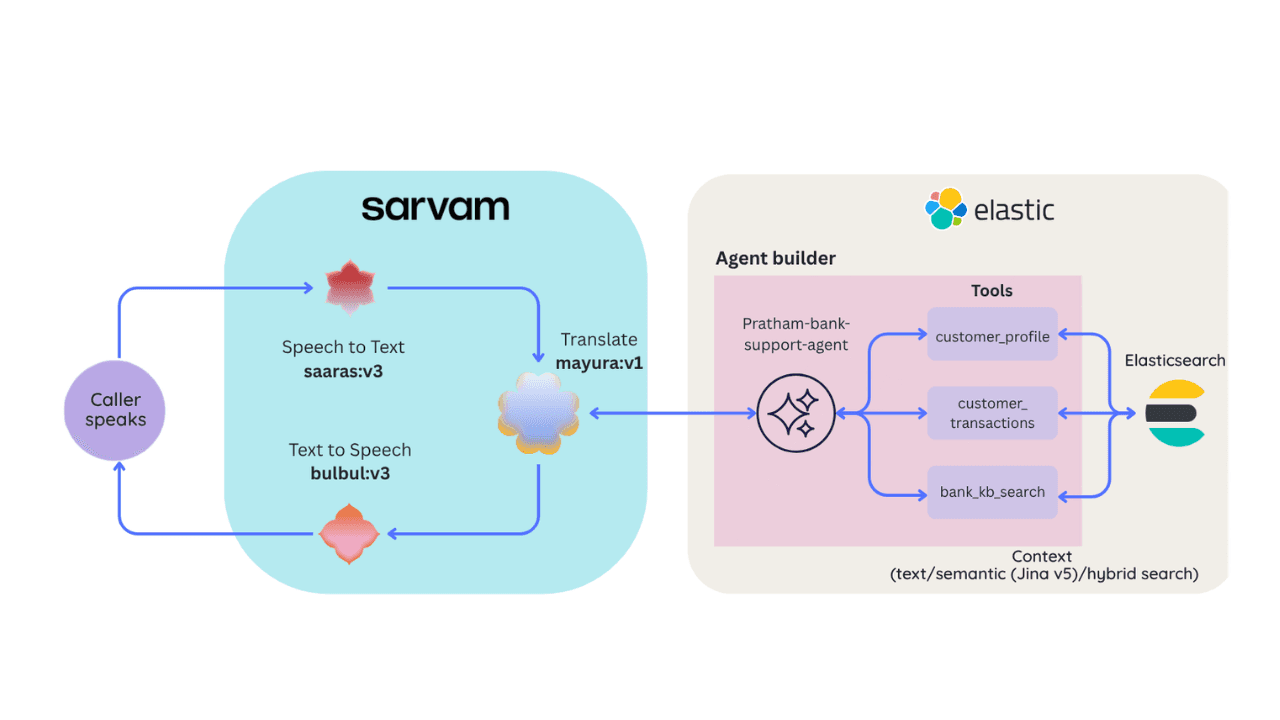
2026年6月30日
Building a multilingual voice agent with Elastic Agent Builder & Sarvam AI
A working demo combining Sarvam AI speech with Elastic Agent Builder: identity verification, per-customer ES|QL queries, and mid-call language switching across 22 Indian languages without multilingual indices.