From alert to root cause in seconds: AI-powered observability with Elastic Agent Builder and Workflows
Elastic Agent Builder and Workflows replace dashboard hunting: one question surfaces the root cause, correlates metrics across weeks, and calculates business impact; then the workflow files the ticket.
Build and observe AI agents where your data already lives. Begin with Elastic Agent Builder. You can also start a free cloud trial or try Elastic on your local machine today.
Elastic Agent Builder and Workflows turn observability from dashboard hunting into agentic troubleshooting. In a single conversation, the agent writes and runs ES|QL queries, correlates trip volume, delivery duration, and dispute rate across a 3-week window, and surfaces an estimated $36,669 in undelivered revenue, without a human navigating a single panel. This post walks through what that looks like end-to-end: from a FastFreight Co volume alert to a scoped operations agent that knows what to check, and a workflow that opens the Jira ticket automatically.
Pre-AI approach: dashboards, thresholds, and manual correlation
In the pre-AI era, you would configure Kibana Alerts or Watcher with threshold rules, such as alert if the error rate is 5% in the last 10 minutes. When an alert is fired, you would open related dashboards and views, correlate logs, traces and metrics, and look for the root cause of an issue. So, the first thing that gets your attention is the alert itself - some threshold has been reached and the alert is fired, in this case, a collapse in the trip volume.
With the right dashboards, you can spot that something is wrong, but the dashboards cannot show you the reason if you are not familiar enough, cannot correlate issues across multiple panels, and most importantly, cannot calculate business impact.
Identifying "why" and answering questions about impact require a high level of expertise. In the KPI Overview section, three panels signal a single vendor in trouble: trips collapsing, delivery times rising, disputes spiking. The fourth panel shows a different vendor's billing metric. Unrelated to the operational failure above it, and easy to miss.
An experienced dashboard operator would recognize the pattern:
| Signal | Interpretation |
|---|---|
| Volume down, duration up, disputes up | Vendor's operational failure |
| All metrics normal, but costs spiking | Billing anomaly |
Knowledge about what certain dashboards and views indicate requires a huge effort. Understanding the nature and causes of issues you deal with takes time. Usually, that knowledge lives in your head or eventually in some wiki. The main disadvantage is that the system can detect and display, but not reason about the behavior of the underlying data. Agents can.
Elastic Agent Builder: ask questions, get answers
AI Agents are the effort of converting dashboards and metrics hardcoded to specific issues and knowledge that some people in the organization know, to flexible agents that can be used to explore the data by anyone in the company, and generate insights on the fly.
Agent Builder is Elastic's AI conversational platform for interacting with your data using natural language. We are going to troubleshoot some vendor transaction logs based on the trip collapse alert described previously.
To use Agent Builder, you can use the built-in models or connectors to plug in other model providers, including local LLMs running in your environment. In this example, we used GPT-4o through a connector, but any supported model will work.
After you choose an LLM, you can navigate to Agent Builder and ask the agent to analyze data and provide you with instant queries, tables, and charts.
Let's see what happens when you stop navigating panels and just ask.
We have an active alert: FastFreight Co (vendor_id=1) trip volume has dropped below 100 in the last 24 hours. Our baseline is ~229 trips per day. Can you confirm the current daily trip volume for FastFreight and show me how it has changed over the past 3 weeks?
One question was enough. The agent pulled the data, and the table confirms that trips are dropping consistently.
Now we need to find when the degradation started. The agent generates and runs ES|QL queries to pinpoint the first date where daily trips fell below the baseline average.
The screenshot above shows what happens behind the scenes. The agent writes ES|QL, runs it, and finds that the degradation started around March 1st. From March 11th, the drop becomes severe.
From there, one follow-up question reveals two more red flags: average delivery duration jumped from 12.6 to 46 minutes, and disputes rose from 0.3% to 20%. The agent correlates across metrics in a single answer.
A few more iterations take you from diagnosis to business impact.
The agent computes the following summary:
- Expected trips: March 1 to 19 at ~228/day = ~4,328.
- Actual trips: 1,884.
- Missing trips: ~2,444.
- Lost revenue: missing trips × baseline average
total_amount(~$15.00).
Estimated loss: ~$36,669 in undelivered revenue.
So, business impact is generated with one request. In the pre-AI era, that would not have been possible without using external tools.
You can connect the agent to your private data and get RAG-based answers. This allows it to use information your organization owns and return precise answers instead of generic LLM responses.
From generic agent to scoped analyst: custom agents with domain memory
So, observability has shifted from looking into specific graphs and knowing where to look to describing what to check while the agent navigates data back to you, in the form of auto-generated graphs, charts, tables, and reports. You can ask "anything unusual" and the agent will query your indices for outliers.
That said, every conversation with a generic agent starts from scratch. You have to re-explain data, thresholds, and what to check. Customization is also limited. You can't define specific prompts or tools, or consume your agent outside Kibana. Agent Builder solves exactly this by letting you create domain-based specialized analysts (agents) that different teams can use, each from its own perspective.
Here is what it looks like when you select a custom agent and start a conversation.
In terms of using agents, there are several options available, from using built-in agents and tools to creating your own agents and tools. Connect them through an MCP server to external tools or use them as external resources. Custom agents are built using custom instructions (like "You are the Senior Fleet Operations Analyst…"), together with ES|QL references that provide granular control over accuracy and security.
By using a specific agent, you can discover issues faster, drill into related data, diagnose problems, and act more quickly.
In our example, "OpsWatch" is the operations team's agent. It knows trip volumes, delivery durations, and staffing levels. It doesn't know about fees, it doesn't know about SLAs.
After it is asked about operational assessment, it provides conclusions and recommendations grounded in real data. What would take hours with other approaches is done in seconds.
At the end, a few words about scope boundaries. When being asked about costs, it declines to answer and redirects to another custom agent since it understands that the question goes beyond its boundaries and suggests asking another custom-built agent - CostGuard. This is a design feature of scoped agents.
Closing the loop: Elastic Workflows from diagnosis to action
What we walked through here shows where observability is heading, away from staring at dashboards and toward asking questions. They will continue being useful, but investigations will start from the agent.
What previously was business knowledge in the head of a few can now be part of an agent's instructions, so when a new employee asks an open question, the agent knows exactly what queries to run to answer the question, and may even surface new insights.
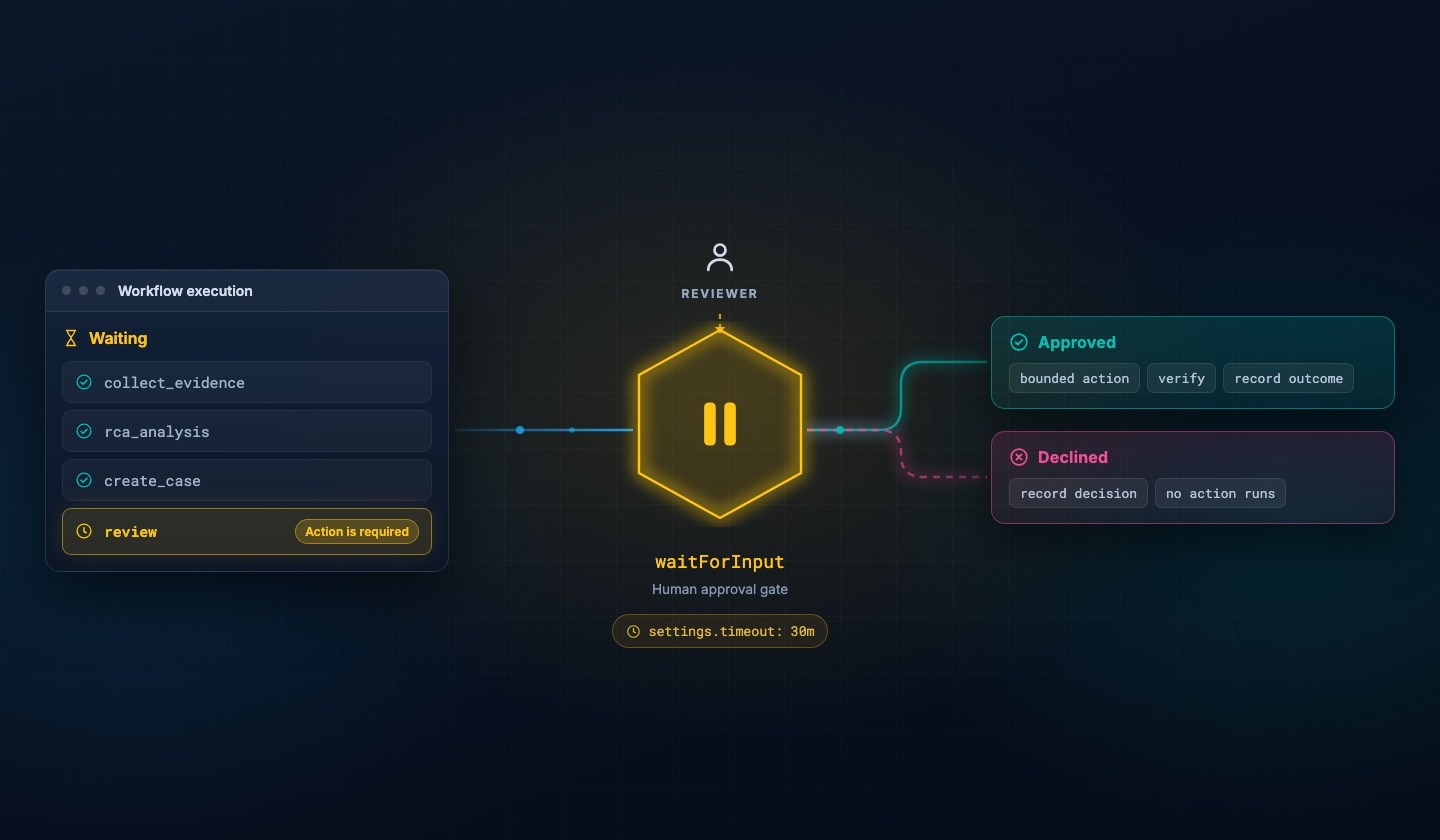
After finding how agents diagnose incidents, the next question is: can they open tickets or notify teams? They recommend, but don't act. The gap between conversational AI and automated responses is covered by Elastic Workflows.
A workflow is a rule-triggered automation that can call external APIs (Jira, Slack, Teams, etc.) or execute follow-up Elasticsearch queries. For instance, create a Jira ticket with details or post a Slack message to a specific Slack topic, like #ops-alerts, with a summary.
When an alert fires, a Workflow triggers and calls the Agent Builder agent. The agent runs ES|QL queries, correlates the relevant metrics, and returns a diagnosis. The Workflow then executes the follow-up action (creating a Jira ticket, posting to Slack, or both) without any manual intervention.
How helpful was this content?
Related Content
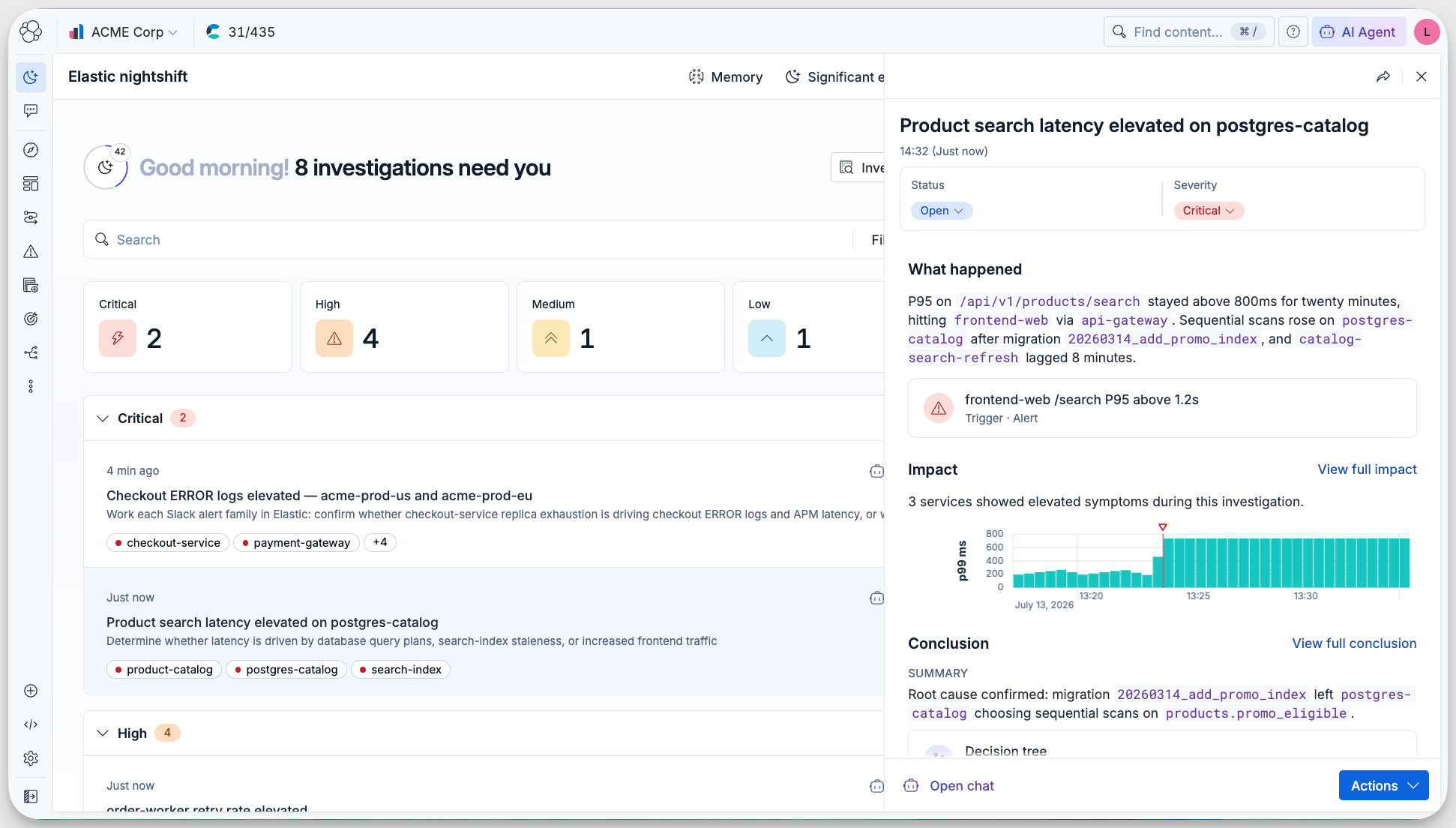
Meet Elastic nightshift AI SRE, your always-on SRE coworker

Automated root cause analysis for AWS: From a CloudWatch alert to a diagnosed incident in 36 seconds
.jpg)
Collecting rootless Podman logs with Elastic Agent: the CRI parser, user-scoped paths, and the Podman socket
Your AI agent needs an alibi: Observability and audit trails for Agent Builder in Elastic