Get hands-on with Elasticsearch: Dive into our sample notebooks in the Elasticsearch Labs repo, start a free cloud trial, or try Elastic on your local machine now.
Update: When we published this article in March 2024, Elasticsearch did not yet support Apache Arrow streaming format. This is possible now, see "From ES|QL to native Pandas dataframes in Python" for more details.
The Elasticsearch Query Language (ES|QL) provides a powerful way to filter, transform, and analyze data stored in Elasticsearch. Designed to be easy to learn and use, it is a perfect fit for data scientists familiar with Pandas and other dataframe-based libraries. Indeed, ES|QL queries produce tables with named columns, which is the definition of dataframes! This blog explains how to export ES|QL queries as Pandas dataframes in Python.

ES|QL to Pandas dataframes in Python
Importing test data
First, let's import some test data. We will be using the employees sample data and mappings. The easiest way to load this dataset is to run those two Elasticsearch API requests in the Kibana Console.
Converting dataset to a Pandas DataFrame object
OK, with that out of the way, let's convert the full employees dataset to a Pandas DataFrame object using the ES|QL CSV export:
Even though this dataset only contains 100 records, we use a LIMIT command to avoid ES|QL warning us about potentially missing records. This prints the following dataframe:
This means you can now analyze the data with Pandas. But you can also continue massaging the data using ES|QL, which is particuarly useful when queries return more than 10,000 rows, the current maximum number of rows that ES|QL queries can return.
Analyzing the data with Pandas
In the next example, we're counting how many employees are speaking a given language by using STATS ... BY (not unlike GROUP BY in SQL). And then we sort the result with the languages column using SORT:
Note that we've used the dtype parameter of pd.read_csv() here, which is useful when the type inferred by Pandas is not enough. The above code prints the following:
21 employees speak 5 languages, wow!
Finally, suppose that end users of your code control the minimum number of languages spoken. You could format the query directly in Python, but it would allow an attacker to perform an ES|QL injection! Instead, use the built-in parameters support of the ES|QL REST API:
which prints the following:
Conclusion
As you can see, ES|QL and Pandas play nicely together. However, CSV is not the ideal format as it requires explicit type declarations and doesn't handle well some of the more elaborate results that ES|QL can produce, such as nested arrays and objects. For this, we are working on adding native support for Apache Arrow dataframes in ES|QL, which will make all this transparent and bring significant performance improvements.
Additional resources
If you want to learn more about ES|QL, the ES|QL documentation is the best place to start. You can also check out this other Python example using Boston Celtics data. To know more about the Python Elasticsearch client itself, you can refer to the documentation, ask a question on Discuss with the language-clients tag or open a new issue if you found a bug or have a feature request. Thank you!
관련 콘텐츠
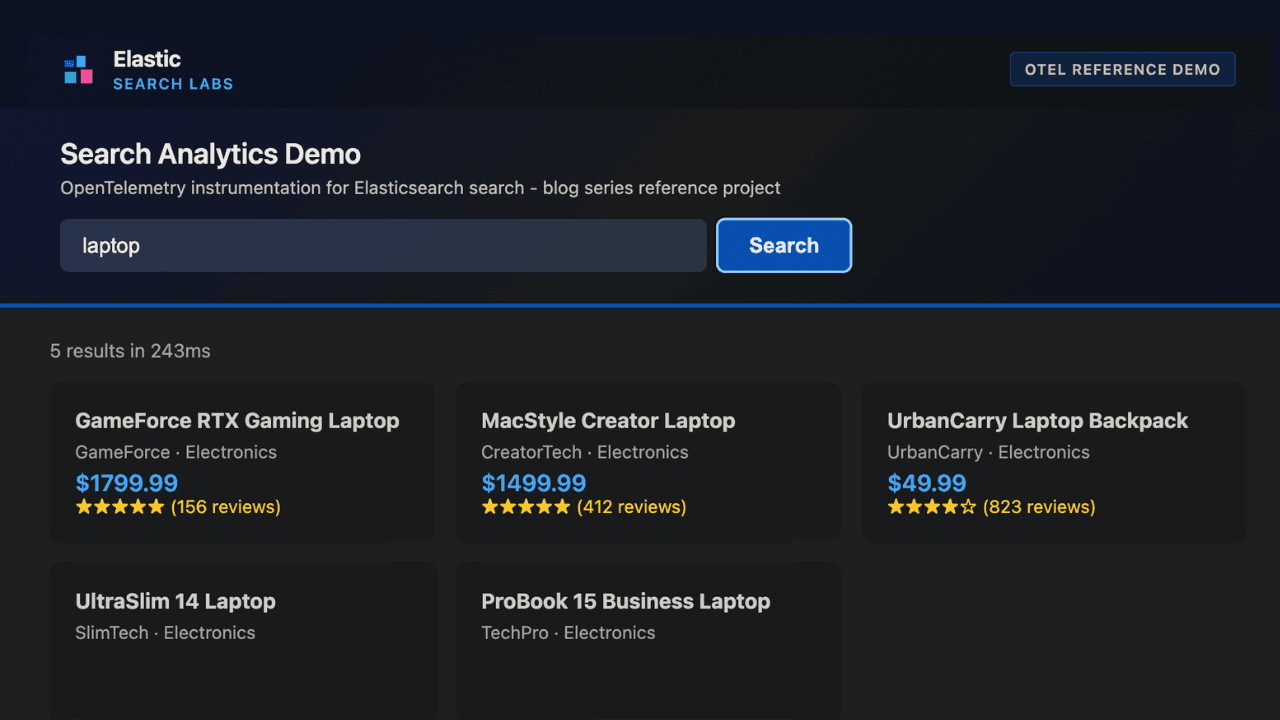
How to instrument your search API with OpenTelemetry and query it with ES|QL
Add custom attributes to OpenTelemetry spans and run six ES|QL queries that reveal your top searches, zero-result rate and slowest queries.
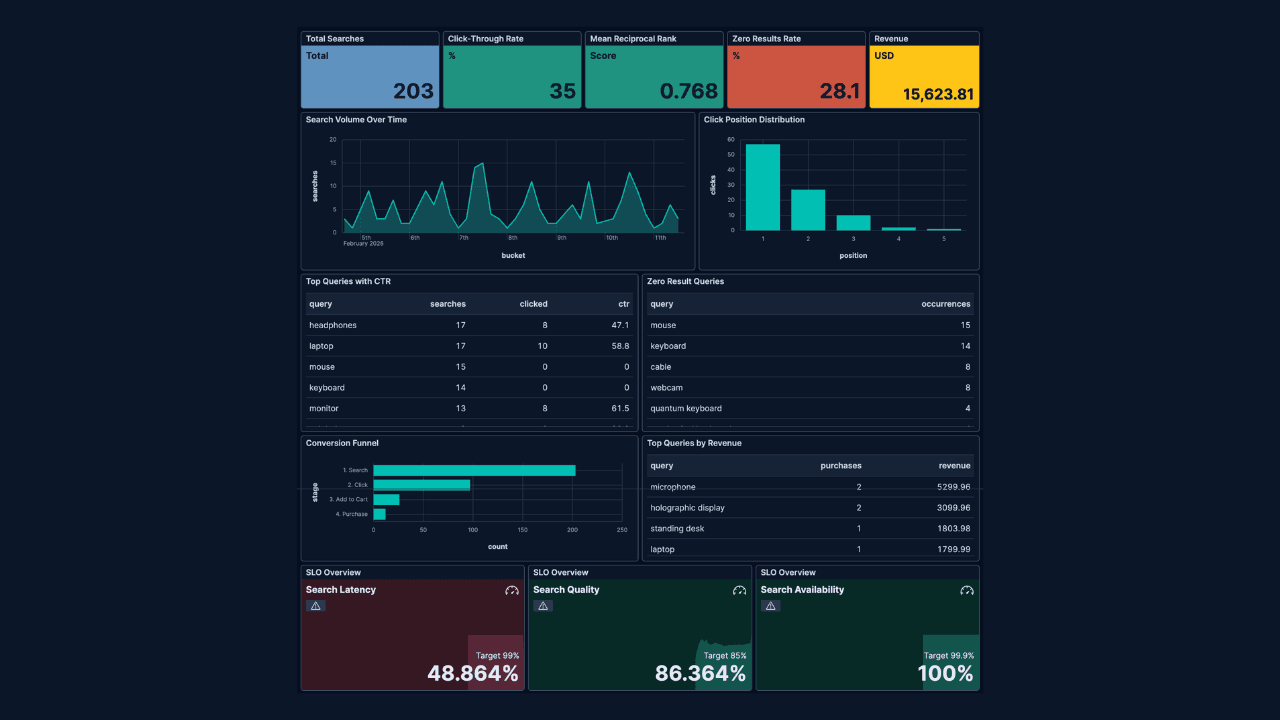
How to build search analytics on Elastic using OpenTelemetry, no extra pipeline required
How to instrument your search application to use modern Open Telemetry standard to drive insights in to your search and users.
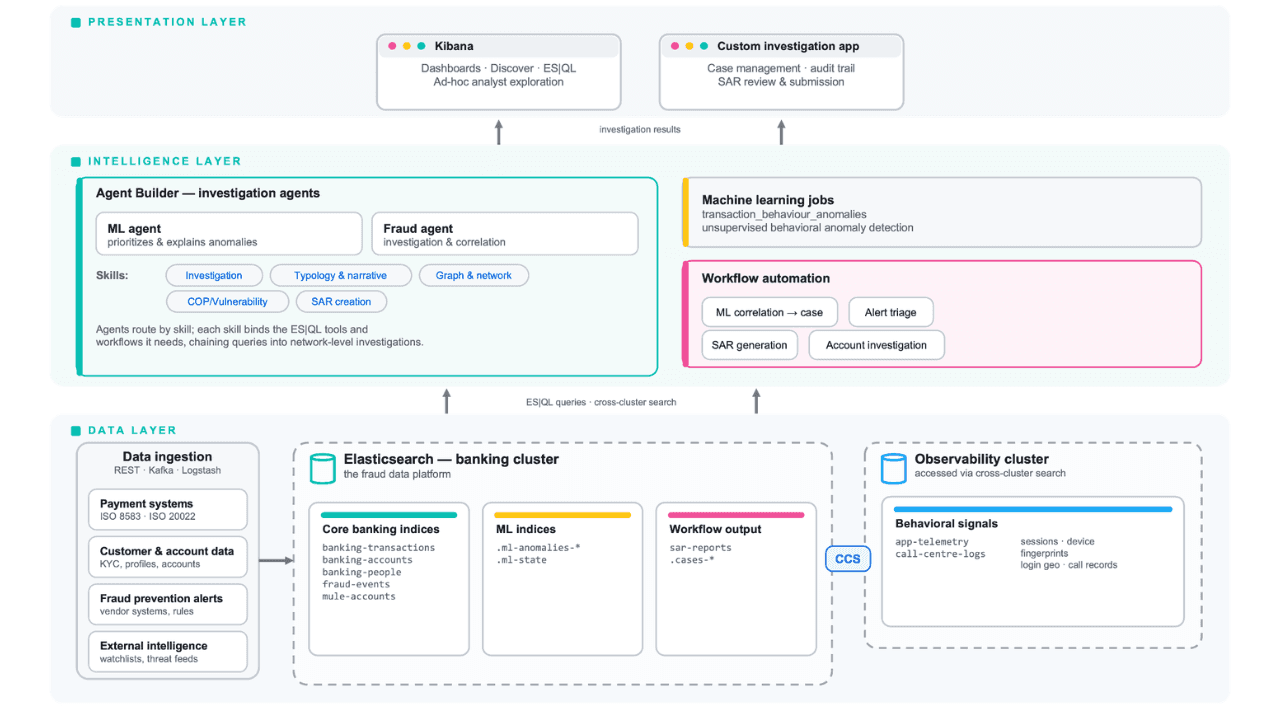
Follow the money: tracing laundering networks with ES|QL and cross-cluster search
The data model, cross-cluster architecture and five ES|QL queries that power mule detection and laundering network tracing, built from infrastructure most financial institutions already run.

2026년 7월 1일
One command. Natural language. Your Elasticsearch data, straight to the terminal.
Query your Elasticsearch data from the terminal in plain English. The official Elastic GitHub Copilot CLI plugin generates and runs ES|QL queries against your cluster. No Kibana, no manual syntax.
2026년 6월 30일
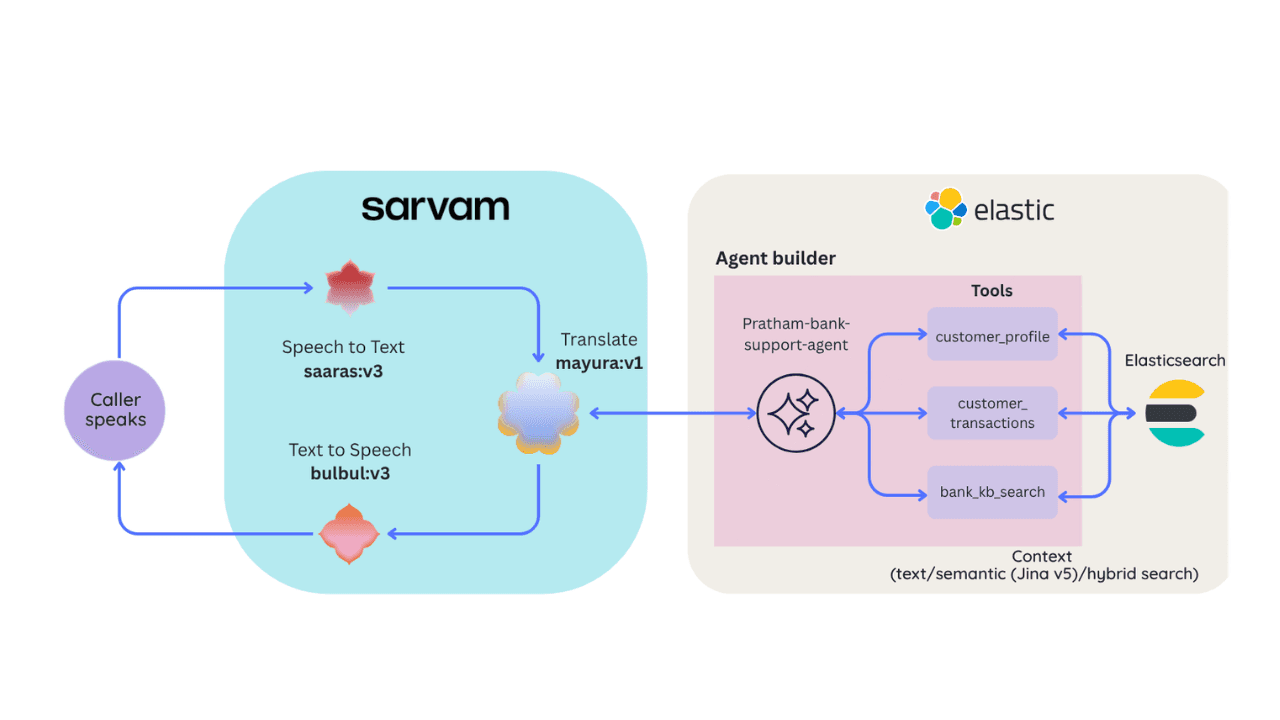
Building a multilingual voice agent with Elastic Agent Builder & Sarvam AI
A working demo combining Sarvam AI speech with Elastic Agent Builder: identity verification, per-customer ES|QL queries, and mid-call language switching across 22 Indian languages without multilingual indices.