Logstash Pipeline Management & Configuration with GitOps
Stop treating Logstash like a black box. This guide shows you how to use GitOps to create auditable, automated, and resilient data pipelines. Eliminate config drift and boost security with this GitHub and Jenkins blueprint.
Elasticsearch turns raw logs into structured, searchable data at ingest. Follow the collect and analyze logs tutorial to see it end-to-end. Start a free cloud trial or try Elastic on your local machine now.
Is your Logstash environment a 'black box'? Are manual configuration changes leading to unexpected outages, security gaps, and countless hours spent on troubleshooting? It's time to stop treating observability infrastructure like a fragile art project. This blog post delivers a strategic blueprint for taming your Logstash pipelines, transforming them into a version-controlled, automated, and auditable asset. By adopting a GitOps approach, you can eliminate configuration drift, empower your teams to collaborate securely and ensure your observability platform is as resilient as the systems it monitors.
From Fragile Art Project to Auditable Asset: How to Tame Your Logstash Configurations with Version Control and Automation
Observability ensures system health, performance, and security. Logstash drives this by processing and routing your data. But as you scale, manual configuration management becomes a bottleneck. It leads to errors, outages, and security gaps. You need a better way.
This blog post shows you how to manage Logstash pipelines using GitOps. You will use Git as your single source of truth and automate deployments to increase stability, security, and efficiency of your enterprise organisation’s observability infrastructure.
This blog post details the benefits of this methodology and provides a practical implementation model using GitHub for version control and Jenkins for Continuous Integration and Continuous Deployment (CI/CD).
The Unsung Hero: Why Logstash Remains a Cornerstone of Enterprise Data Strategy
In the evolving landscape of observability and data pipelines, Logstash remains one of the most powerful and reliable components in the Elastic ecosystem. While it may not always take the spotlight, its depth of capability, flexibility, and resilience make it essential for enterprises managing complex, varied data streams. Logstash offers four main benefits:
-
Extensive Integration Support: Logstash supports a wide array of input and output plugins — including Kafka, syslog, Beats, cloud services, and databases — making it ideal for ingesting data from diverse environments and routing it across your architecture.
-
Advanced Data Transformation: With rich filtering capabilities and optional Ruby scripting, Logstash enables complex enrichment, field manipulation, and conditional routing — allowing teams to standardise and prepare data early in the pipeline.
-
Offloading Elasticsearch Ingest Load: The
elastic_integrationfilter replicates ingest pipeline logic in Logstash, enabling upstream transformations that reduce processing overhead on Elasticsearch and streamline the indexing path. -
Operational Resilience with Persistent Queues: Logstash’s persistent-queue buffers data during downstream slowdowns or outages, helping smooth ingestion spikes, prevent data loss, and maintain stability under load.
In modern CI/CD workflows, where automation and rapid iteration are standard, Logstash’s maturity and flexibility continue to make it a dependable choice — quietly powering the data flows that keep observability pipelines running strong.
The Case for a GitOps-Driven Observability Strategy
GitOps is a paradigm that applies proven DevOps best practices such as version control, collaboration, compliance, and CI/CD to infrastructure and configuration management. When applied to Logstash, this means that every pipeline configuration is treated as code—defined, versioned, reviewed, and deployed from a Git repository.
For enterprise environments, the adoption of a GitOps model for Logstash pipelines offers compelling advantages:
-
Enhanced Auditability and Compliance: Every pipeline modification is captured as a Git commit, creating an immutable, chronological audit trail. This provides unparalleled visibility into who made what change, when, and why, which is indispensable for meeting regulatory compliance requirements and conducting security audits.
-
Improved System Stability and Reliability: The risk of deploying faulty configurations is drastically reduced. By enforcing a pull request (PR) workflow, all changes undergo peer review and automated validation before they are merged and deployed. In the event of an incident caused by a new configuration, a rollback is as fast and straightforward as reverting a Git commit.
-
Increased Automation and Operational Efficiency: Automating the deployment lifecycle eliminates manual, error-prone configuration tasks. This frees up skilled engineers from routine operational duties, allowing them to focus on higher-value activities such as optimising data flows, improving analytics, and strengthening security postures.
-
Fostered Cross-Team Collaboration: Git provides a universal and well-understood platform for collaboration. Development, Security, and Operations (DevSecOps) teams can work together seamlessly on a unified codebase. This shared ownership breaks down silos and ensures that pipeline configurations are robust, secure, and fit for purpose across the organization.
Implementation Model: GitHub and Jenkins
This section details a practical framework for implementing a GitOps workflow for Logstash.
1. Prerequisites
-
An established GitHub organisation or account.
-
A running Jenkins instance with the necessary plugins installed (e.g., Git, GitHub Integration).
-
A target Logstash environment where configurations will be deployed.
-
Working knowledge of Git, Jenkins pipelines, and Logstash configuration syntax.
2. Step 1: Establish a Centralised Git Repository
The foundation of a GitOps workflow is a version-controlled repository.
-
Create a Repository: In GitHub, create a new repository (e.g., logstash-configurations). This will serve as the single source of truth for all pipeline configurations.
-
Define a Directory Structure: A logical directory structure is crucial for managing configurations across different environments. A recommended structure is:
    /
    ├── pipelines/
    │   ├── development/
    │   │   ├── 01-input-beats.conf
    │   │   ├── 10-filter-nginx.conf
    │   │   └── 99-output-elasticsearch.conf
    │   ├── staging/
    │   │   └── ...
    │   └── production/
    │       └── ...
    └── Jenkinsfile
This structure clearly separates configurations by environment and allows for a modular and maintainable pipeline design.
3. Step 2: Automate Deployment with a Jenkins CI/CD Pipeline
The Jenkins pipeline automates validation and deployment of the configurations from Git to your Logstash instances.
-
Create a
Jenkinsfile: Add aJenkinsfileto the root of your repository to define the automation pipeline. This pipeline-as-code approach ensures the deployment process itself is version-controlled. -
Define the Pipeline Stages: The pipeline should include distinct stages for checking out code, validating configurations, and deploying to the target environment.
A sample
Jenkinsfilecould look as follows:pipeline { agent any // Trigger the pipeline on every push to the main branch triggers { githubPush() } stages { stage('Checkout') { steps { // Clone the repository git 'https://github.com/your-org/logstash-configurations.git' } } stage('Validate Staging Configs') { steps { // Run Logstash's built-in config test // This prevents syntax errors from reaching production sh 'docker run --rm -v ${WORKSPACE}/pipelines/staging:/usr/share/logstash/pipeline/ docker.elastic.co/logstash/logstash:9.3.2 logstash --config.test_and_exit' sh 'docker run --rm -v ${WORKSPACE}/pipelines/staging:/usr/share/logstash/pipeline/ docker.elastic.co/logstash/logstash:9.3.2 logstash --config.test_and_exit' } } stage('Deploy to Staging') { // This stage requires Jenkins to have credentials to access the Staging server steps { withCredentials([sshUserPrivateKey(credentialsId: 'staging-server-creds', keyFileVariable: 'KEY_FILE')]) { sh ''' scp -i ${KEY_FILE} ${WORKSPACE}/pipelines/staging/*.conf user@staging-logstash-host:/etc/logstash/conf.d/ ssh -i ${KEY_FILE} user@staging-logstash-host 'sudo systemctl reload logstash' ''' } } } // Optional: Add a manual approval step before deploying to production stage('Approval for Production') { steps { input 'Deploy to Production?' } } stage('Deploy to Production') { steps { // Similar deployment steps for the production environment // using production credentials } } } }
4. The GitOps Workflow in Practice
This setup enables a controlled, auditable, and automated workflow:
-
Branch Creation: An engineer creates a feature branch in Git to propose a change (e.g.,
feature/add-syslog-input). -
Configuration Change: The engineer modifies or adds a pipeline configuration file in their branch.
-
Pull Request: A pull request is created in GitHub. This action can trigger automated checks in Jenkins to validate the syntax of the proposed changes.
-
Peer Review: Team members review the changes for logic, security, and adherence to standards.
-
Merge and Deploy: Upon approval, the PR is merged into the
mainbranch. This merge automatically triggers the Jenkins pipeline, which deploys the validated configuration to the corresponding Logstash environment.
Best Practices for Enterprise Adoption
To successfully implement this model at an enterprise scale, consider the following best practices:
-
Branching Strategy: Adopt a consistent branching strategy, such as GitFlow, to manage features, releases, and hotfixes in an orderly manner. Protect your
mainorproductionbranches with rules that require PR reviews and passing status checks before merging. -
Scalability: For large-scale deployments with many Logstash nodes, use configuration management tools like Ansible, Puppet, or Chef within your Jenkins pipeline to orchestrate the deployment across your entire fleet.
-
Fostering a GitOps Culture: Successful adoption is as much about people and processes as it is about tools. Provide training and documentation to ensure all stakeholders understand the workflow and their role within it. Emphasise the collaborative benefits and the shared responsibility for maintaining a stable and secure observability platform.
-
Pipeline Observability (Optional): Monitoring the health and performance of your CI/CD pipelines is crucial and recommended for early detection of issues, visibility into bottlenecks, and auditability. Elastic Observability provides native support for monitoring Jenkins pipelines using the Elastic CI/CD Observability plugin.
-
Secrets Management: Never hardcode sensitive information (passwords, API keys) in your configuration files. Use a secrets management tool like HashiCorp Vault or AWS Secrets Manager, and have Logstash retrieve these secrets at runtime.
A sample snippet to retrieve the secret and store it securely in a Logstash keystore could look as follows:
```
...

	stage('Update Logstash Secret') {
    // Define the secret path and key in Vault
    def secretPath = 'secret/logstash/production'
    def secretKey = 'elasticsearch_password'
    def keystoreKey = 'ES_PWD' // The key name to be used in the Logstash keystore

    // Wrap the steps in withVault to get access to the secrets
    withVault(configuration: [url: 'http://your-vault-server:8200',
                             credentialsId: 'vault-approle-creds']) {

        // Retrieve the secret from Vault. The plugin makes it available as an environment variable.
        def secrets = readVault(path: secretPath, key: secretKey)
        def esPassword = secrets[secretKey]

        // Use SSH credentials to access the Logstash server
        withCredentials() {
            sh """
            ssh -i ${KEY_FILE} user@logstash-host <<'ENDSSH'
            # Pipe the secret directly into the logstash-keystore command
            # This avoids writing the secret to disk or exposing it in the process list
            echo "${esPassword}" | sudo -u logstash /usr/share/logstash/bin/logstash-keystore add ${keystoreKey} --stdin

            # After updating the keystore, reload Logstash to apply the change
            sudo systemctl reload logstash
            ENDSSH
            """
        }
    }
}
...

```
Conclusion
Adopting a GitOps approach for managing Logstash pipelines is a strategic move that aligns observability with modern DevSecOps principles. It replaces manual, opaque processes with an automated, transparent, and collaborative framework. For enterprise organisations, this leads to a more secure, resilient, and efficient observability infrastructure, empowering teams to derive maximum value from their data while minimising operational overhead and risk.
The above example is just a start; there’s a lot more you can do once you lay the foundation—GitOps is just the beginning. From branching automation to pipeline promotion workflows to building self-service deployment portals, the possibilities are limited only by your creativity (and maybe your CI minutes).
GitOps lays the foundation. To see the whole picture, you need to monitor your pipelines. Start a trial and try out Elastic’s CI/CD Observability solution to track build health and deployment trends. It connects code changes to production behavior, giving you deep visibility into your new automated workflow.
Build smarter pipelines. Monitor what matters. And let your GitOps-powered observability stack become the quiet hero of your DevSecOps story. See how Streams can supercharge your data engineering with the next generation of AI-powered log management & log processing.
How helpful was this content?
Related Content

The Great Cat Escape: A hands-on guide to OpenTelemetry, Elastic APM, and Kibana alerting

One ES|QL query, 365 days of audit logs: Same search on hot data and searchable snapshots
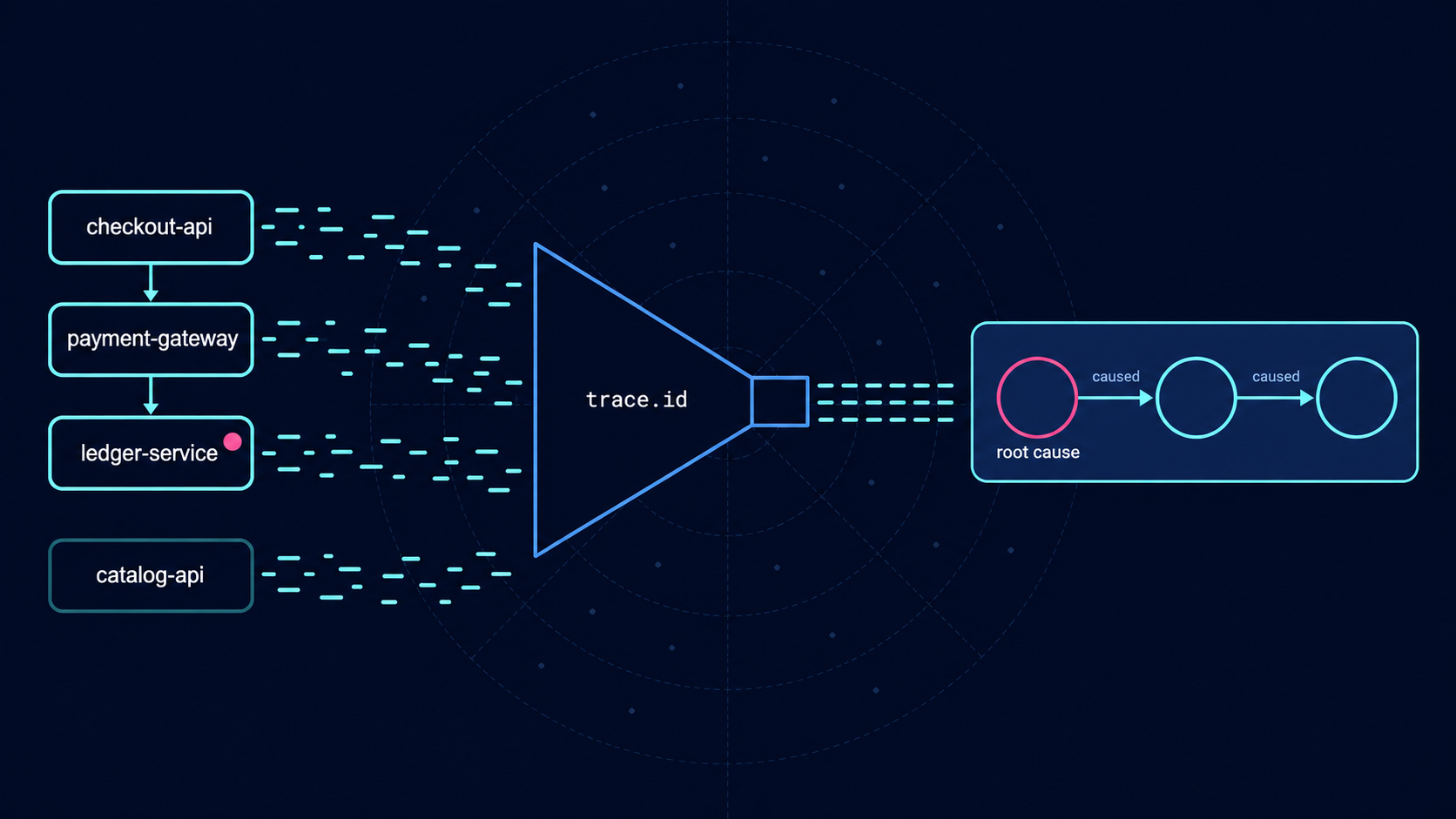
The service with the most errors was healthy: root cause analysis from logs with ES|QL