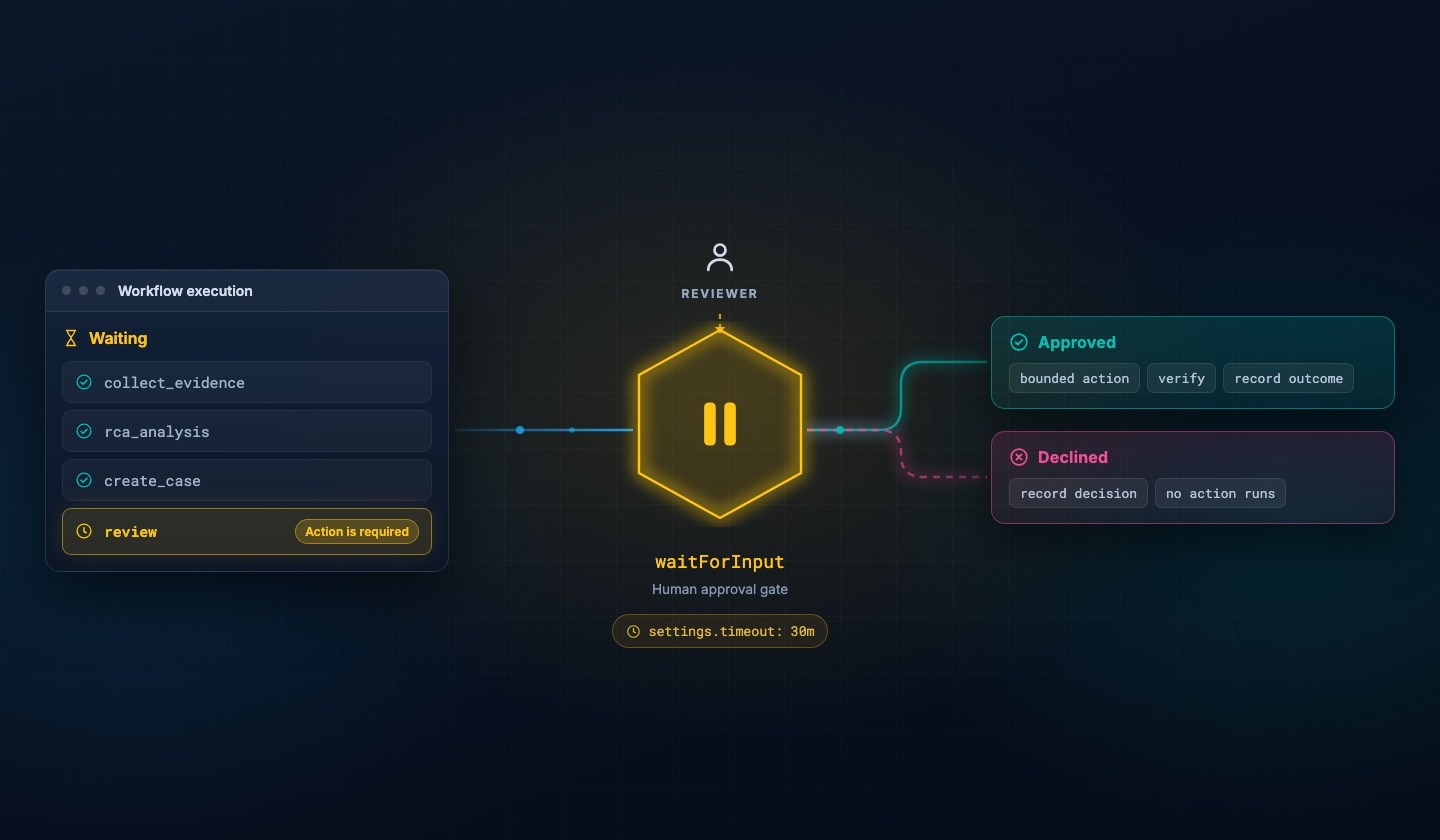
Kubernetes observability: MCP specialist agents for safer EKS triage
Scope a specialist EKS MCP agent for cluster checks while the Elastic AI Agent triages; fix a service misconfiguration using the specialist agent in a few prompts.
Build and observe AI agents where your data already lives. Begin with Elastic Agent Builder. You can also start a free cloud trial or try Elastic on your local machine today.
Elastic Observability shows you which services and edges in your service map are failing. You may still need to access details like live kubernetes service specs and containerPort to targetPort mapping, which still reside at the cluster. They can be made available in Elasticsearch via EKS MCP. The fix is to equip your Elastic AI Agent with a focused set of EKS tools, through a specialist agent. The Elastic AI agent keeps its stock tools and remains the only surface your SREs interact with. A specialist K8s Troubleshooter agent carries ~20 EKS MCP tools, scoped to a single IAM identity and Kubernetes RBAC. They hand off through an Elastic Workflow that calls the Agent Builder converse API, so the boundary between observability reasoning and cluster actions is callable, reviewable, and auditable. To prove it works, we break targetPort on product-catalog in elastic-opentelemetry-demo and recover it in 4 prompts on a single thread.
Problem context
Outages often show up as correlated errors on multiple services like checkout, frontend, and recommendation in Elasticsearch. That pattern can mean a shared dependency, or it can mean Kubernetes is misleading callers: wrong targetPort, empty Endpoints, or pods that never become ready. Observability tools like Elasticsearch tell you that callers fail and which edges look wrong. They generally do not fetch the live Service spec or compare containerPort to targetPort for you.
The Elastic AI Agent in Agent Builder is built for APM, logs, metrics, dependencies, and service maps. It is not a full EKS operations console. You could attach all EKS MCP tools to the same agent, but long tool lists increase wrong-tool calls, slow planning, and widen blast radius if a prompt accidentally asks for mutating actions.
Solution overview
Use Elastic AI Agent as the only agent your SRE chats with.
It reasons from Elasticsearch first.
When evidence points to cluster config, it calls a workflow tool that invokes the K8s Troubleshooter agent over /api/agent_builder/converse with a structured user_prompt.
The K8s Troubleshooter agent carries only the EKS MCP tools, and cluster access stays scoped to one specialist identity, IAM, and RBAC. You can audit like any other integration.
Elasticsearch reaches EKS through an in-cluster bridge, exposed to Kibana as an MCP connector with a shared secret.
Before you start
You need:
- An EKS cluster with kubectl configured.
- An Elasticsearch 9.3+ deployment, an OTLP endpoint, an Elasticsearch API key, Agent Builder, and rights to create agents, MCP tools, and Workflows.
- An AI Connector in Elasticsearch for your chosen LLM.
- Budget two to four hours the first time you run these steps.
Implementation walkthrough
Step 1: deploy the Elastic OpenTelemetry Demo and ship telemetry to Elastic Observability
Follow elastic/opentelemetry-demo for Kubernetes and deploy elastic-opentelemetry-demo application to your EKS cluster. Configure your Elasticsearch OTLP endpoint and API key, confirm workloads are running, and note the namespace. In Kibana (APM, Logs, or Service Map), confirm data for checkout, frontend, recommendation, and product-catalog.
If you see healthy traffic to product-catalog, you are ready for the failure drill.
Step 2: run the EKS MCP bridge, register the connector, and bulk import EKS MCP tools
Complete the steps in aws-eks-mcp-setup end to end. The flow you would be following is:
- Build and push the EKS MCP Bridge image
- Create IAM policies
- Create IRSA Service Account
- Map IRSA role in aws-auth and apply Kubernetes RBAC
- Deploy the bridge with a strong API_ACCESS_TOKEN to the EKS cluster
- Connect Elastic Agent Builder with EKS MCP
A green MCP connector proves Kibana can reach the bridge.
For production, restrict LoadBalancer security groups to known Elasticsearch egress, prefer TLS on real paths, store tokens in Kubernetes Secrets, and use read-only MCP modes when you only diagnose.
Step 3: create a K8s Troubleshooter agent with EKS tools only
In Agent Builder, create an agent with agent ID k8s_troubleshooter, display name K8s Troubleshooter, and custom instructions from k8s_troubleshooter_agent.
Attach only EKS MCP tools to this agent.
Chat directly with K8s Troubleshooter agent once and confirm a harmless read (for example list pods in the demo namespace).
Step 4 (Elasticsearch 9.3 only): clone the Observability Agent without EKS tools
Clone the bundled Observability Agent (Agent Builder → Manage Agents → Observability Agent → Clone) and name it Elastic AI Agent so it keeps the stock Observability system instructions and tools.
Do not attach EKS MCP tools to this copy.
The parent Elastic AI Agent stays an observability-first interface for whoever chats with it.
Step 5: create the workflow and make it a callable tool
Create a new Elastic Workflow by importing k8s_troubleshooter_workflow.yaml and enable it.
Create a new tool in Agent Builder of type Workflow. Select the k8s_troubleshooter workflow, set tool ID custom.k8s_troubleshooter, and set the description to Tool to triage and troubleshoot kubernetes related issues (or equivalent wording your team standardizes on).
On Elastic AI Agent, attach the custom.k8s_troubleshooter workflow tool that you just created.
The parent’s tool list should show the custom.k8s_troubleshooter workflow tool attached, and K8s Troubleshooter agent should still answer when invoked on its own.
Step 6: inject the product-catalog service misconfiguration
Save the original targetPort, then patch to a wrong value (for example 9999).
kubectl get svc -A | grep product-catalog
kubectl get svc product-catalog -n YOUR_NAMESPACE -o yaml
kubectl patch svc product-catalog -n YOUR_NAMESPACE --type='json' \
  -p='[{"op": "replace", "path": "/spec/ports/0/targetPort", "value": 9999}]'
kubectl rollout restart deployment/checkout deployment/recommendation deployment/frontend -n YOUR_NAMESPACE
Callers still resolve Endpoints, but traffic lands on a port the container does not listen on, so Elasticsearch shows downstream errors on checkout, frontend, and recommendation.
You now have symptoms in Elasticsearch and a clear kubernetes cluster-side fault.
Step 7: run two prompts on the parent agent
Use AI Agent chat on Elastic AI Agent, not on the specialist.
Note: If you are using Elasticsearch 9.3, make sure you use the Elastic AI Agent that you created, not the stock agent.
Prompt 1: Why are failure transactions increasing for services like checkout and frontend?
Expect Elastic AI Agent to narrow the issue to the product-catalog service and note possible configuration issues as one of the probable causes, without yet invoking the custom.k8s_troubleshooter tool.
Prompt 2: Why is product-catalog service not servicing any requests in (insert your k8s cluster name) cluster? Is there any misconfiguration in the service?
Expect Elastic AI Agent to call the custom.k8s_troubleshooter tool, which invokes the K8s Troubleshooter agent and reads Service, Endpoints, and pods, compares targetPort to containerPort, and explains the mismatch with evidence. Expect to also see the recommended remediation steps.
Note: depending on the LLM you are using, the response from the agents may vary.
You get agent-led triage in Elastic Observability and cluster-grounded confirmation in the same thread, along with recommended remediation steps.
Step 8: patch the product-catalog service
Prompt 3: Patch the product-catalog service in (your EKS cluster name) cluster to have 8080 as the targetPort
Expect Elastic AI Agent to call the custom.k8s_troubleshooter tool, which invokes the K8s Troubleshooter agent and patches the product-catalog service.
Prompt 4: Rollout restart upstream services of product-catalog service
Expect Elastic AI Agent to identify all upstream services of product-catalog and call the custom.k8s_troubleshooter tool, which invokes the K8s Troubleshooter agent to roll out restarts for upstream services such as checkout, frontend, and recommendation.
Confirm product-catalog and upstream services recover in Elasticsearch.
Validation and trade-offs
You validated that Elastic AI Agent stays the main surface, that ~20 EKS tools live on one specialist K8s Troubleshooter agent, and that the Workflow plus Agent Builder converse API keeps a clear boundary for audits and reviews.
Trade-offs: MCP bridges need ongoing token and network hygiene, and you should keep mutating tools off or tightly RBAC-scoped until you accept the risk.
Frequently asked questions
Why is Elastic AI Agent not triaging the issues as explained in this article?
There could be two primary reasons. (A) If you are on Elasticsearch 9.3, make sure you chat on the Elastic AI Agent that you created, and not on the stock agent. (B) Make sure to use one of the LLM models rated Excellent or Great in Large language model performance matrix for Observability
Why do my services look unhealthy in Elasticsearch when the app code did not change?
Kubernetes can mislead HTTP clients: a bad Service targetPort, empty Endpoints, or pods that never become ready can fan out as errors on multiple edges in traces and service maps. Elastic Observability shows which dependencies fail; confirming the live Service spec usually needs cluster access.
How do I give Kubernetes access to Elastic AI Agent without putting every EKS tool on it?
Run two Agent Builder agents: keep the stock tools on the parent (Elastic AI Agent), and attach only EKS MCP tools to a specialist agent(K8s Troubleshooter agent). Invoke the specialist through a workflow that calls the Agent Builder converse API so the boundary is explicit and auditable.
Why chain agents with Elastic Workflows instead of one long system prompt?
Workflows give a callable, reviewable step between observability reasoning and cluster actions, which helps with governance and keeps the parent agent’s tool list short. Long unified tool lists often increase mistaken tool use and broaden blast radius if a prompt requests a mutating operation.
How does this compare to kubectl or a cloud console for incident response?
Consoles and kubectl stay the source of truth for live object state. This pattern automates the handoff from Elastic Observability signals to those checks through MCP, while still relying on IAM and Kubernetes RBAC on the specialist identity.
What are the main limitations or risks of an EKS MCP bridge with Agent Builder?
MCP bridges need token rotation, network restrictions, and TLS discipline on real paths. Mutating EKS tools should stay off or tightly RBAC-scoped until you accept operational risk.
Why do we need an EKS MCP bridge?
The managed EKS MCP server authenticates via AWS SigV4 through a stdio-based proxy (mcp-proxy-for-aws). Elastic's MCP connector requires an HTTP/SSE endpoint. The bridge pod runs mcp-proxy to expose the stdio proxy as an SSE/HTTP endpoint.
Can I reuse the same layout on GKE, AKS, or self-managed Kubernetes?
Yes. The separation principle is the same: observability data in Elasticsearch plus a specialist agent with cluster-scoped tools and a workflow-mediated handoff. Swap the MCP server or bridge, adjust RBAC, and parameterize cluster name or region in workflow inputs where needed.
Frequently Asked Questions
Why is Elastic AI Agent not triaging the issues as explained in this article?
There could be two primary reasons. (A) If you are on Elasticsearch 9.3, make sure you chat on the Elastic AI Agent that you created, and not on the stock agent. (B) Make sure to use one of the LLM models rated `Excellent` or `Great` in [Large language model performance matrix for Observability](https://www.elastic.co/docs/solutions/observability/ai/llm-performance-matrix)
Why do my services look unhealthy in Elasticsearch when the app code did not change?
Kubernetes can mislead HTTP clients: a bad Service targetPort, empty Endpoints, or pods that never become ready can fan out as errors on multiple edges in traces and service maps. Elastic Observability shows which dependencies fail; confirming the live Service spec usually needs cluster access.
How do I give Kubernetes access to Elastic AI Agent without putting every EKS tool on it?
Run two Agent Builder agents: keep the stock tools on the parent (Elastic AI Agent), and attach only EKS MCP tools to a specialist agent(K8s Troubleshooter agent). Invoke the specialist through a workflow that calls the Agent Builder converse API so the boundary is explicit and auditable.
Why chain agents with Elastic Workflows instead of one long system prompt?
Workflows give a callable, reviewable step between observability reasoning and cluster actions, which helps with governance and keeps the parent agent's tool list short. Long unified tool lists often increase mistaken tool use and broaden blast radius if a prompt requests a mutating operation.
How does this compare to kubectl or a cloud console for incident response?
Consoles and kubectl stay the source of truth for live object state. This pattern automates the handoff from Elastic Observability signals to those checks through MCP, while still relying on IAM and Kubernetes RBAC on the specialist identity.
What are the main limitations or risks of an EKS MCP bridge with Agent Builder?
MCP bridges need token rotation, network restrictions, and TLS discipline on real paths. Mutating EKS tools should stay off or tightly RBAC-scoped until you accept operational risk.
Why do we need an EKS MCP bridge?
The managed EKS MCP server authenticates via AWS SigV4 through a stdio-based proxy (mcp-proxy-for-aws). Elastic's MCP connector requires an HTTP/SSE endpoint. The bridge pod runs mcp-proxy to expose the stdio proxy as an SSE/HTTP endpoint.
Can I reuse the same layout on GKE, AKS, or self-managed Kubernetes?
Yes. The separation principle is the same: observability data in Elasticsearch plus a specialist agent with cluster-scoped tools and a workflow-mediated handoff. Swap the MCP server or bridge, adjust RBAC, and parameterize cluster name or region in workflow inputs where needed.
How helpful was this content?
Related Content
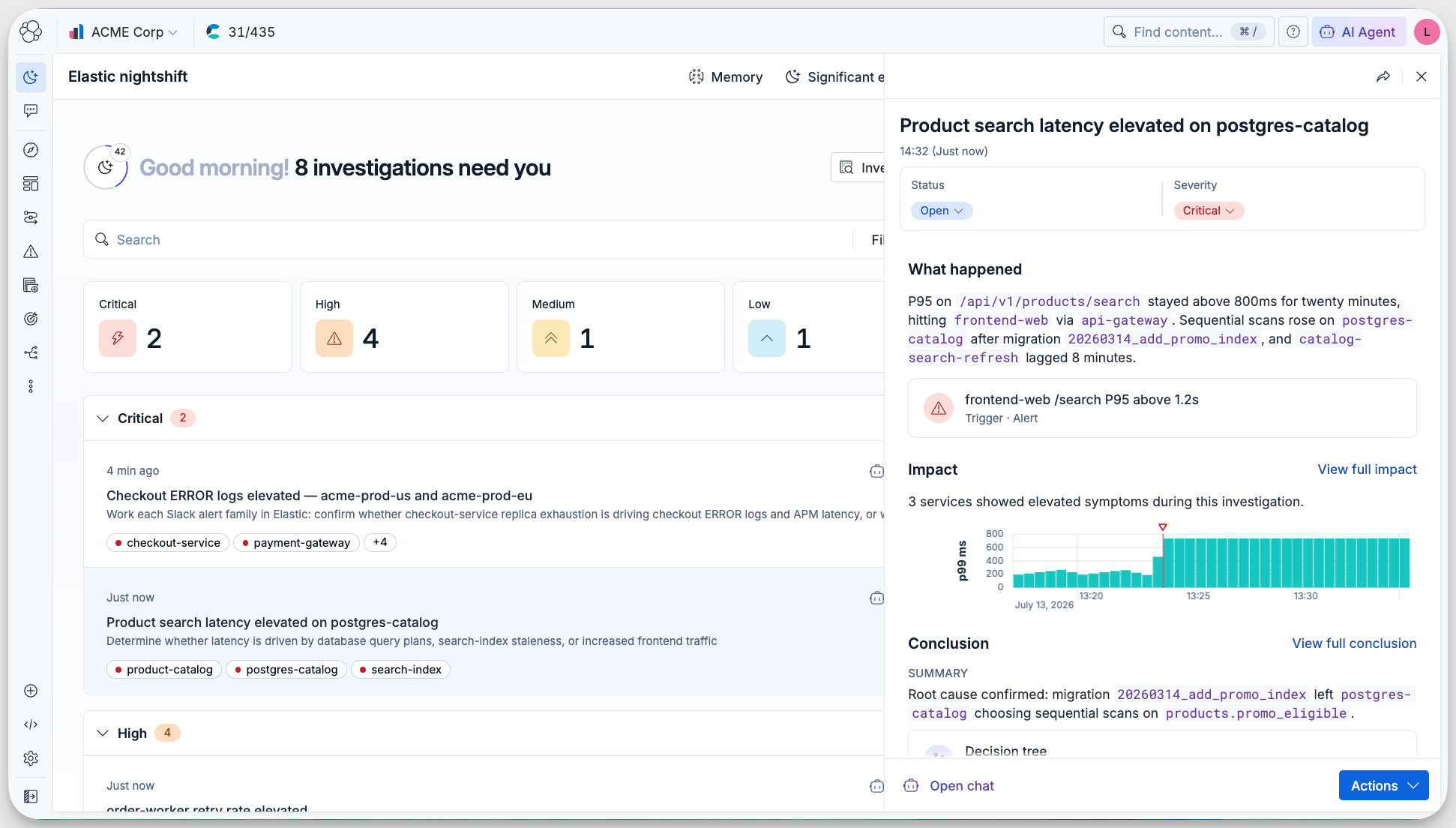
Meet Elastic nightshift AI SRE, your always-on SRE coworker

Automated root cause analysis for AWS: From a CloudWatch alert to a diagnosed incident in 36 seconds
.jpg)
Collecting rootless Podman logs with Elastic Agent: the CRI parser, user-scoped paths, and the Podman socket
Your AI agent needs an alibi: Observability and audit trails for Agent Builder in Elastic