This content applies to:
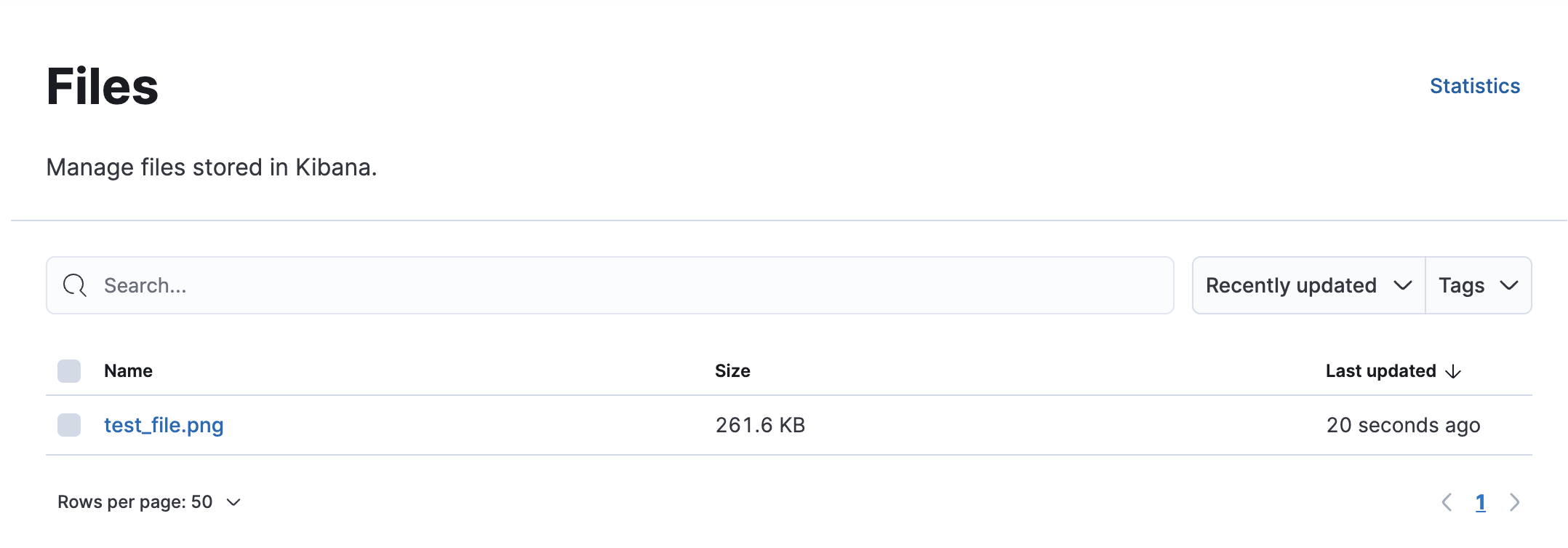
Several Elastic Cloud Serverless features let you upload files. For example, you can add files to cases or upload a logo to an Image panel in a Dashboard.
You can access these uploaded files in Project settings → Management → Files.
Most Popular
Video
Get Started with Elasticsearch
Intro to Kibana
ELK for Logs & Metrics